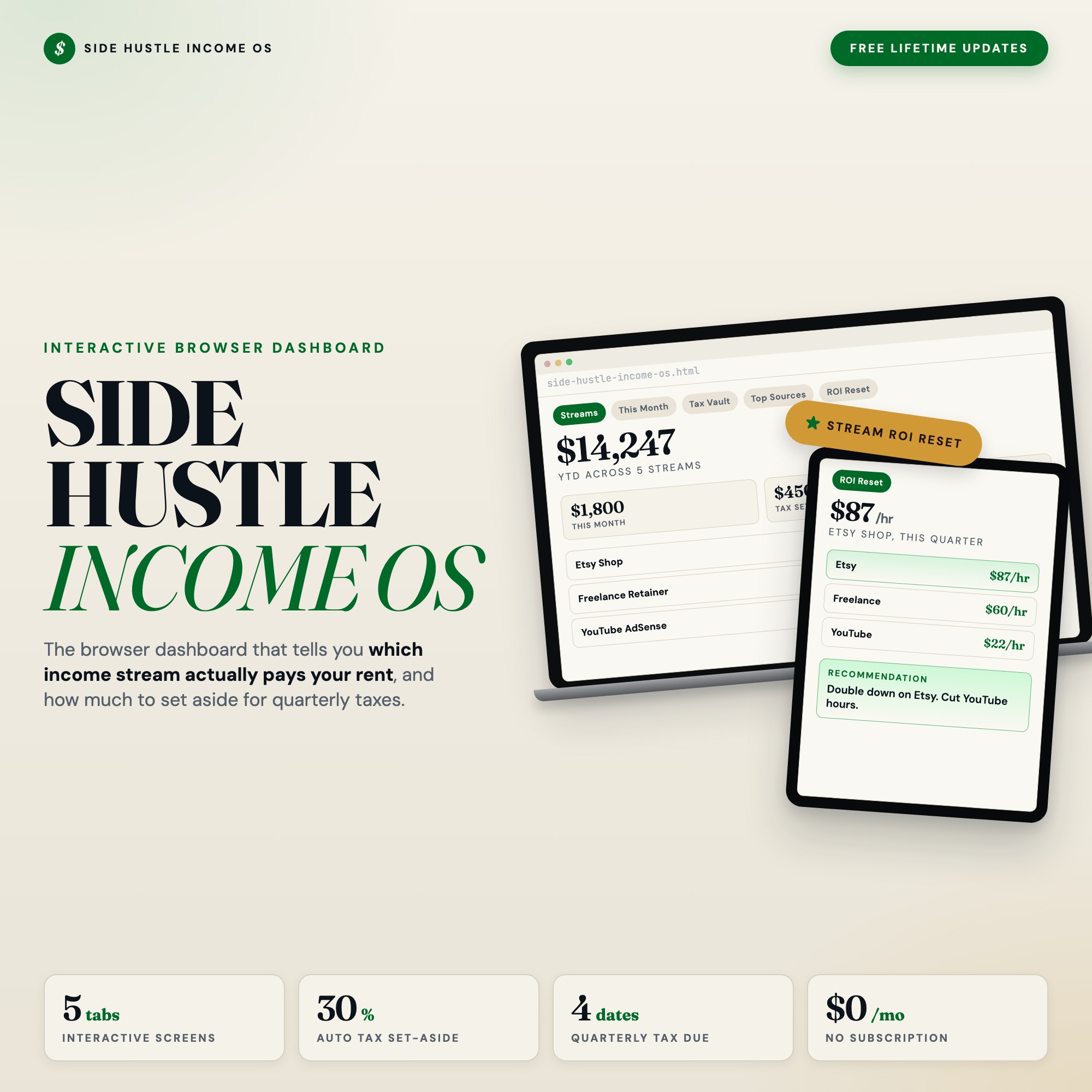
Side Hustle Income Tracker Dashboard: Multi-Stream Revenue OS, 1099 Tax Calculator, Quarterly Planner
Built for: Solopreneur, freelancer, or creator running 3+ income streams (Etsy, freelance retainer, content payouts, dividends/affiliate) who cannot quickly answer which stream is paying their rent each month.
Listing coming soon — shop page linked above
See it in action
What it is
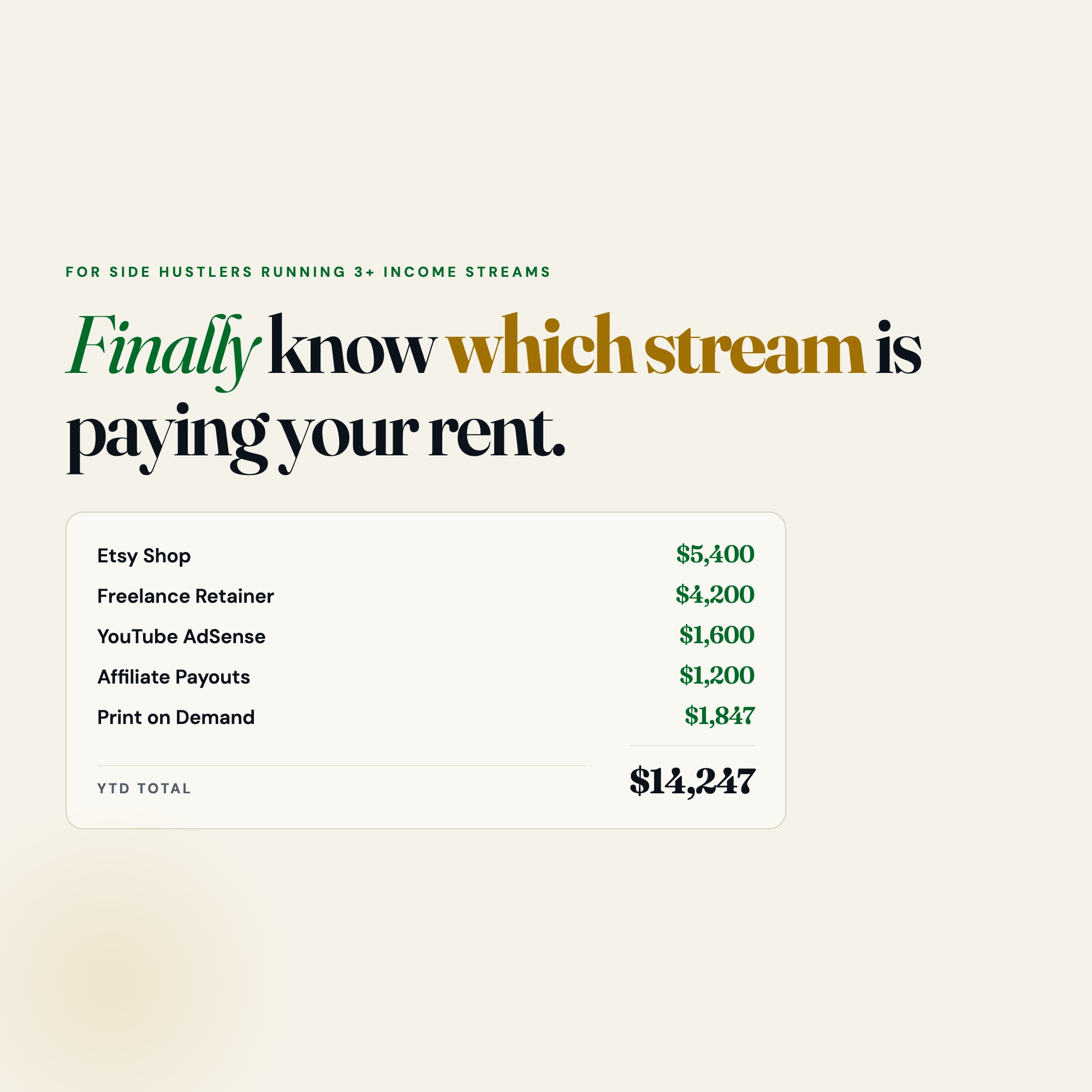
Built for Solopreneur, freelancer, or creator running 3+ income streams (Etsy, freelance retainer, content payouts, dividends/affiliate) who cannot quickly answer which stream is paying their rent each month.. Finally know which income stream is paying your rent this month. — a browser-native interactive dashboard that lives in a single HTML file, no installation required.
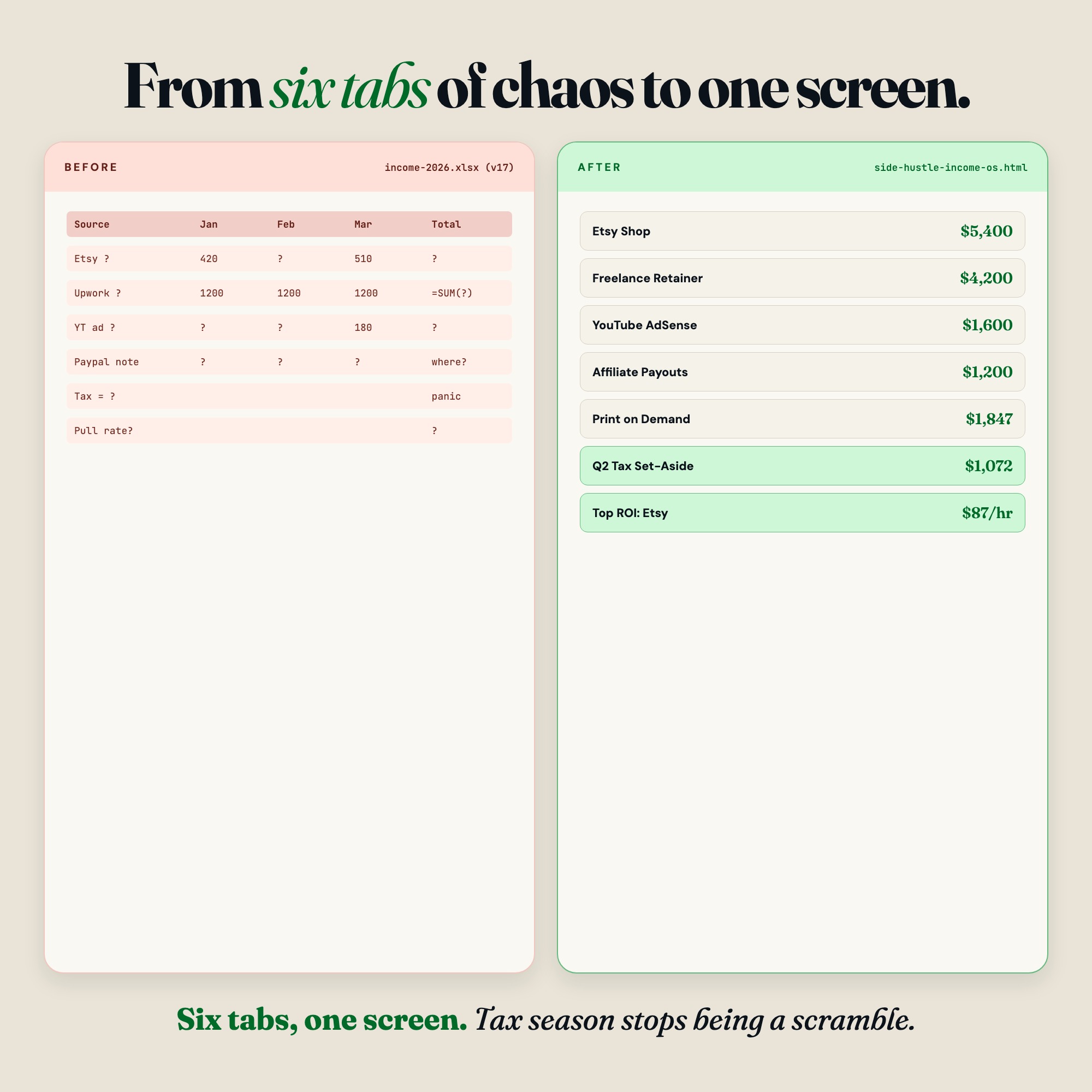
If you run Etsy, freelancing, content payouts, dividends, or any mix of side income, this interactive browser dashboard turns your scattered 1099s and PayPal screenshots into one clear revenue OS. No spreadsheet imports. No Google Drive permissions. Just open the file in any browser and start tracking.
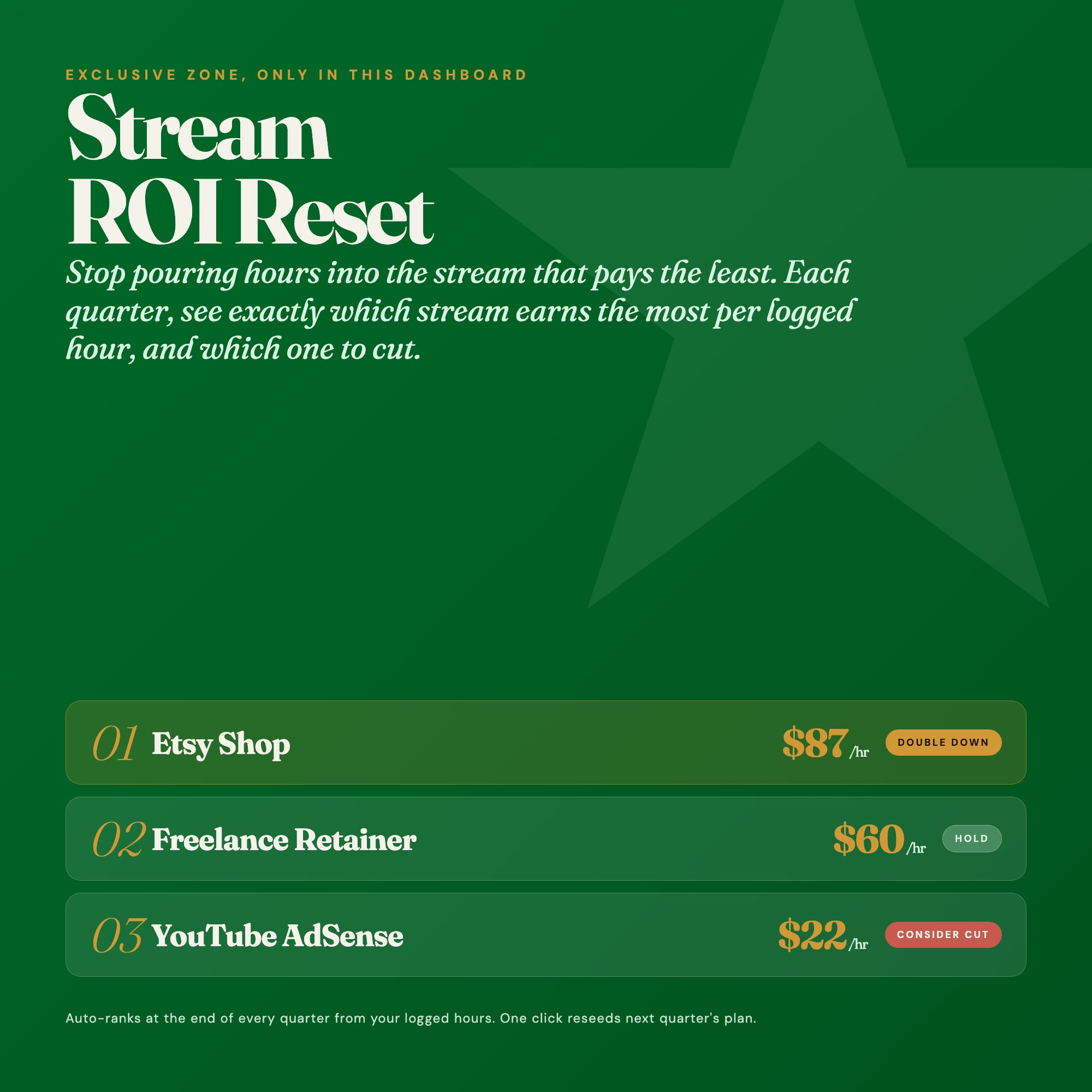
★ EXCLUSIVE ZONE: Stream ROI Reset
No competitor offers this. Each quarter, the Stream ROI Reset tab ranks every income stream by hourly profitability (revenue divided by hours logged). It tells you which stream to double down on and which one is silently costing you time. Stop guessing. Start cutting.
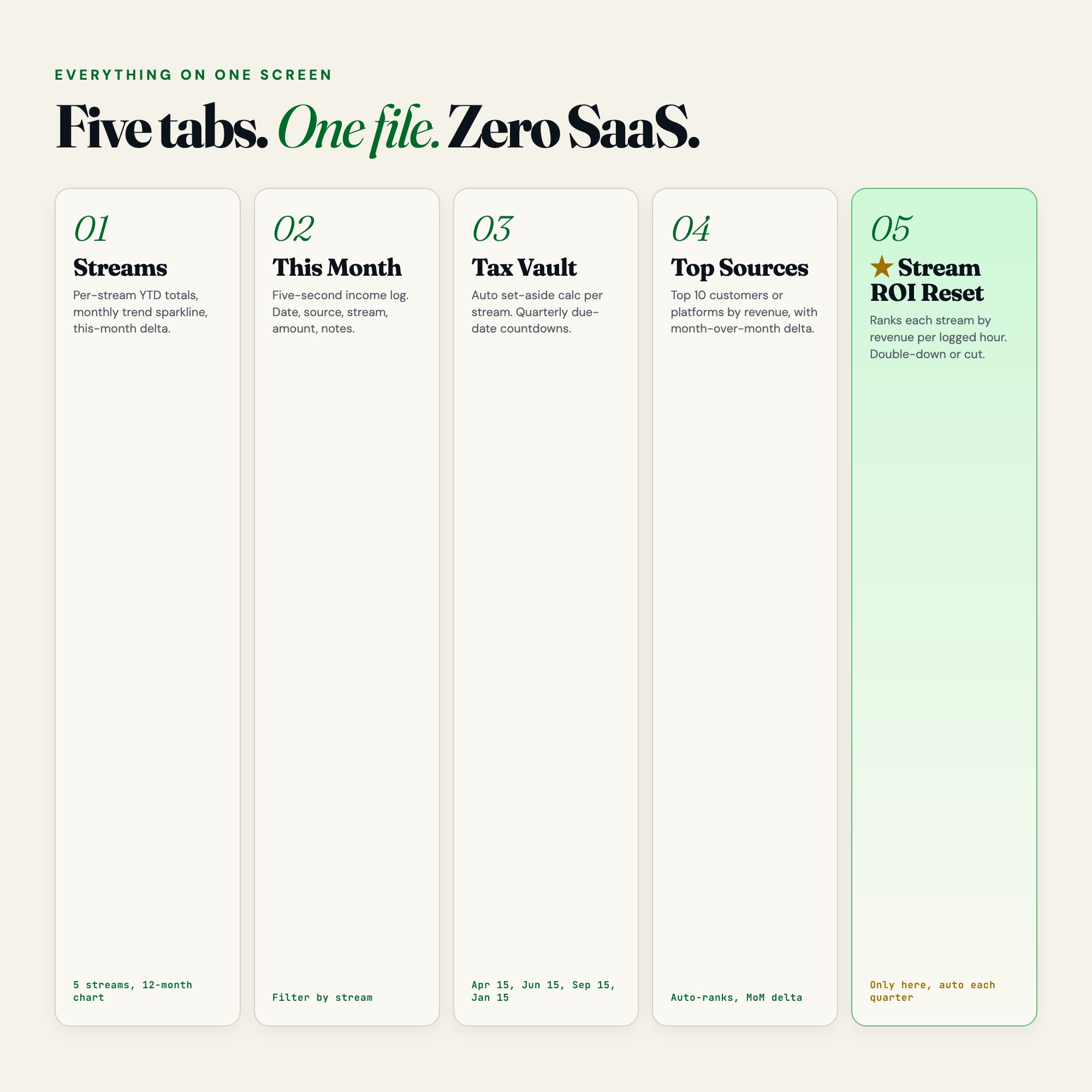
WHAT’S INSIDE (5 Interactive Tabs)
Tab 1: Streams
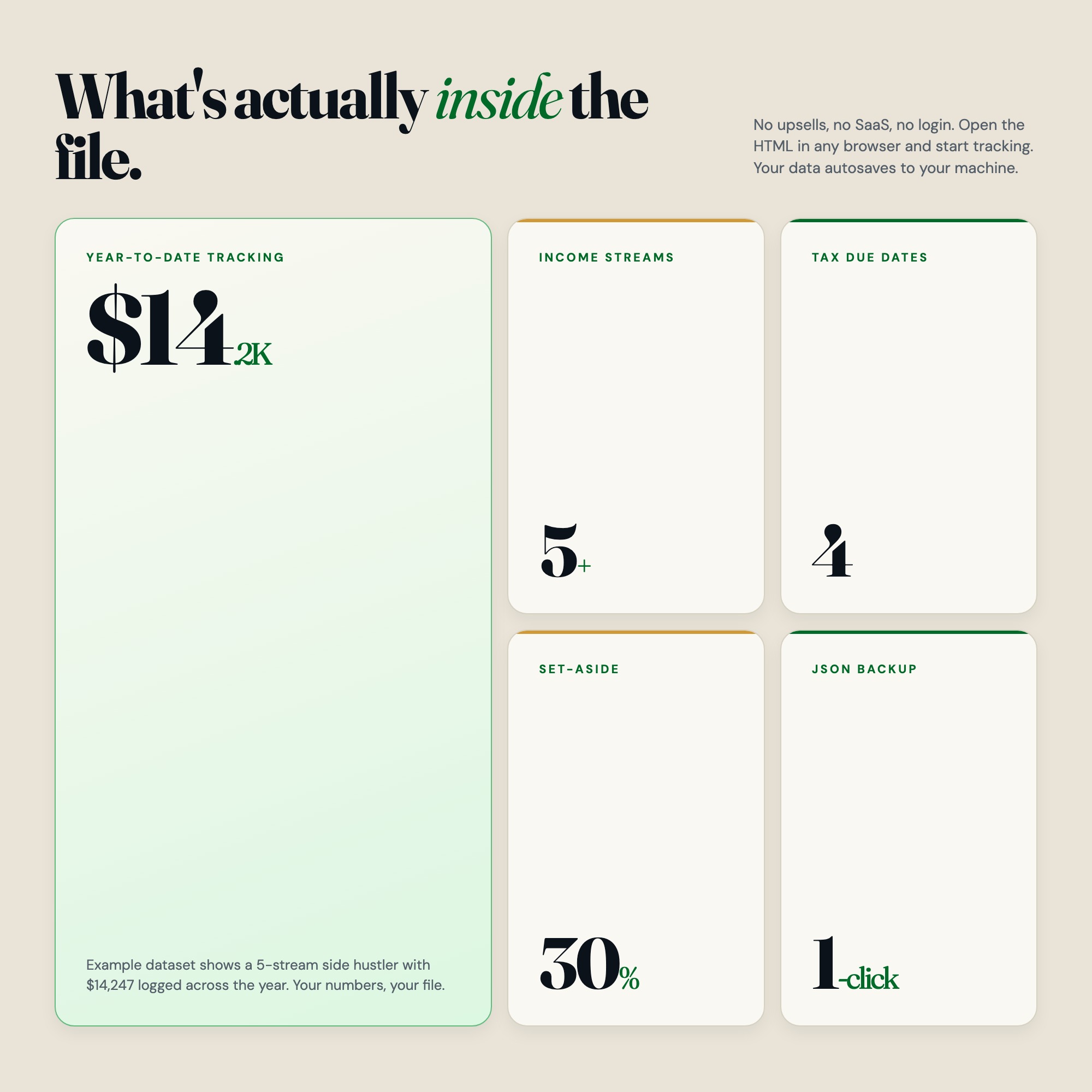
See all your income streams at a glance. YTD totals, this-month column, and a trend sparkline per stream. Add a new stream in 10 seconds.
Tab 2: This Month
A running income log sorted by date, source, stream, amount, category, and notes. Filter by stream to see exactly what came in. Every entry autosaves.
Tab 3: Tax Vault
Set a custom tax-aside percentage per stream. The dashboard calculates how much to move to savings in real time. Quarterly estimated payment countdowns show exactly how many days until Q1 (Apr 15), Q2 (Jun 15), Q3 (Sep 15), Q4 (Jan 15). 1099 filers with multiple income types need this.
Tab 4: Top Sources
See your top 10 revenue sources (clients, platforms, products) ranked by total. Month-over-month delta shows which sources are growing and which are fading.
Tab 5: Stream ROI Reset (★ EXCLUSIVE)
Quarterly review panel. Log hours per stream. Dashboard calculates revenue per hour, ranks streams, and gives a plain-language recommendation: double down or cut.
THIS IS FOR YOU IF:
-
You have 3 or more income streams and every tax quarter feels like a scramble
-
You can’t quickly answer “which stream made me the most last month”
-
You’re paying estimated quarterly taxes manually without tracking set-asides
-
You’ve tried Google Sheets templates but spend more time fighting the import than tracking income
-
You want a tool that works offline, needs no login, and keeps your data private
YOUR DATA IS SAFE
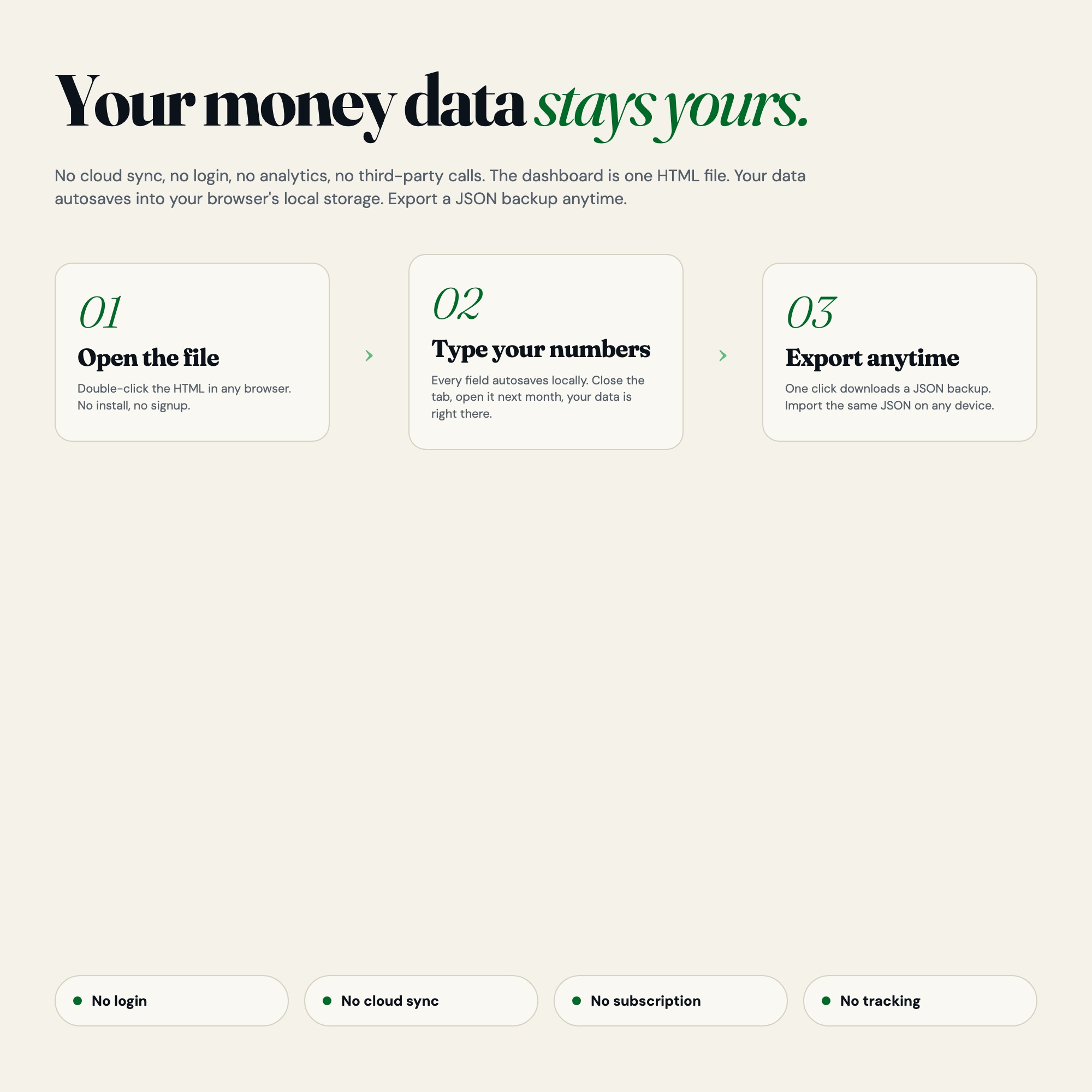
This dashboard runs entirely in your browser. No server. No login. No data ever leaves your device. Everything autosaves locally. Export a JSON backup anytime. Load it back in one click. Your income data belongs only to you.
FILES INCLUDED
-
dashboard.html: The complete interactive income OS (open in any browser)
-
HOW-TO-SAVE.txt: Plain-English guide for saving, exporting, and restoring
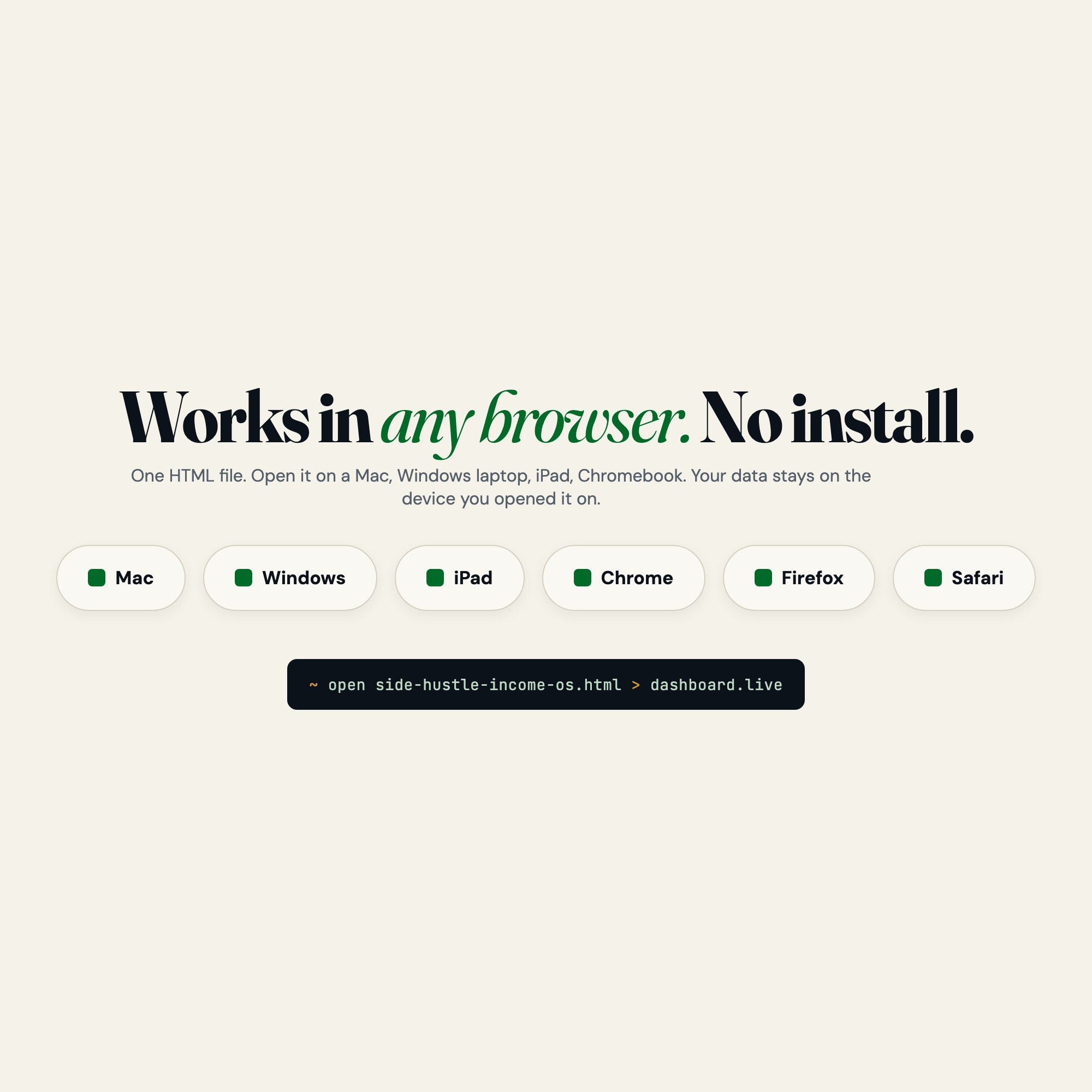
Instant download. Works on Mac, Windows, iPad (Chrome or Safari). No install needed. Just open the file.
One purchase. Lifetime access. Free future updates.
More income streams to track? The dashboard supports unlimited streams. Add and rename in seconds.
5 Tabs included
- ◈
Streams
Overview of all income streams with YTD totals, this-month column, and trend sparklines
- ≡
This Month
Running income log with date, source, stream, amount, category, notes, filterable by stream
- ⊞
Tax Vault
Per-stream tax set-aside calculator, quarterly estimated payment tracker with countdowns
- ◉
Top Sources
Top 10 clients/platforms/products by revenue with month-over-month delta
- ★
Stream ROI Reset
Quarterly profitability ranking: revenue per hour logged per stream, with double-down or cut recommendation
Exclusive Feature
Stream ROI Reset — quarterly review that ranks every income stream by hourly profitability (revenue divided by hours logged) and gives a plain-language recommendation on which stream to double down on and which to cut. No competitor offers this.
This is built into the fifth tab and is unavailable in any static template, spreadsheet, or Notion template on the market.
Gallery


Frequently asked questions
- Does it work offline?
- Yes — completely. The dashboard is a single HTML file. Once downloaded, it runs entirely in your browser with no internet connection needed. All data autosaves to your browser's localStorage.
- Which devices and browsers are supported?
- Works in Chrome, Edge, Safari, and Firefox on macOS, Windows, iPad, and Chromebook. No app to install, no account to create. Just open the file.
- What is your refund policy?
- Digital downloads are generally non-refundable, but if you encounter a technical issue Etsy's buyer protection has you covered. Reach out through the Etsy message system and any problem will be resolved.
- How do I install it?
- There is nothing to install. After purchase, download the HTML file. Double-click to open in your browser. That's it. A HOW-TO-SAVE.txt is included explaining how to back up and restore your data.
- Is my data private?
- Completely. Everything runs locally — no login, no analytics, no data sent to any server. Your data is stored only in your browser's localStorage. You own it entirely.
You might also like

One-time purchase
Get it on Etsy for $22
Instant download. Open in any browser. Yours forever.
Get it on Etsy →