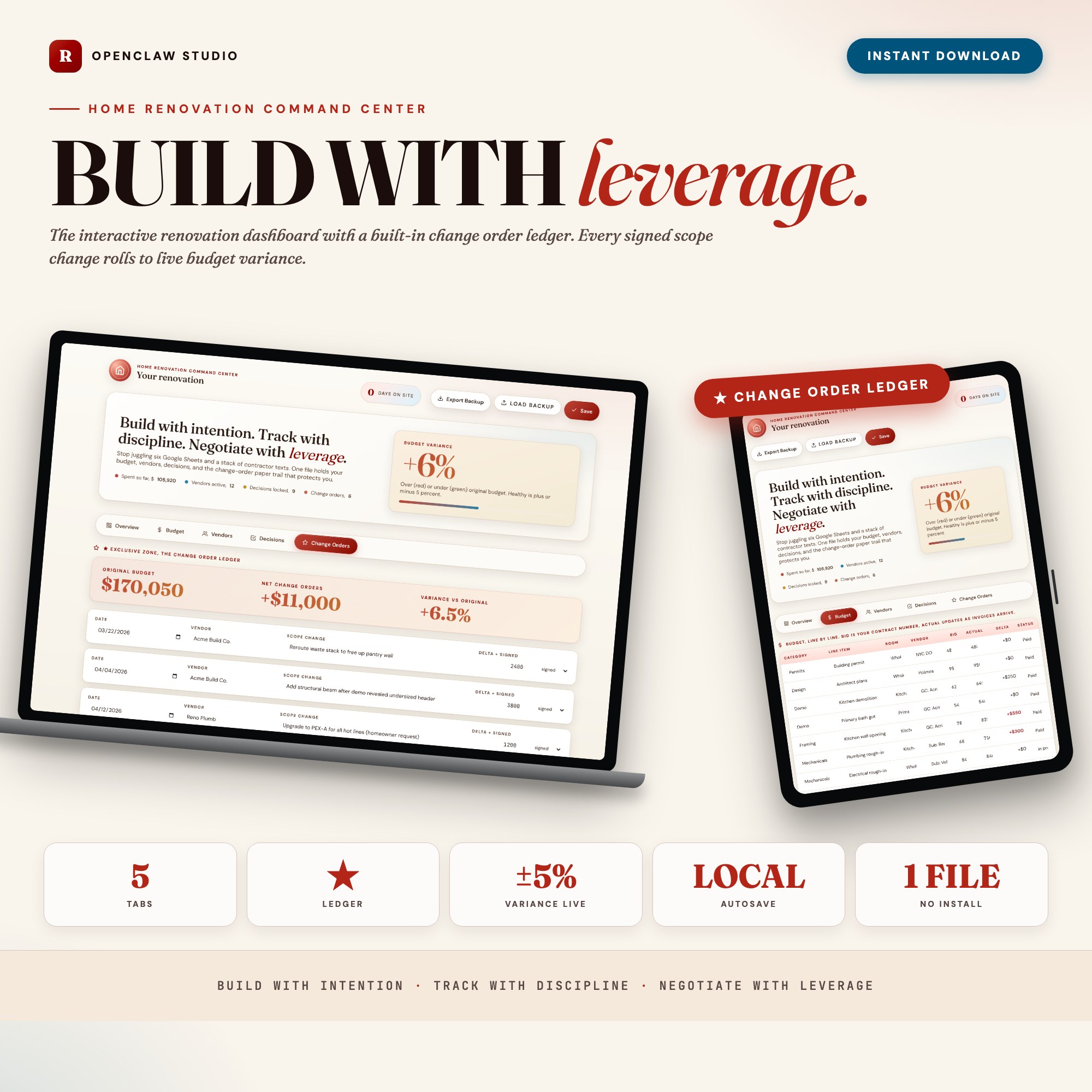
Home Renovation Command Center, Interactive Remodel Project Tracker Dashboard, Budget Variance + Change Order Ledger, Reno Planner
Built for: Homeowners 4-16 weeks into a $30K-$250K renovation, juggling 6 trades, 14 finish decisions, and a budget already drifting 18 percent.
Listing coming soon — shop page linked above
See it in action
What it is
Built for Homeowners 4-16 weeks into a $30K-$250K renovation, juggling 6 trades, 14 finish decisions, and a budget already drifting 18 percent.. Build with intention. Track with discipline. Negotiate with leverage. — a browser-native interactive dashboard that lives in a single HTML file, no installation required.
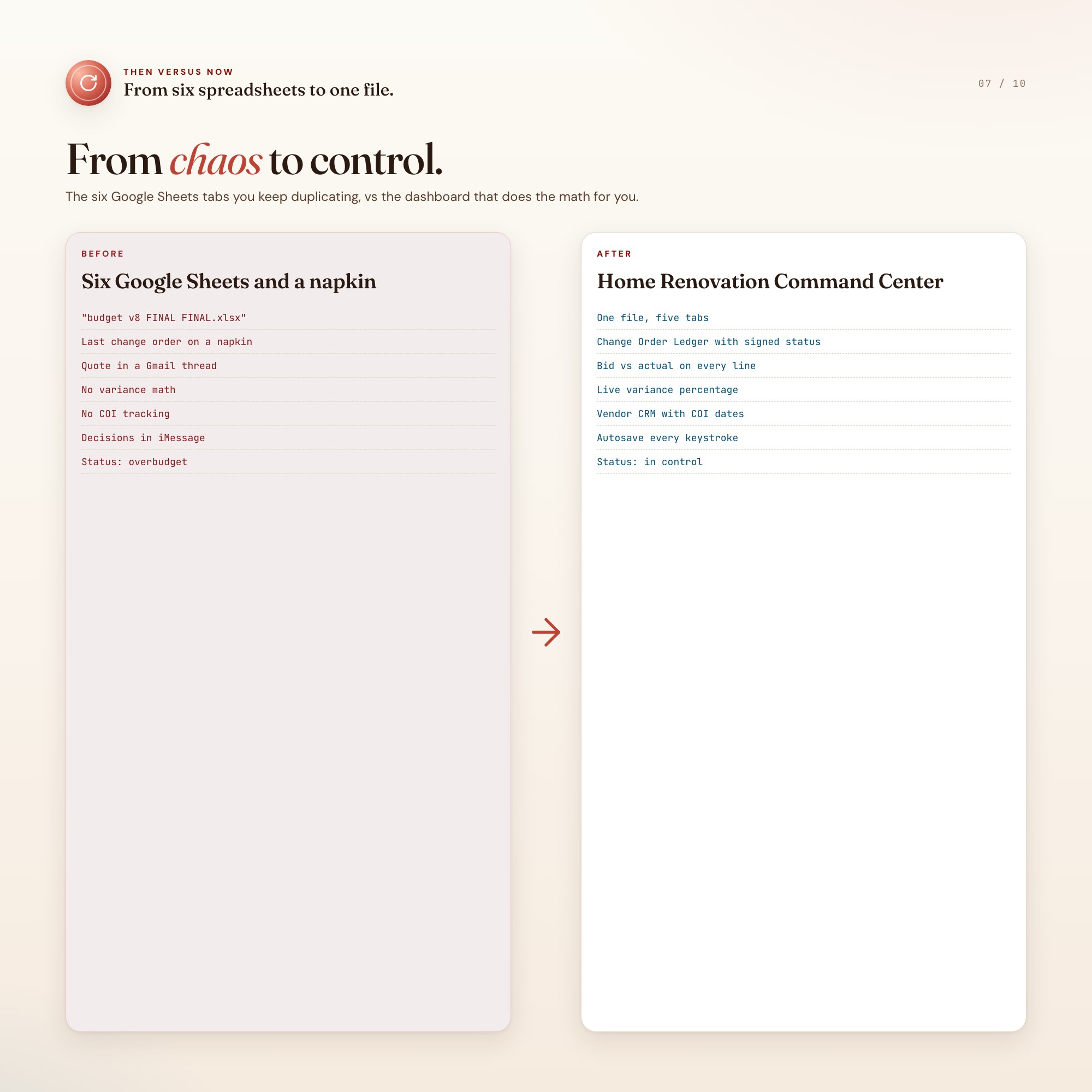
The Home Renovation Command Center fixes that in one HTML file. Open it in Chrome, type in your scope, and watch a complete renovation operating system come to life: a budget variance tracker that shows you the leak the week it starts, a vendor CRM that keeps every trade in one row, a decision log that captures every finish, and the feature no spreadsheet has, a Change Order Ledger that builds a contract paper trail you can show in arbitration.
Every keystroke autosaves to your browser. Close the tab, reopen tomorrow, your project is exactly where you left it. Export a JSON backup any time you want to keep a copy or hand it to your spouse.
★ EXCLUSIVE ZONE
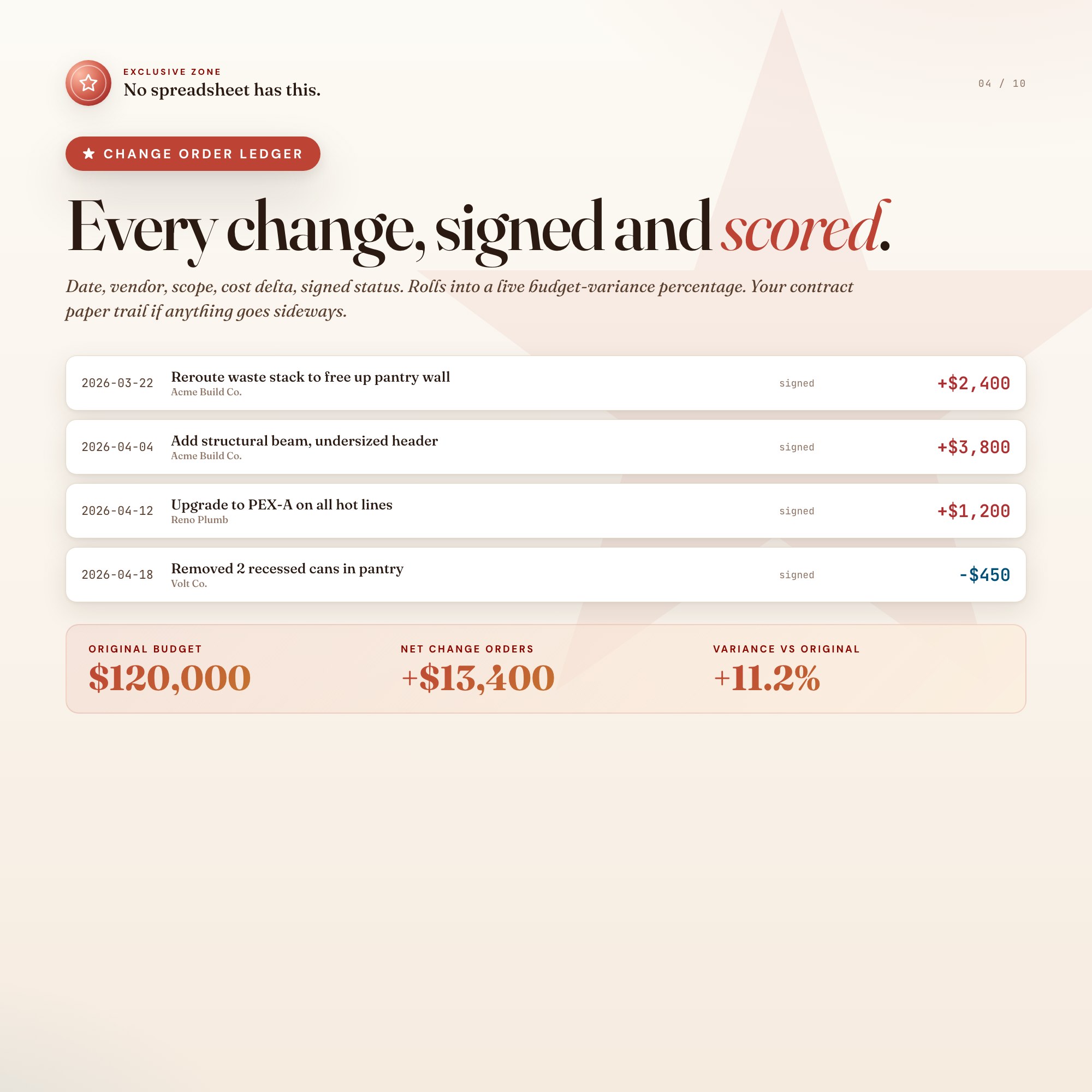
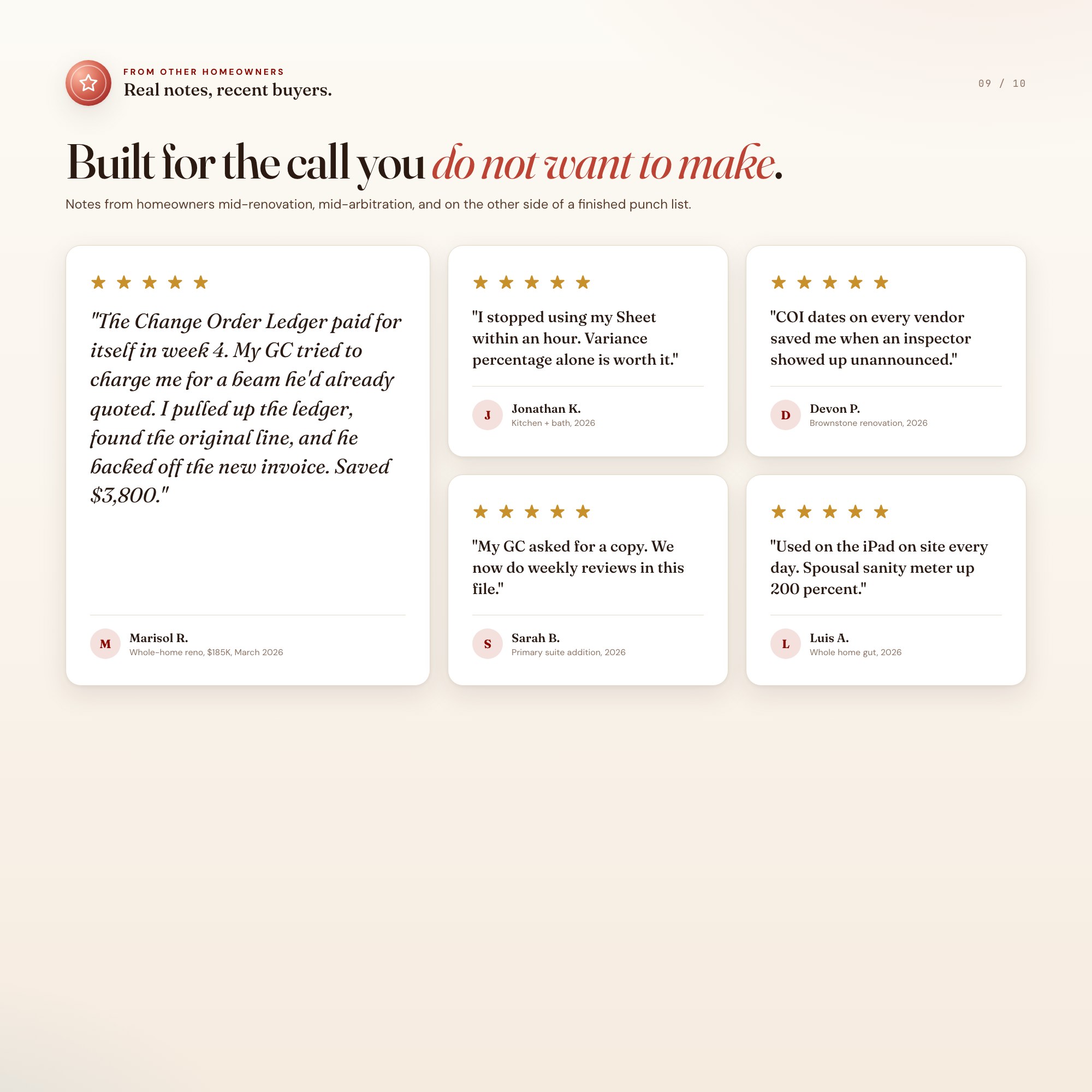
The Change Order Ledger is built into Tab 5 and is the reason this product exists. Every scope change goes in with the contractor name, the cost delta, the date approved, and a one-line scope note. The ledger rolls everything into a live budget-variance percentage and shows you exactly which change broke the budget. When the final invoice arrives, you have the receipts.
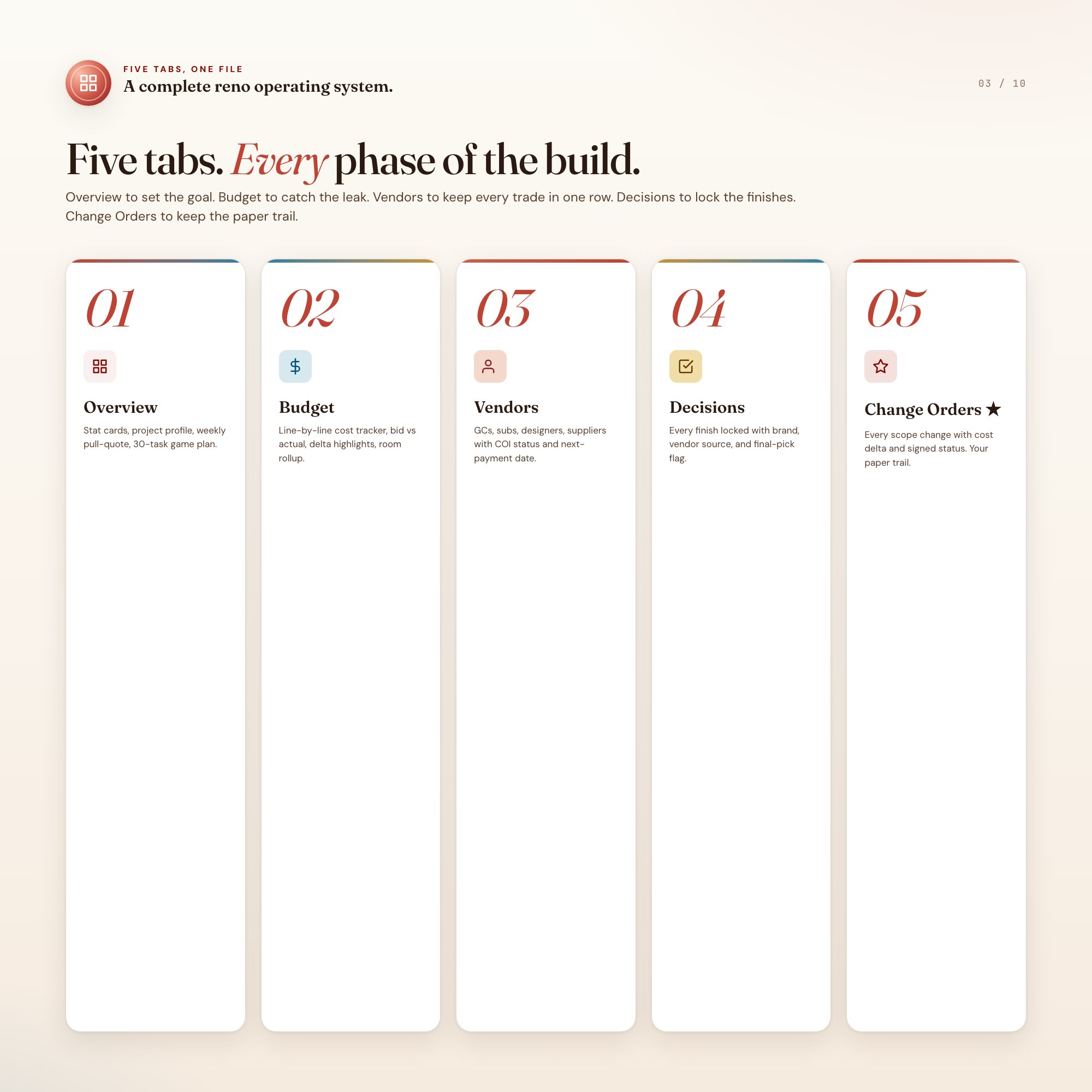
WHAT’S INSIDE (5 tabs)
-
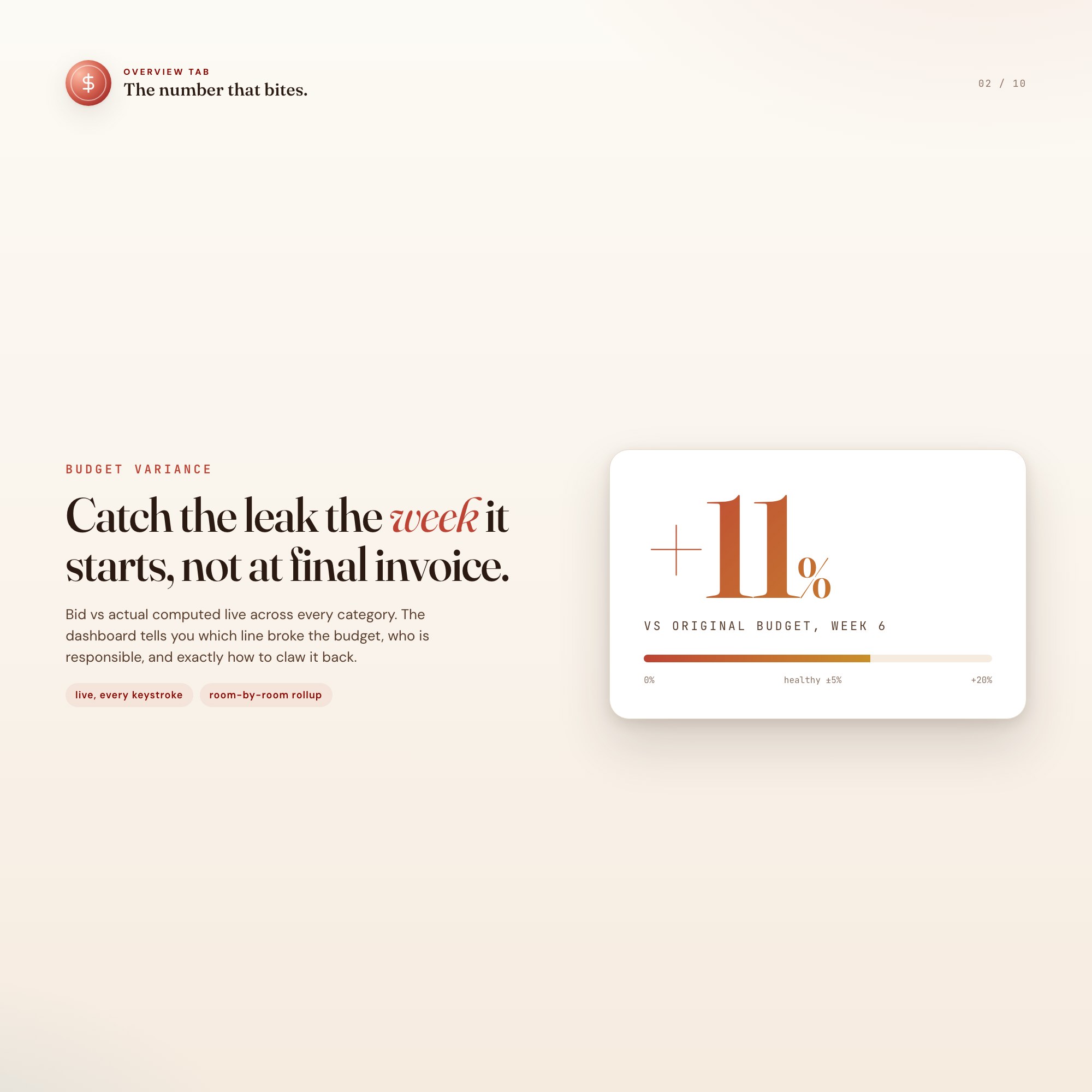
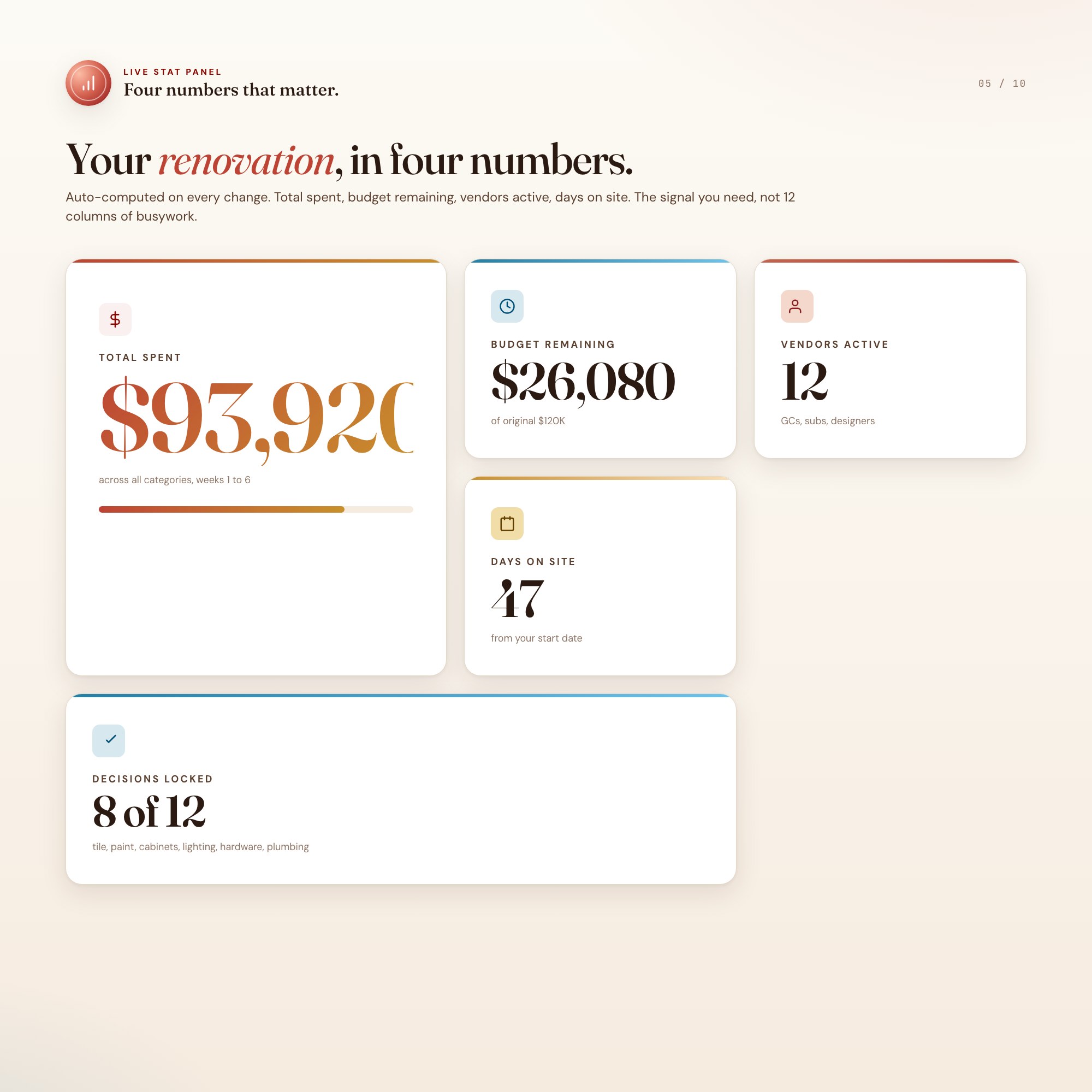
Overview, your weekly dashboard. Total spent, budget remaining, vendors active, days on site, plus a 90-day reno game plan.
-
Budget, line-by-line cost tracker. Categories (Demo, Framing, Mechanicals, Finishes, Fixtures, Permits, Soft Costs), bid vs actual, room-by-room rollup.
-
Vendor CRM, the contact tracker. GCs, subs, designers, suppliers, with COI status, next-payment date, and one-line notes.
-
Decision Log, the finish board. Tile, paint, hardware, lighting, appliances, with photo notes, vendor source, and final-pick lock.
-
Change Order Ledger ★, the paper trail. Every scope change with cost delta, signed date, and a running variance percentage.
THIS IS FOR YOU IF
-
You are running a kitchen, bathroom, or whole-home renovation over $30K.
-
You have already heard “that is going to be extra” three times this week.
-
You have lost a contractor bid in your inbox.
-
You want a record of every decision in case anything goes sideways.
-
You want a system that does not require Notion, Asana, or a project manager retainer.
YOUR DATA IS SAFE
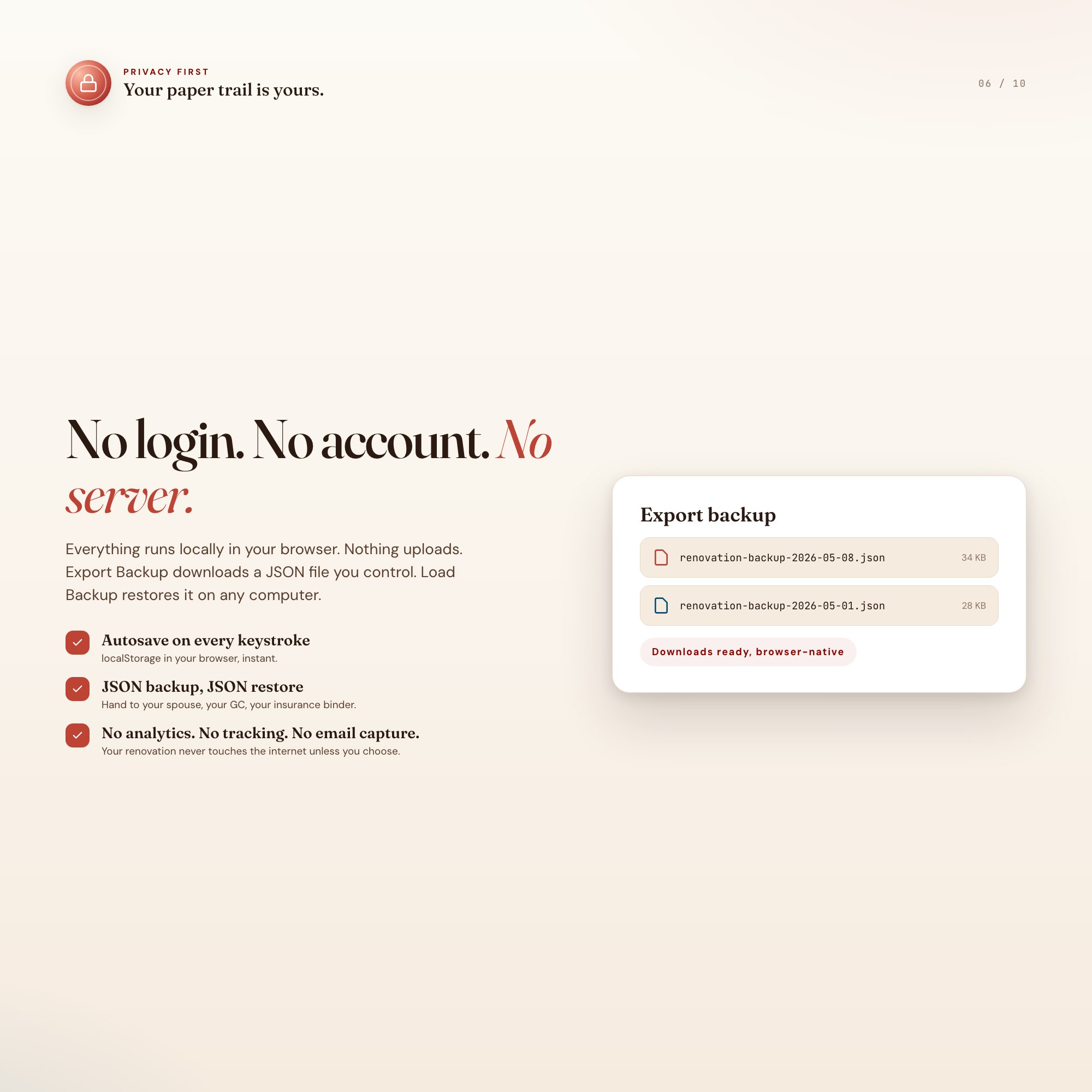
Everything runs locally in your browser. Nothing uploads. No login, no account, no email capture, no analytics. Export Backup downloads a JSON file you control. Load Backup restores it on any computer. Your renovation paper trail is yours.
FILES INCLUDED
-
dashboard.html, the single-file interactive command center
-
HOW-TO-SAVE.txt, plain-English save, restore, and share guide
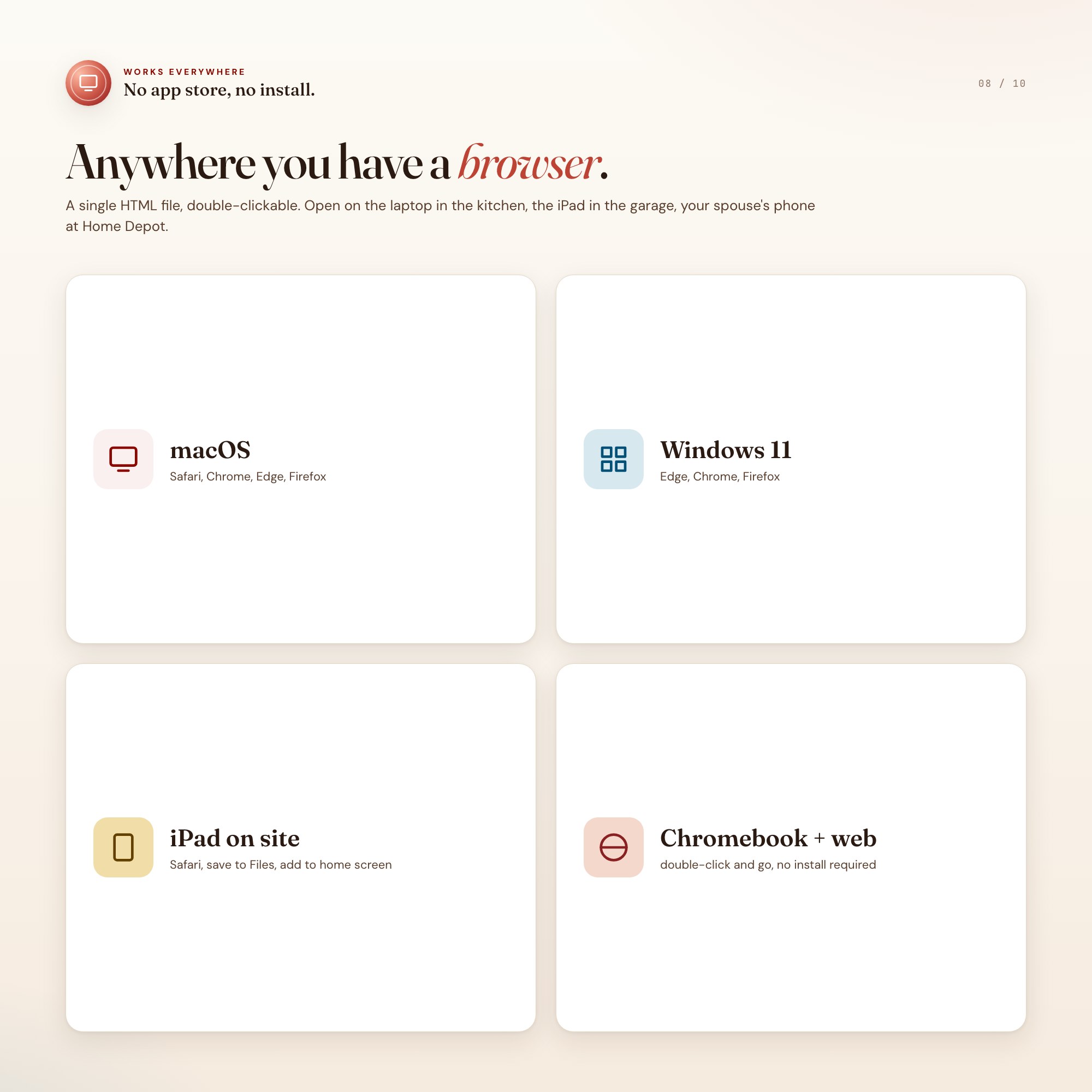
Works in Chrome, Edge, Safari, Firefox. macOS, Windows, iPad, Chromebook.
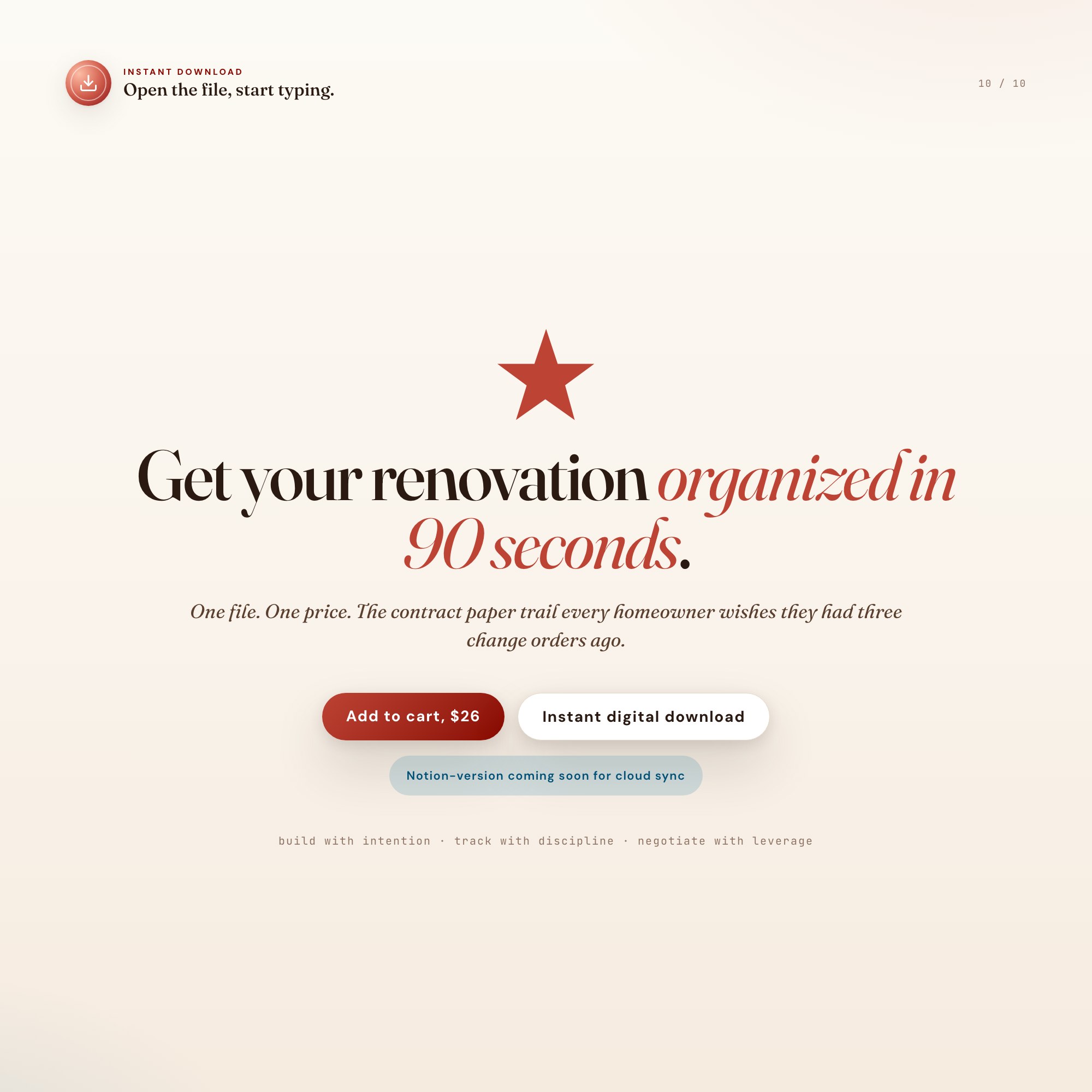
Get the next 90 days of your renovation organized in 90 seconds. Click Add to Cart, instant download, open the file, start typing.
Notion-version coming soon for buyers who want cloud sync across devices.
5 Tabs included
- ◈
Overview
Stat cards, project profile, weekly pull-quote, 5-phase 30-task game plan, vision block.
- ≡
Budget
Line-by-line cost tracker, bid vs actual, room-by-room rollup, delta highlights.
- ⊞
Vendors
GCs, subs, designers, suppliers with COI status, next-payment date, notes.
- ◉
Decisions
Finish log, locked vs open picks, vendor source, status.
- ★
Change Orders
EXCLUSIVE ZONE: contract paper trail with delta + signed status + variance rollup.
Exclusive Feature
Built-in Change Order Ledger that captures each scope change, cost delta, signed date, and rolls into a live budget-variance percentage. Contract paper trail for arbitration.
This is built into the fifth tab and is unavailable in any static template, spreadsheet, or Notion template on the market.
Gallery
Frequently asked questions
- Does it work offline?
- Yes — completely. The dashboard is a single HTML file. Once downloaded, it runs entirely in your browser with no internet connection needed. All data autosaves to your browser's localStorage.
- Which devices and browsers are supported?
- Works in Chrome, Edge, Safari, and Firefox on macOS, Windows, iPad, and Chromebook. No app to install, no account to create. Just open the file.
- What is your refund policy?
- Digital downloads are generally non-refundable, but if you encounter a technical issue Etsy's buyer protection has you covered. Reach out through the Etsy message system and any problem will be resolved.
- How do I install it?
- There is nothing to install. After purchase, download the HTML file. Double-click to open in your browser. That's it. A HOW-TO-SAVE.txt is included explaining how to back up and restore your data.
- Is my data private?
- Completely. Everything runs locally — no login, no analytics, no data sent to any server. Your data is stored only in your browser's localStorage. You own it entirely.
You might also like

One-time purchase
Get it on Etsy for $26
Instant download. Open in any browser. Yours forever.
Get it on Etsy →