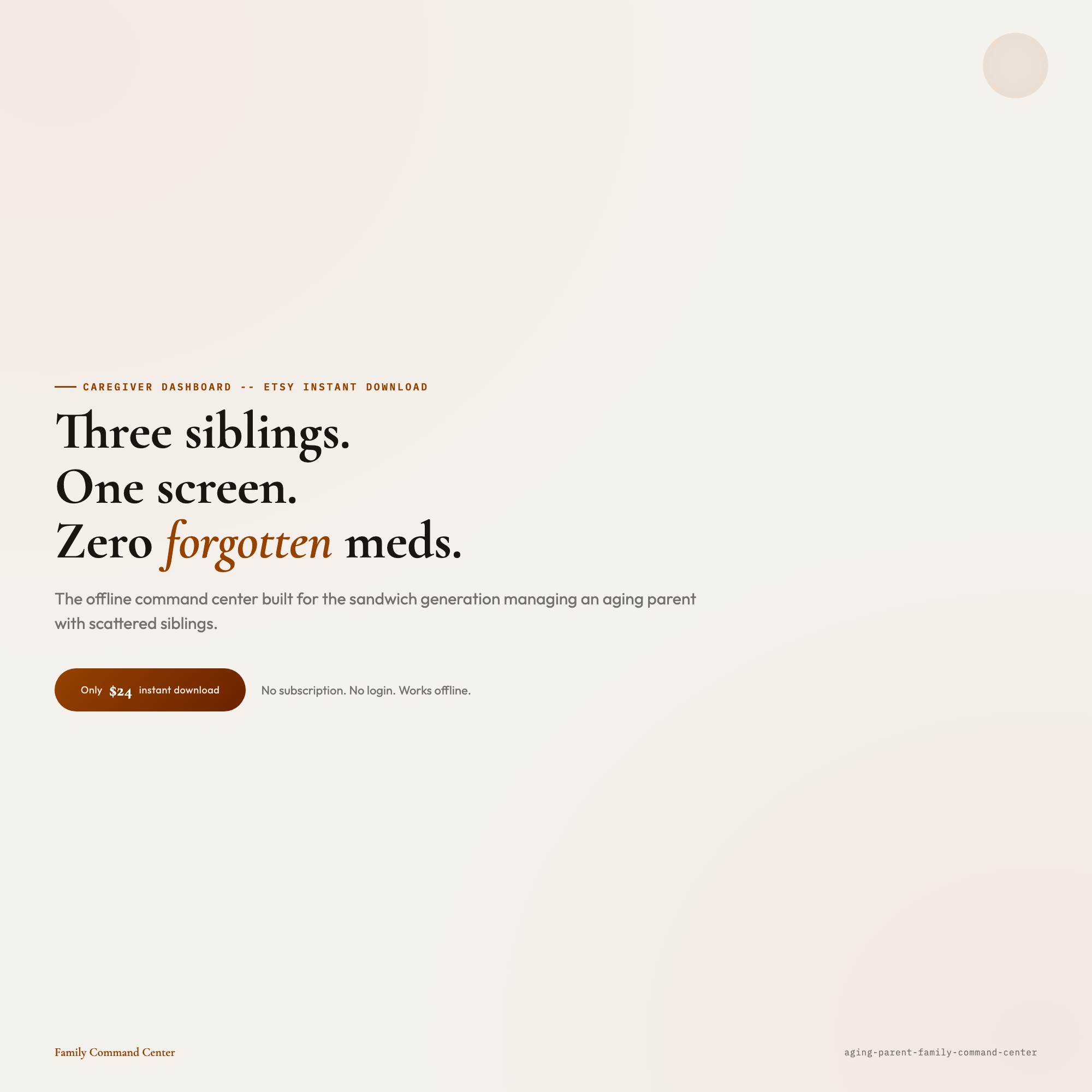
Interactive Aging Parent Family Command Center Dashboard
Built for:
Listing coming soon — shop page linked above
See it in action
What it is
Built for professionals. Interactive Aging Parent Family Command Center Dashboard — a browser-native interactive dashboard that lives in a single HTML file, no installation required.
This dashboard was built for you.
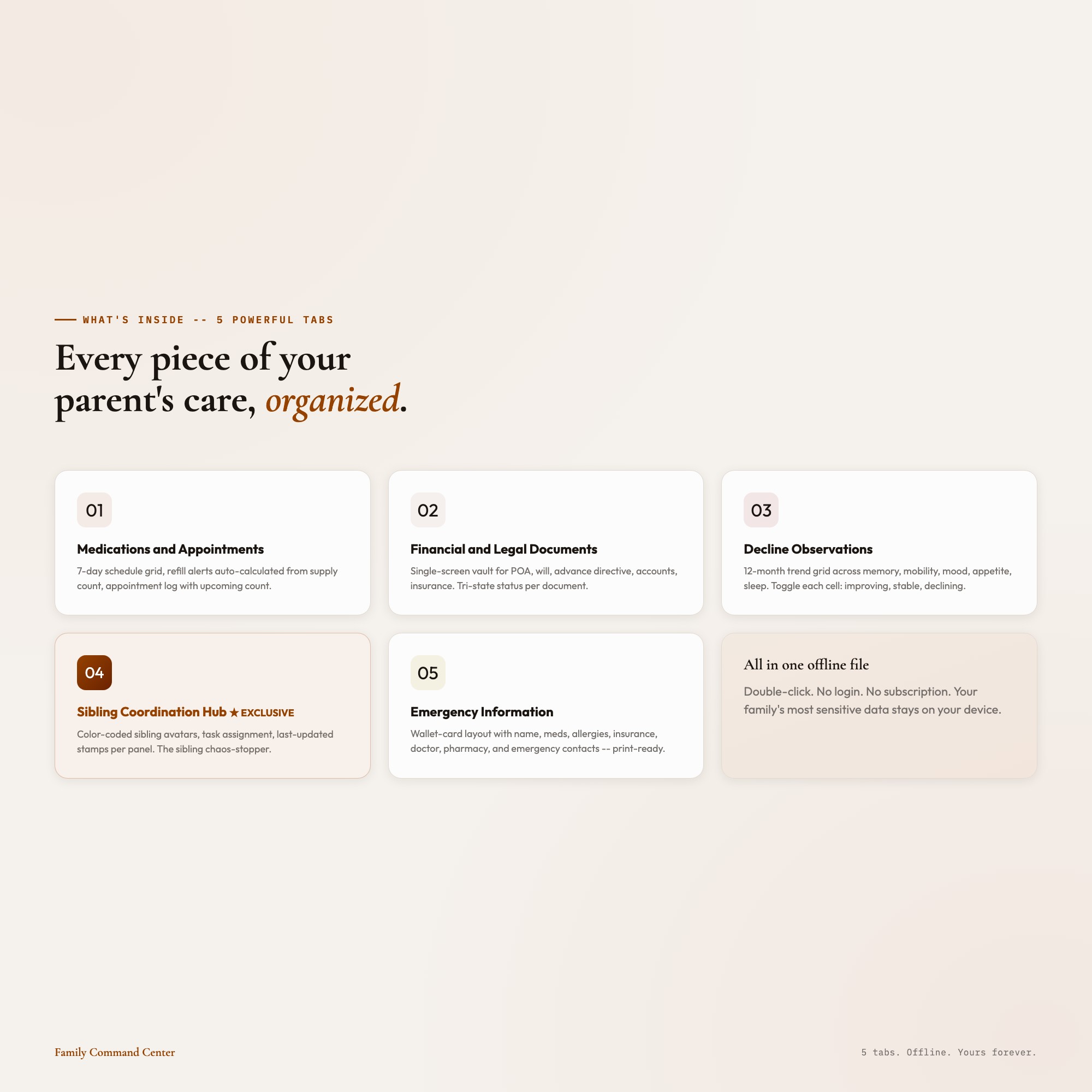
WHAT’S INSIDE: 5 Powerful Tabs:
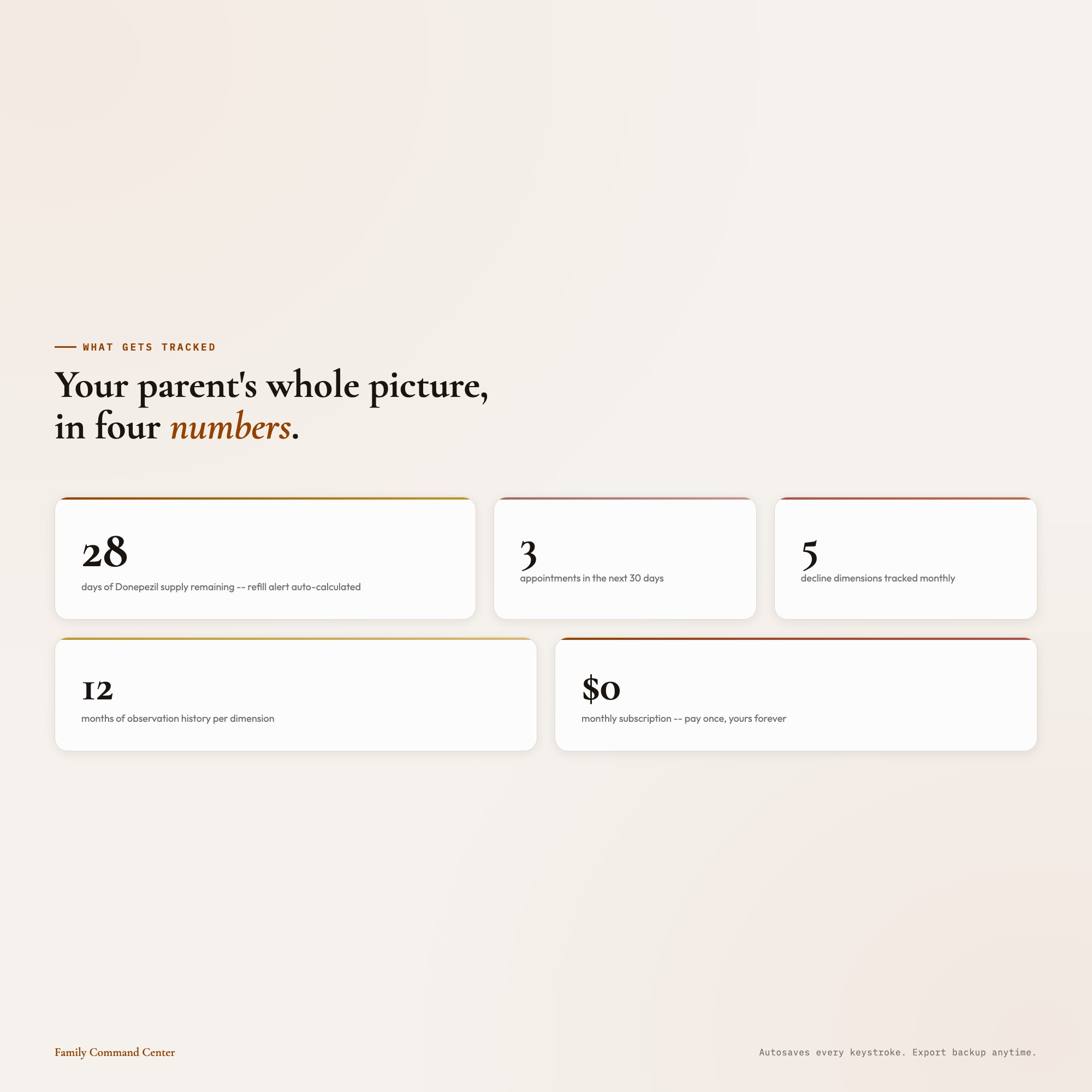
01 Medications and Appointments: 7-day medication schedule grid with dose times, refill alerts auto-calculated from supply count, and appointment log. Never miss a refill. Never arrive at a doctor’s office and realize nobody told you what changed.
02 Financial and Legal Documents: A single-screen vault with sections for Power of Attorney, will, advance directive, bank accounts, insurance policies, and property deeds. Each document: “located / scanned / shared with siblings” tri-state status so the whole family knows what’s done.
03 Decline Observations: Monthly trend grid across 12 months and 5 dimensions: memory, mobility, mood, appetite, sleep. Toggle each cell: improving / stable / declining. The pattern journal that helps you show your parent’s doctor what you’ve been watching for months.
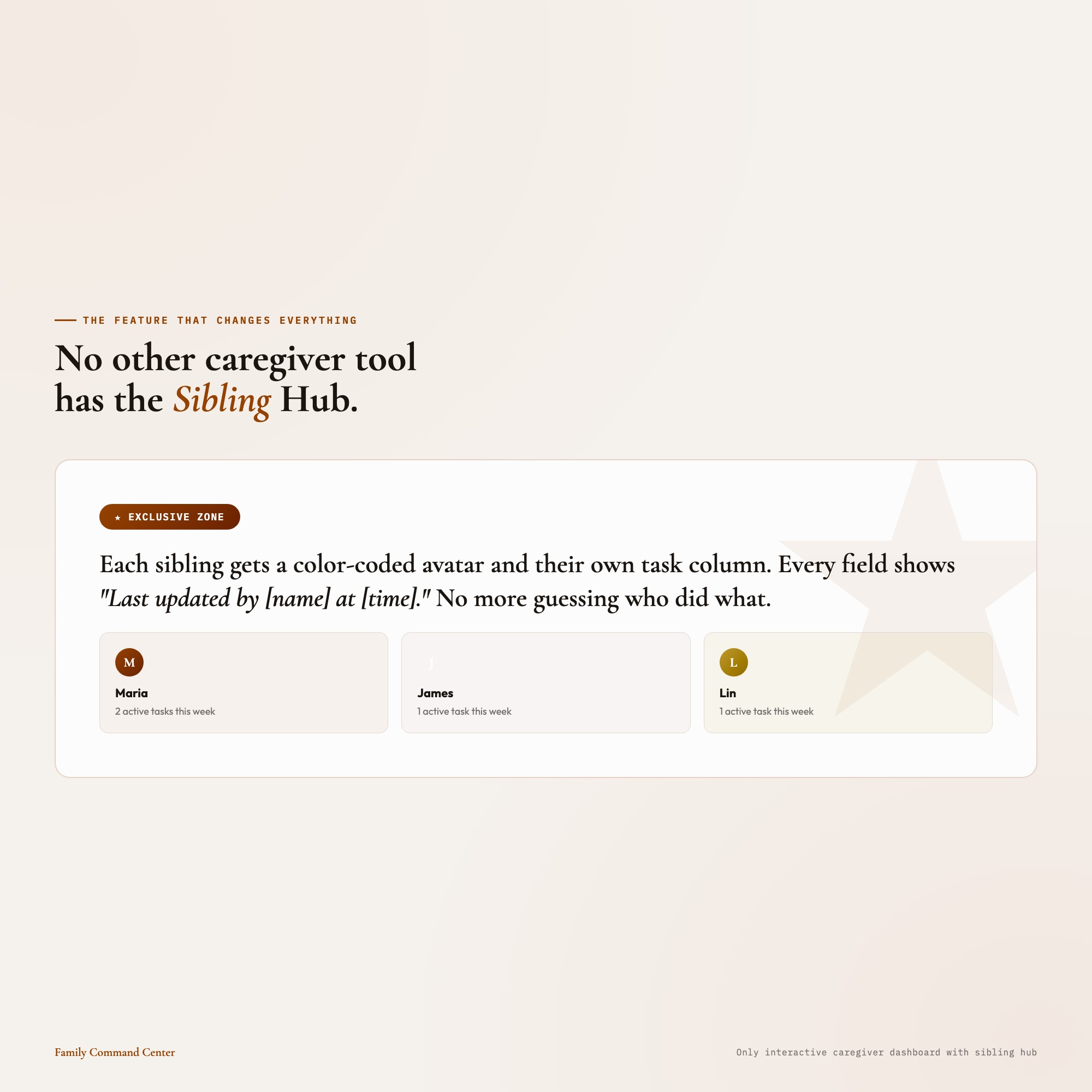
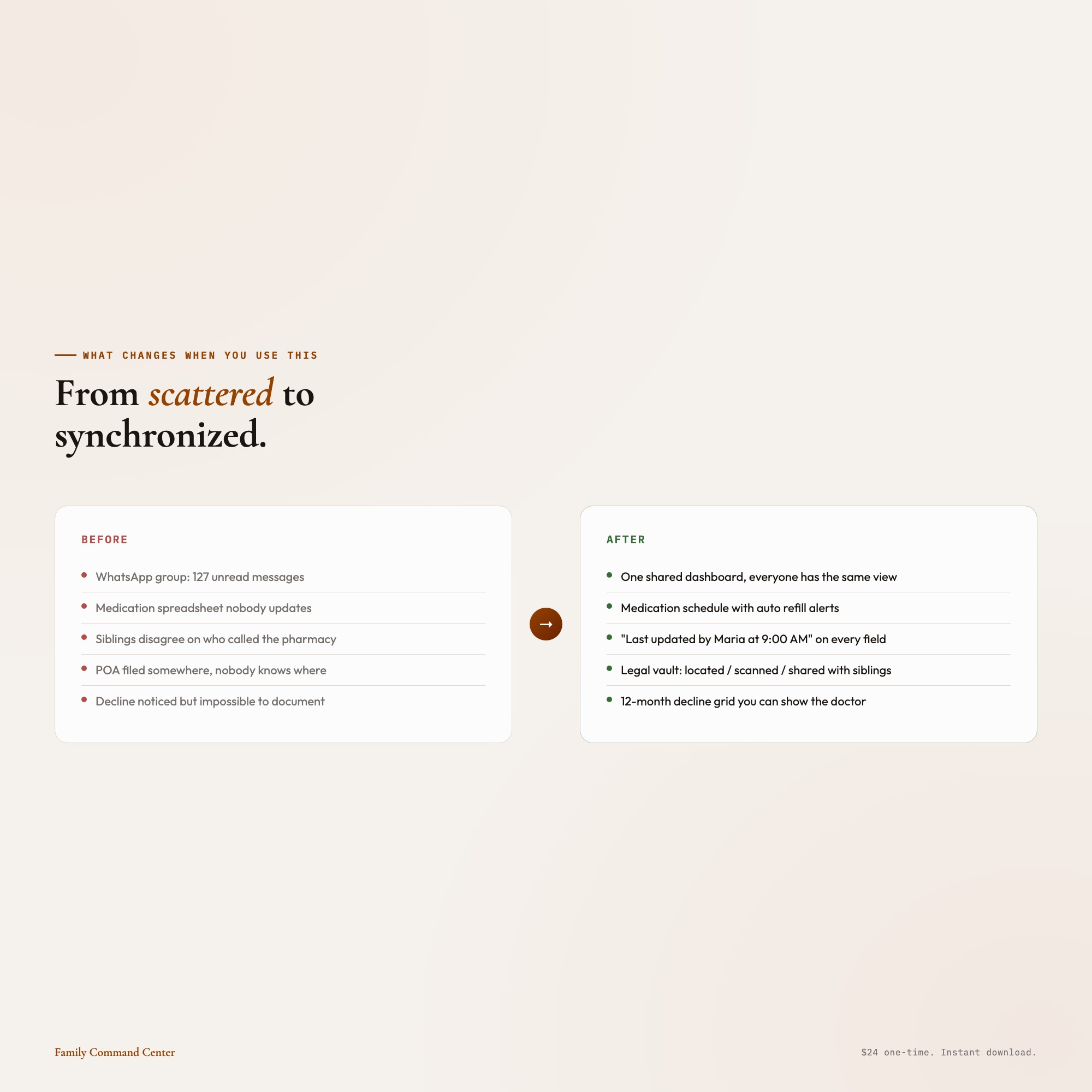
04 Sibling Coordination Hub (EXCLUSIVE ZONE): The panel that changes everything. Each sibling gets a color-coded avatar and their own column of active responsibilities. The “Last updated by [name] at [time]” stamp on every panel means no more “I thought YOU called the pharmacy.” This is the sibling chaos-stopper. No SaaS subscription. No login. Works offline. Yours forever.
05 Emergency Information: A wallet-card layout you can screenshot or print: parent name, date of birth, current medications, allergies, insurance ID, primary doctor, pharmacy, and emergency contacts: all in one view that actually fits in your pocket.
THIS IS FOR YOU IF:
-
You’re the “point person” sibling and the coordination is breaking you
-
You’ve missed a refill or appointment because nobody had the full picture
-
Your parent’s legal and financial documents are scattered across three folders and two email chains
-
You’ve been tracking changes in your parent’s condition in your head, and you know that’s not sustainable
-
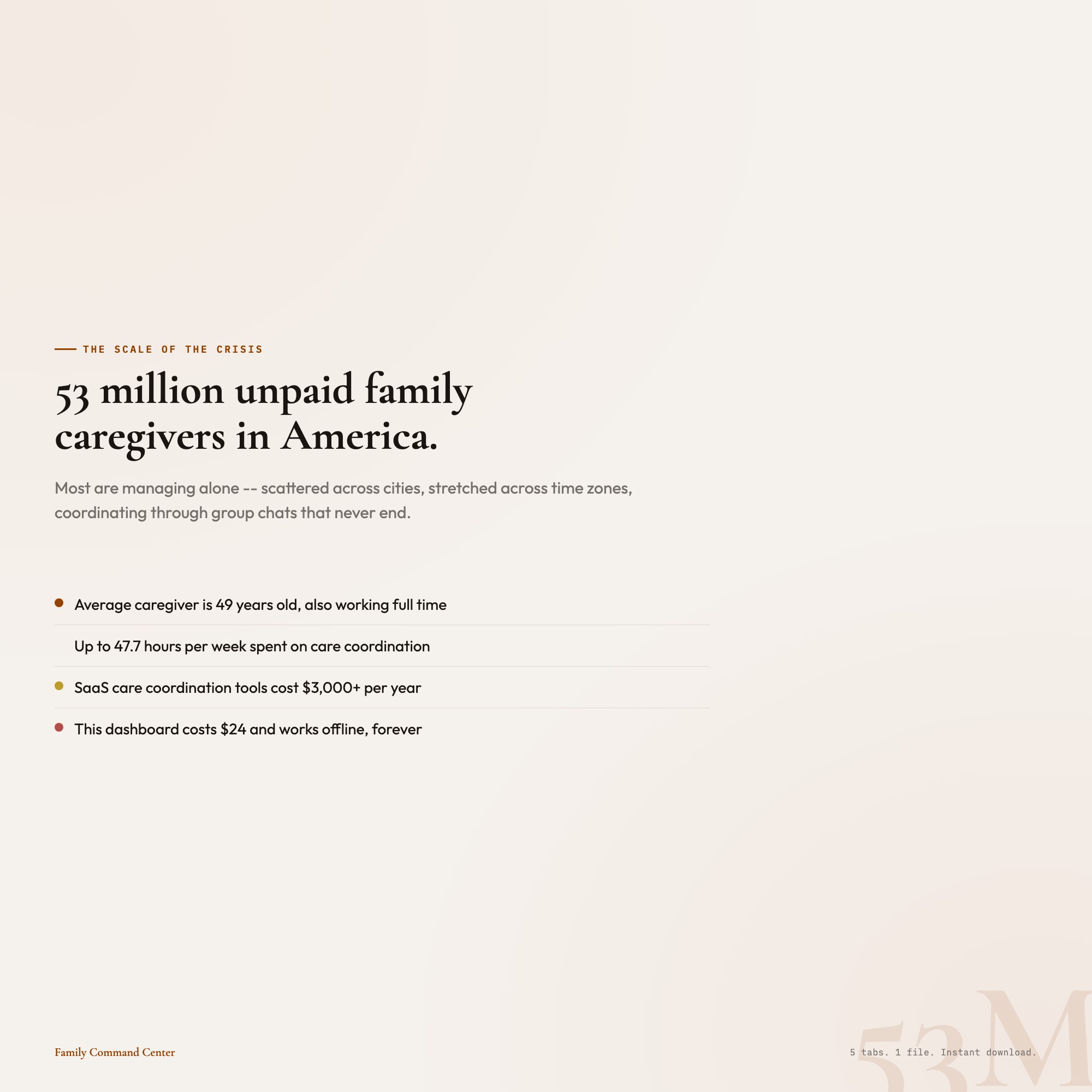
You’re paying $200+/month for care coordination software and it’s more work than it saves
YOUR DATA IS SAFE
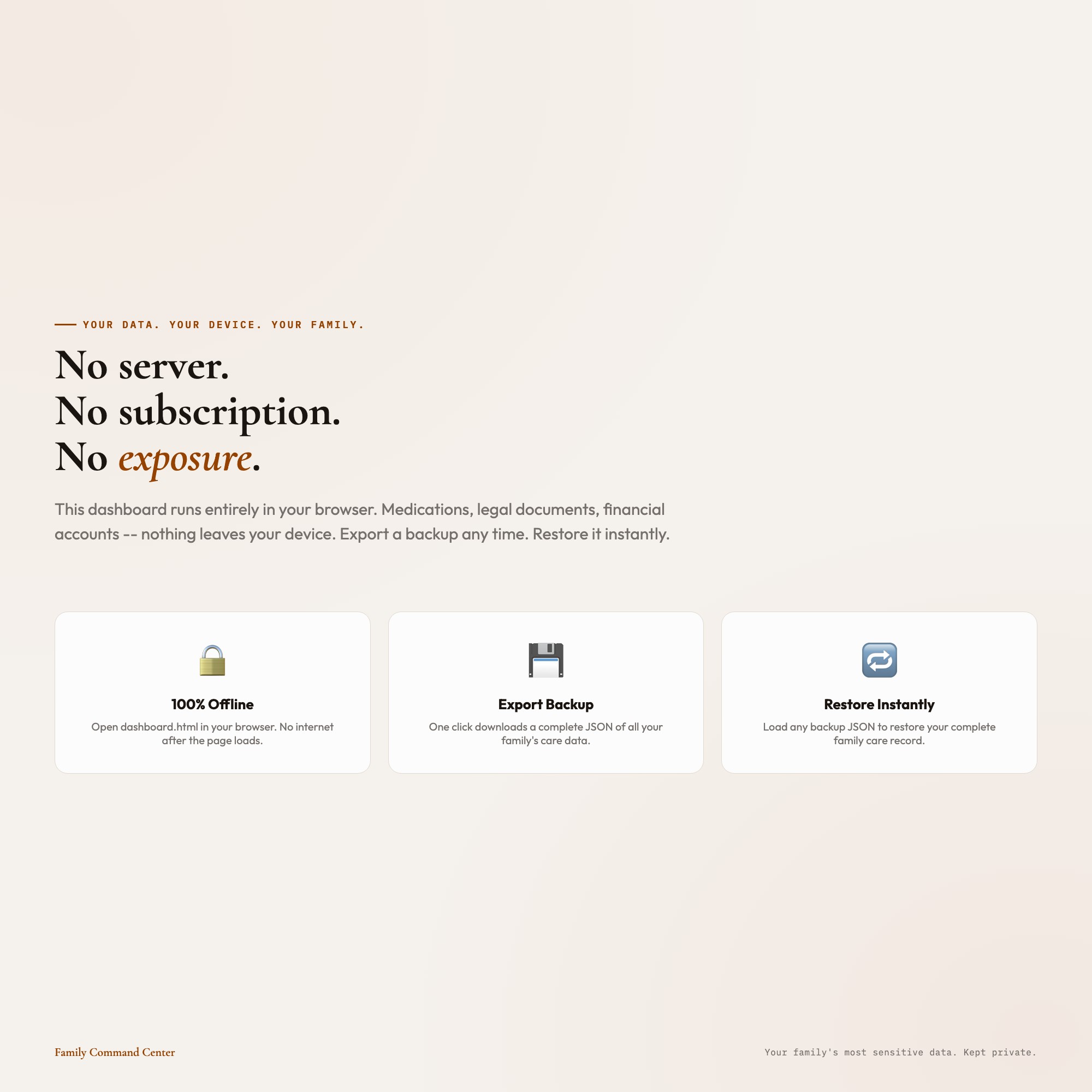
This dashboard works entirely offline in your browser. Nothing is uploaded anywhere. Nothing is connected to any server. Your family’s most sensitive information: medications, legal documents, financial accounts: stays on your device. Export a backup JSON any time. Restore it any time. Share the file with a sibling directly.
FILES INCLUDED
-
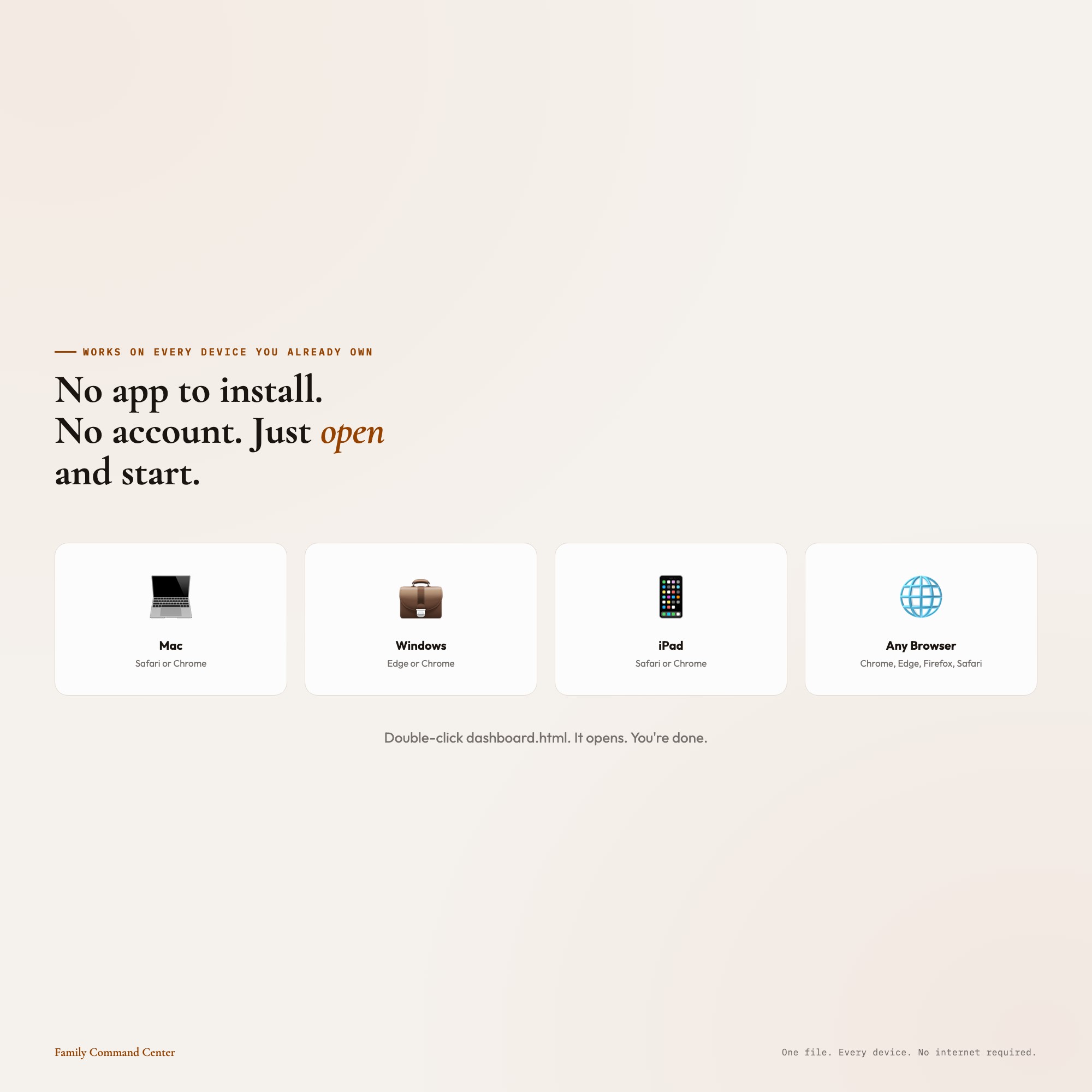
dashboard.html (open in Chrome, Edge, or Safari: works on Mac, Windows, iPad)
-
HOW-TO-SAVE.txt (plain-English save, restore, and share guide)
One file. Double-click. No app to install. No subscription. No login.
You’ve been holding this together for your whole family. This dashboard was made to hold it with you.
Want a Notion version for sibling collaboration in real time? Message me after purchase.
5 Tabs included
- ◈
Medications and Appointments
- ≡
Financial and Legal Documents
- ⊞
Decline Observations
- ◉
Sibling Coordination Hub
- ★
Emergency Information
Exclusive Feature
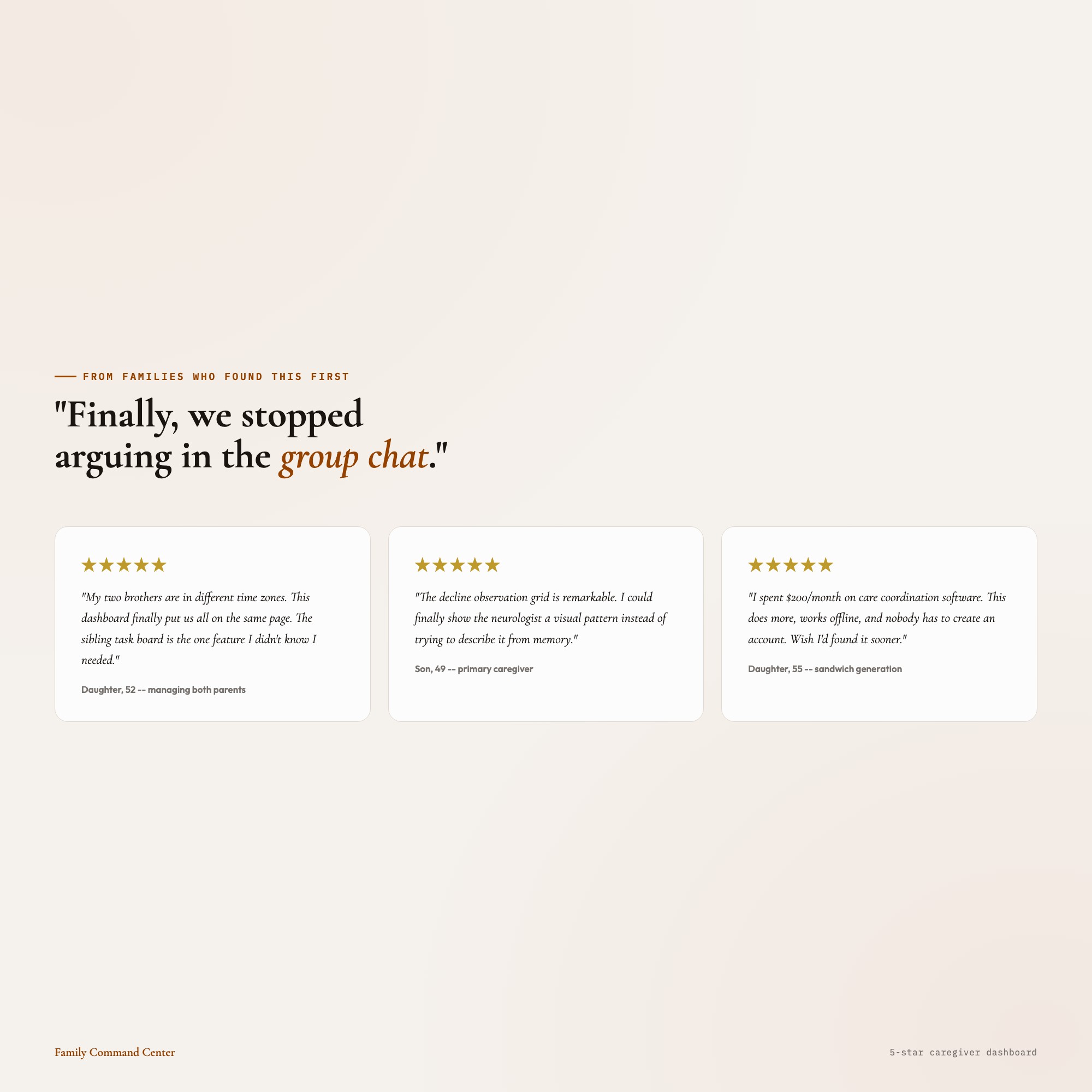
Sibling Coordination Hub -- only interactive offline dashboard combining sibling task board with last-updated stamps, colored avatars, and shared family notes
This is built into the fifth tab and is unavailable in any static template, spreadsheet, or Notion template on the market.
Gallery
Frequently asked questions
- Does it work offline?
- Yes — completely. The dashboard is a single HTML file. Once downloaded, it runs entirely in your browser with no internet connection needed. All data autosaves to your browser's localStorage.
- Which devices and browsers are supported?
- Works in Chrome, Edge, Safari, and Firefox on macOS, Windows, iPad, and Chromebook. No app to install, no account to create. Just open the file.
- What is your refund policy?
- Digital downloads are generally non-refundable, but if you encounter a technical issue Etsy's buyer protection has you covered. Reach out through the Etsy message system and any problem will be resolved.
- How do I install it?
- There is nothing to install. After purchase, download the HTML file. Double-click to open in your browser. That's it. A HOW-TO-SAVE.txt is included explaining how to back up and restore your data.
- Is my data private?
- Completely. Everything runs locally — no login, no analytics, no data sent to any server. Your data is stored only in your browser's localStorage. You own it entirely.
You might also like
One-time purchase
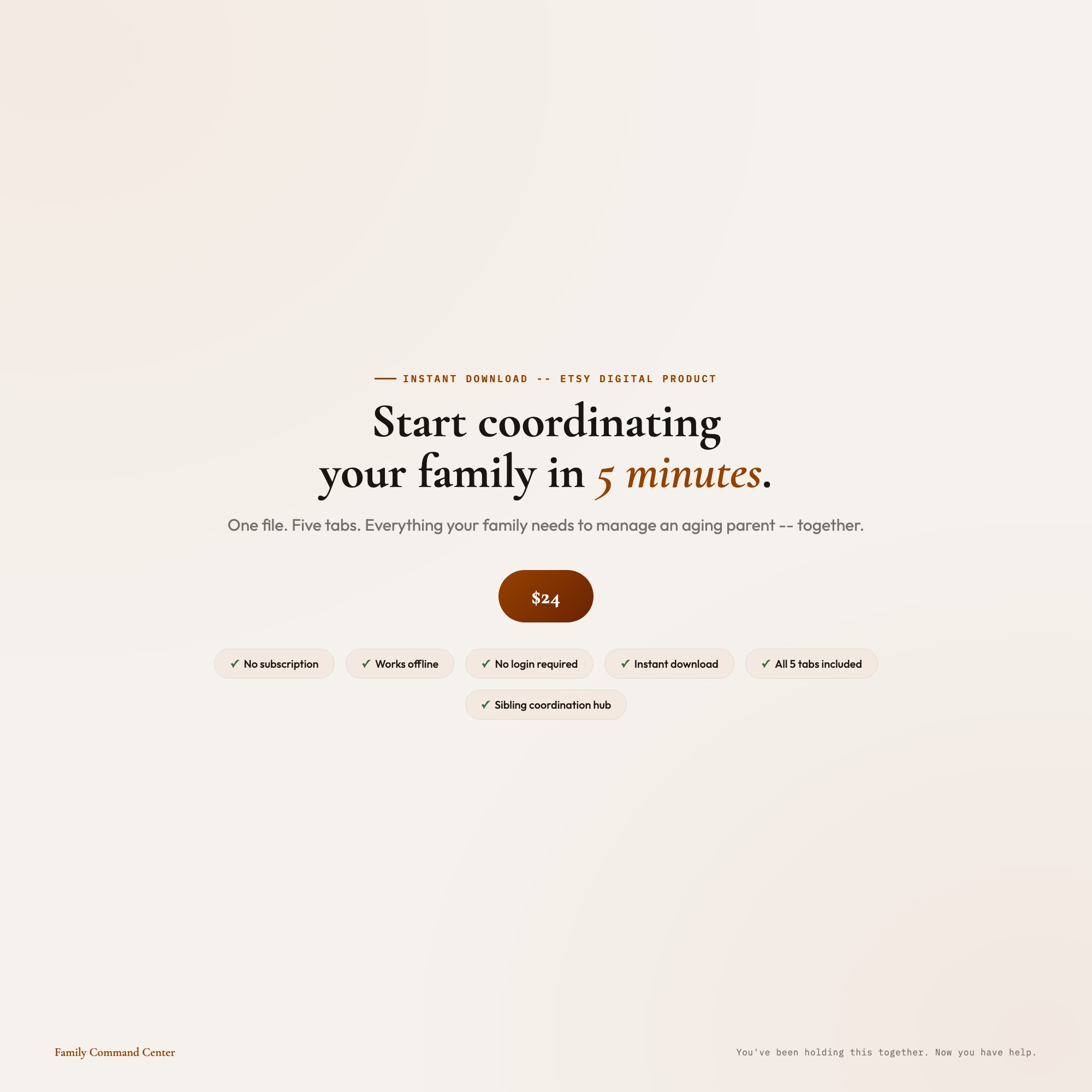
Get it on Etsy for $22
Instant download. Open in any browser. Yours forever.
Get it on Etsy →