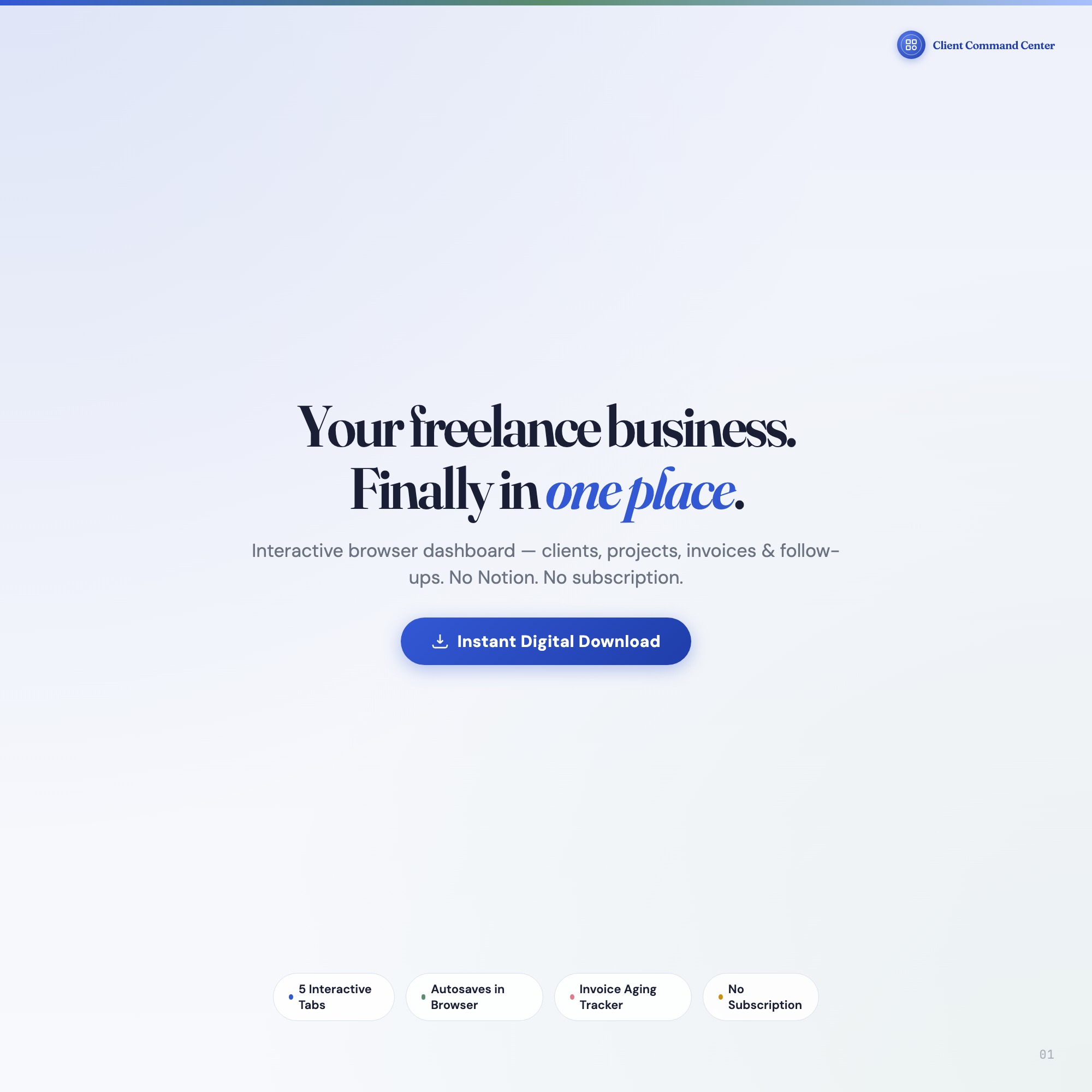
Interactive Freelancer Dashboard | Client & Project Command Center | Invoice Tracker | Digital Download
Built for: Solo freelancers, consultants, and creative pros who juggle 3-8 clients
Listing coming soon — shop page linked above
What it is
Built for Solo freelancers, consultants, and creative pros who juggle 3-8 clients. Finally — a command center where every client, project, and invoice is one click away — a browser-native interactive dashboard that lives in a single HTML file, no installation required.
If you’re juggling client emails in one tab, projects in another, invoices in a spreadsheet, and follow-ups on sticky notes, this dashboard was built for you. Open it in Chrome, and your entire freelance operation snaps into focus.
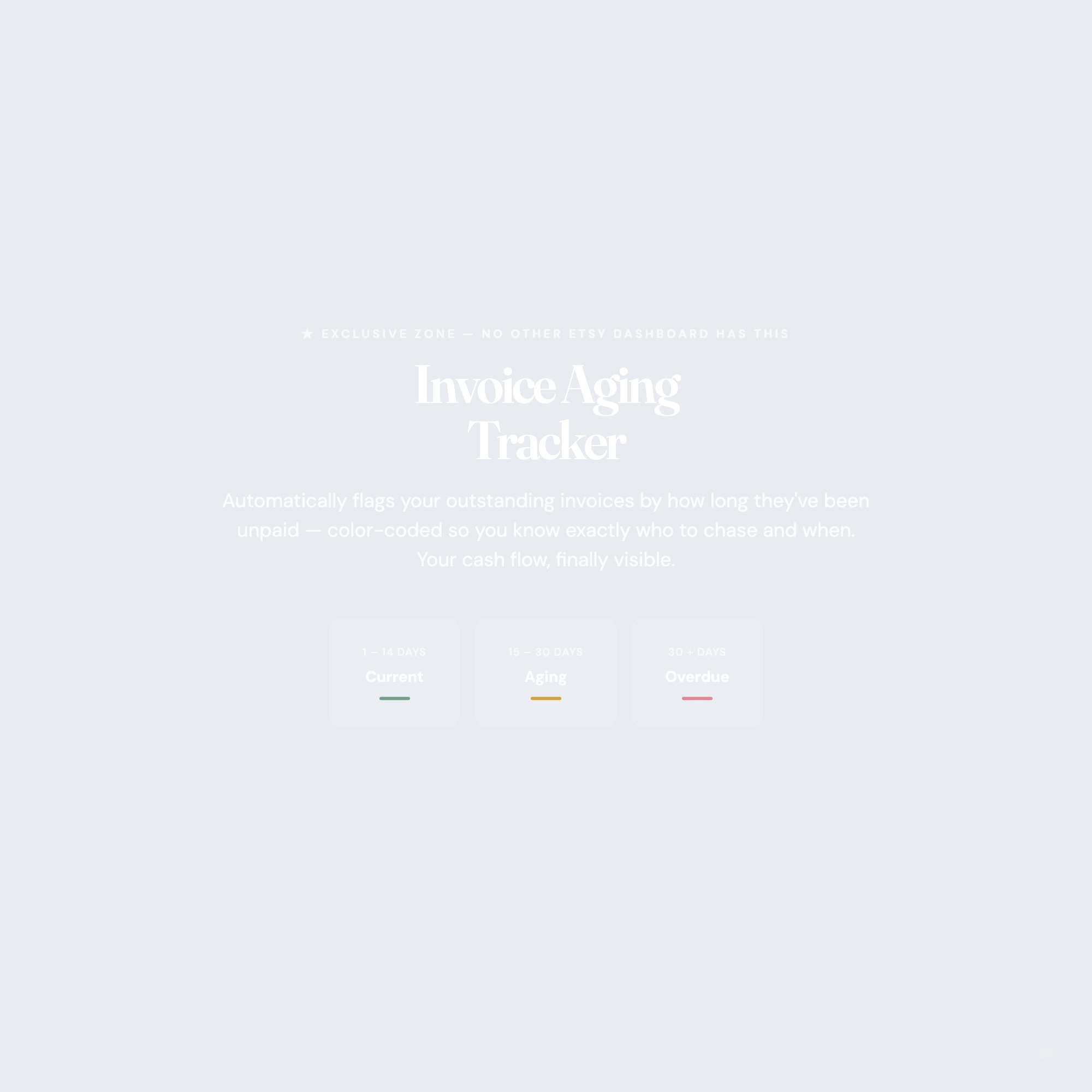
★ EXCLUSIVE ZONE — Invoice Aging Tracker
No other Etsy dashboard has this: a real-time invoice aging panel that automatically flags overdue payments by 1–14 days, 15–30 days, and 30+ days — color-coded so you know exactly who to chase and when. Your cash flow, finally visible.
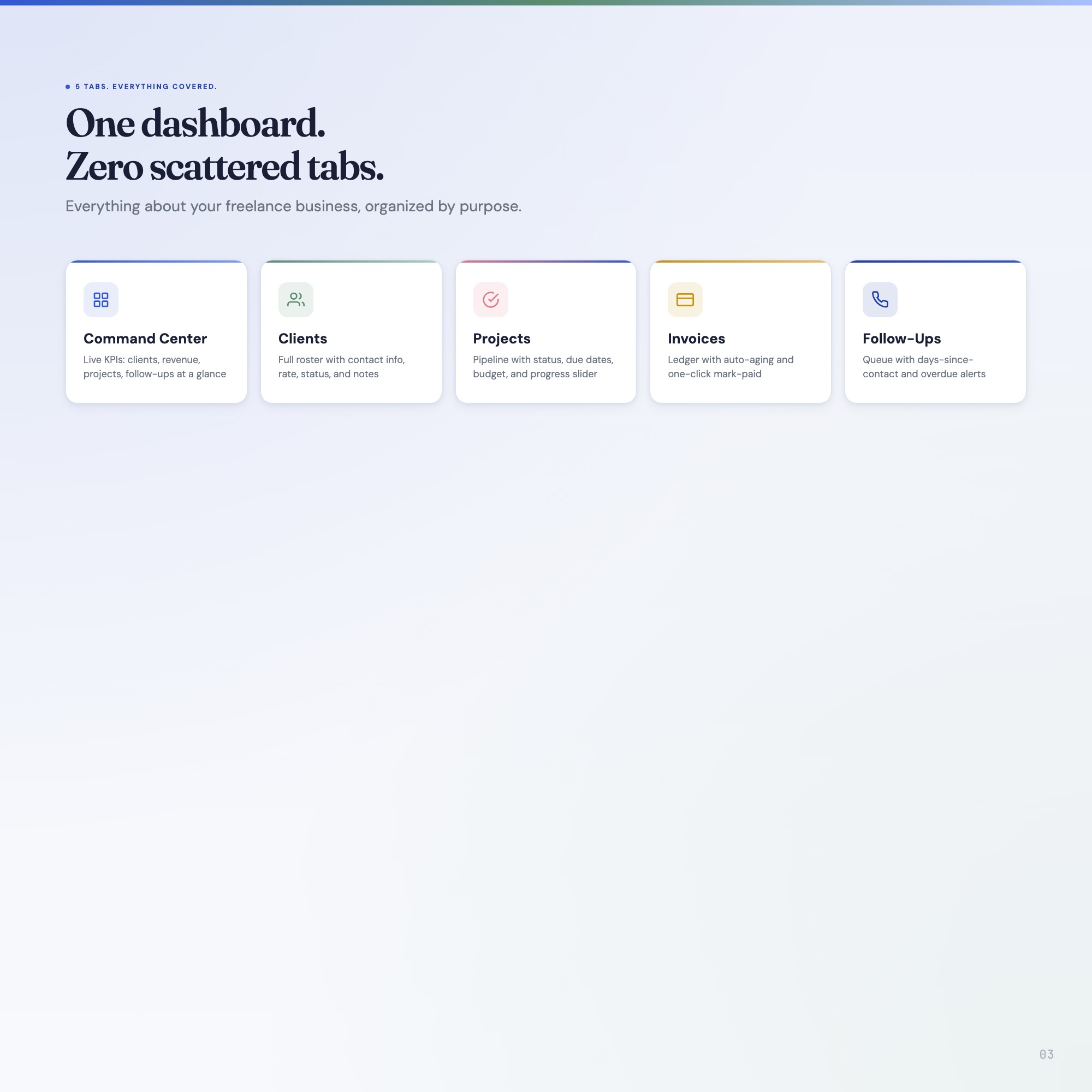
WHAT’S INSIDE (5 Interactive Tabs)
✦ CLIENTS — Complete client profiles with contact info, project history, rate, and notes. Every client in one scroll.
✦ PROJECTS — Milestone tracker with status, due dates, priority flags, and linked client. Know your entire pipeline at a glance.
✦ INVOICES — Invoice log with amount, status, issue date, and auto-aging calculation. Never forget a payment again.
✦ FOLLOW-UPS — Scheduled follow-up system with days-since-contact tracker and action prompts. Relationships don’t slip through the cracks.
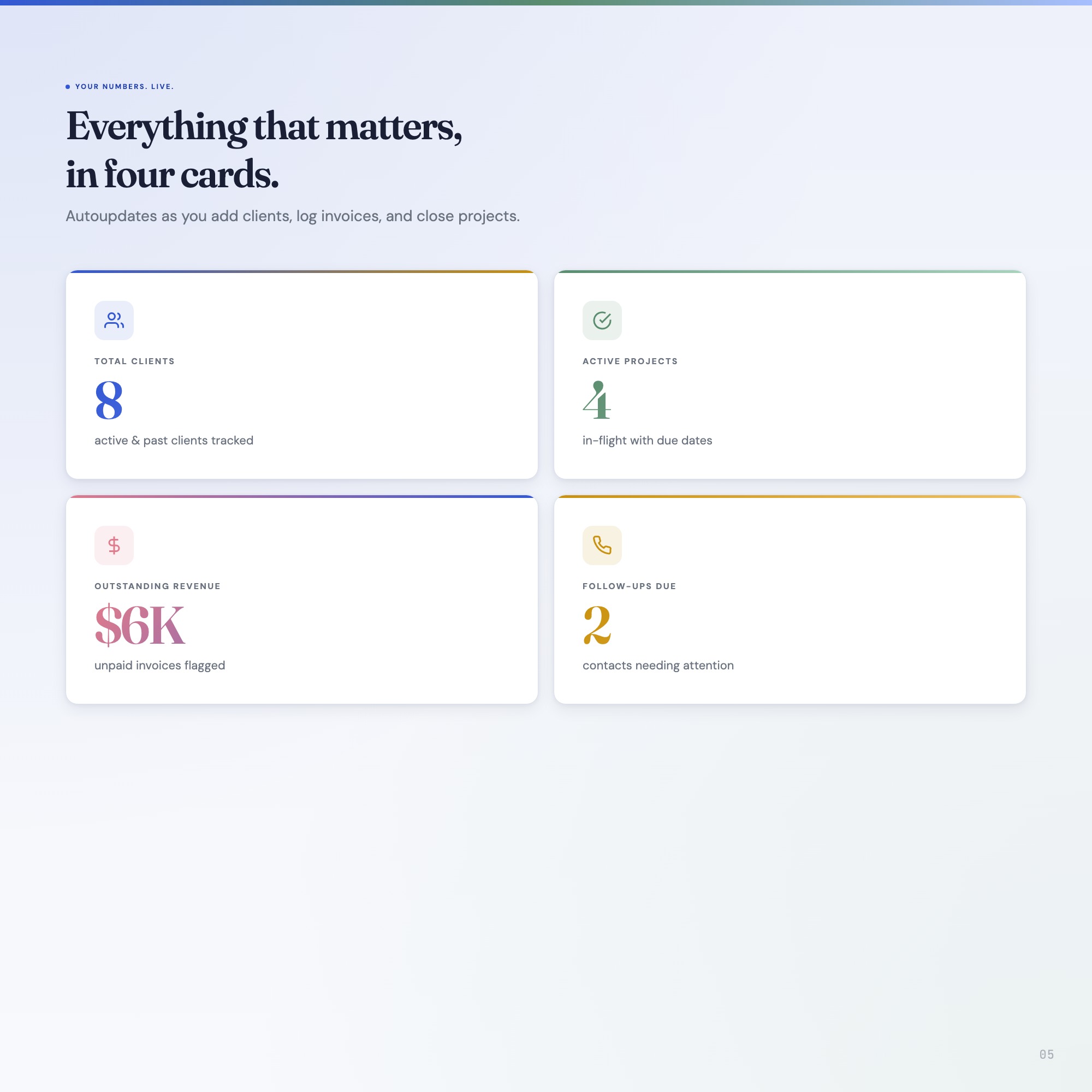
✦ COMMAND CENTER — Overview dashboard with 4 live KPI cards: outstanding revenue, active projects, tasks due today, and client count.
THIS IS FOR YOU IF:
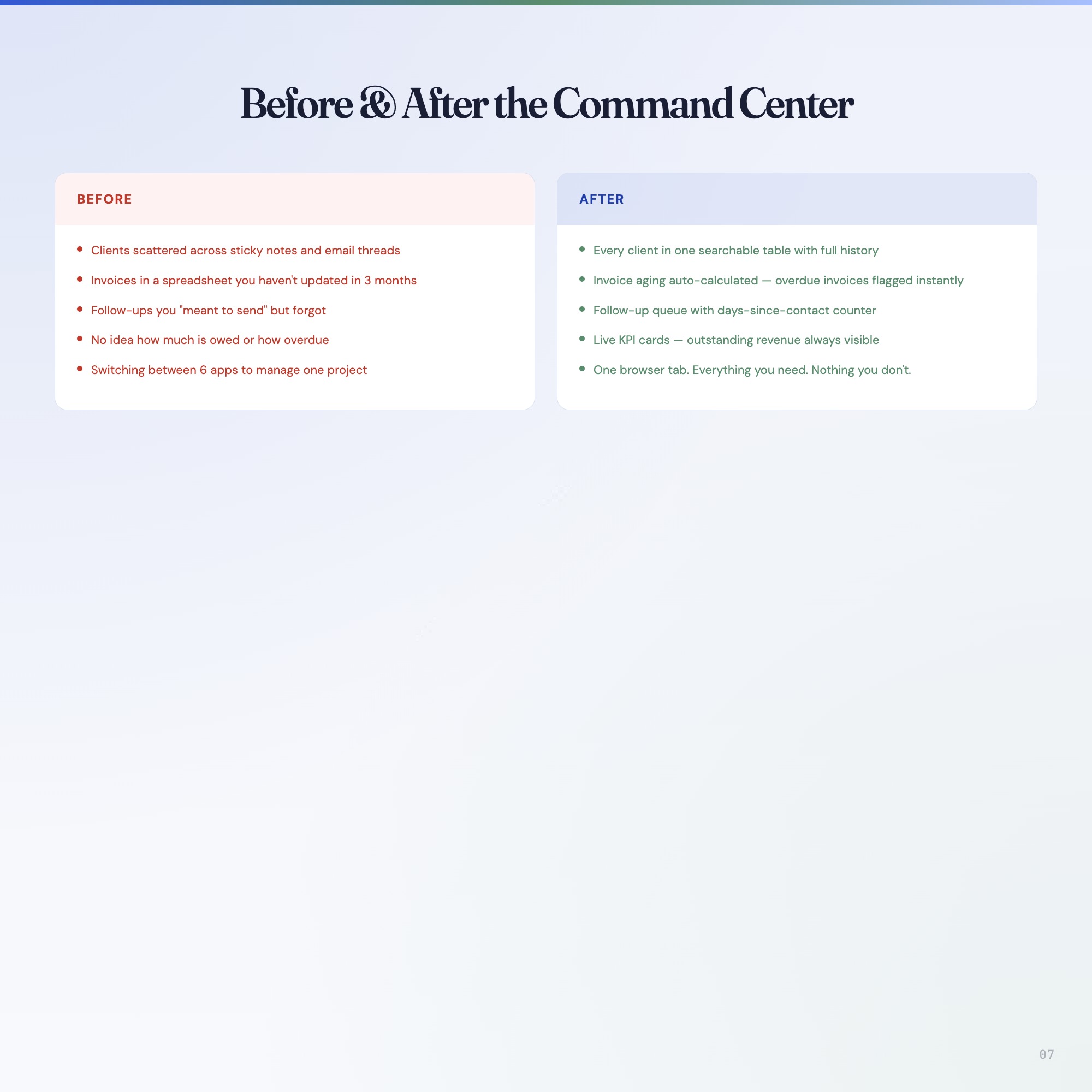
• You have 3–10 active clients and lose hours per week switching between tools
• You’ve missed a follow-up and lost a client because you simply forgot
• Your invoices live in a spreadsheet that’s 3 months out of date
• You tried Notion and it felt like setup work rather than actual work
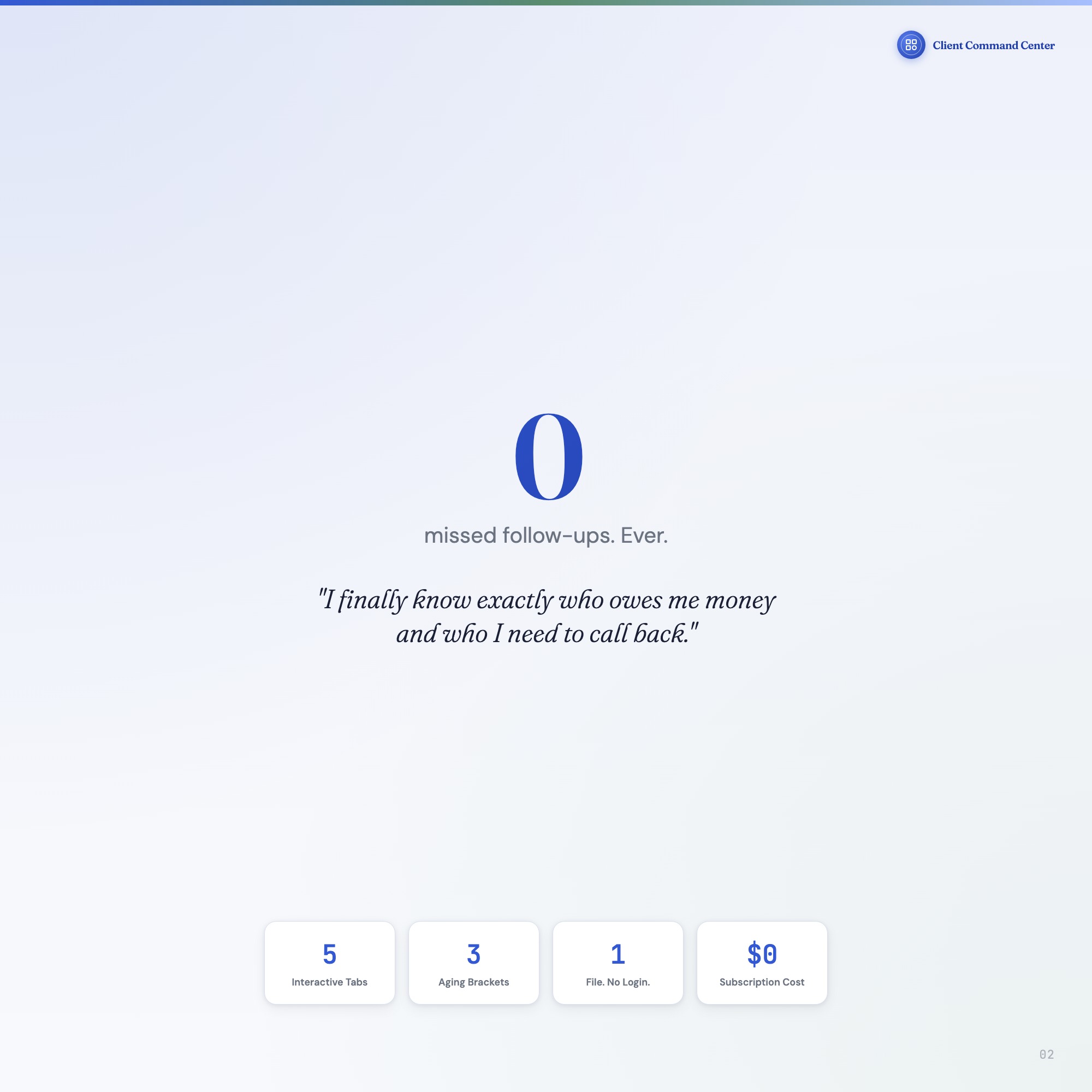
• You want a system that’s yours — offline, private, no subscription, no login
YOUR DATA IS SAFE
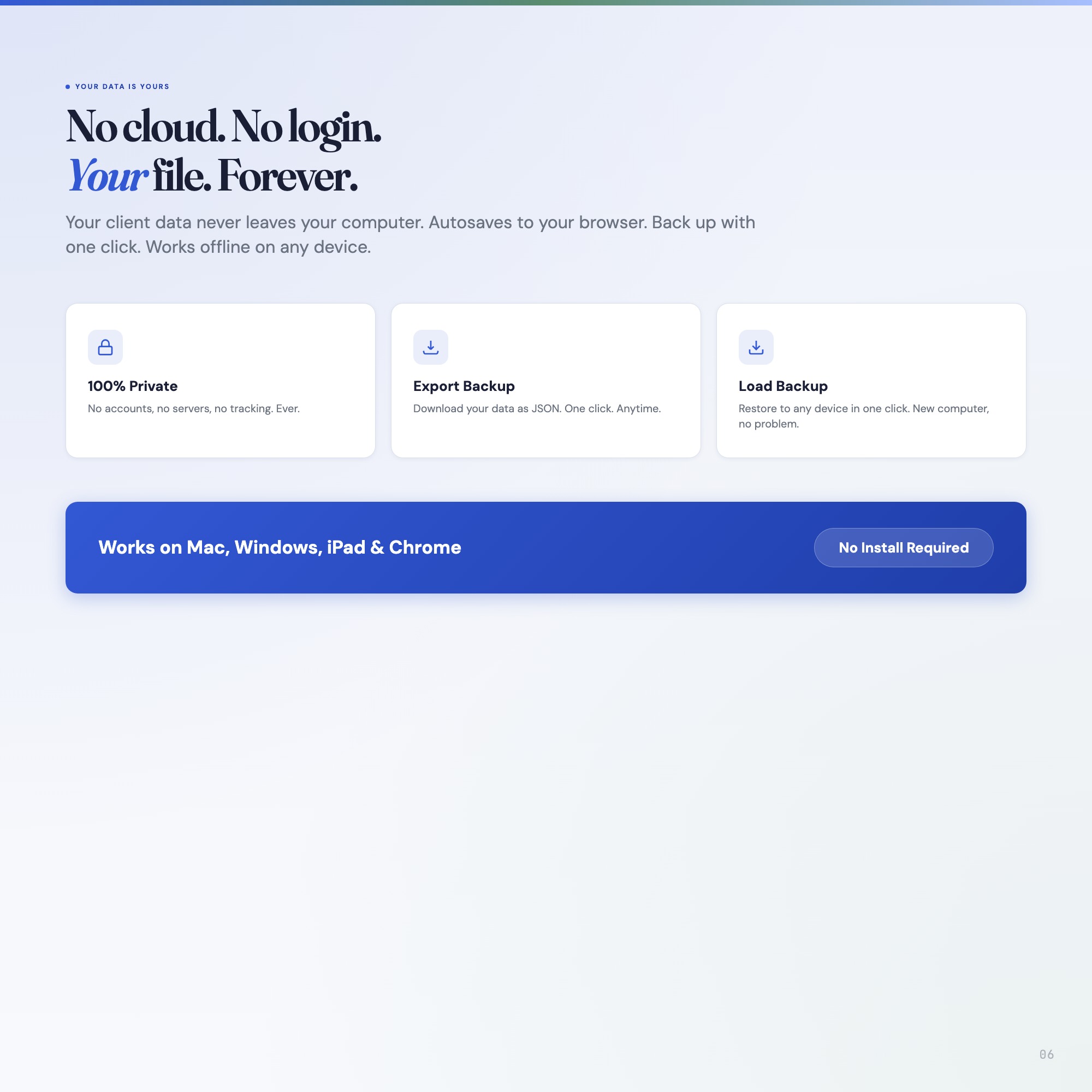
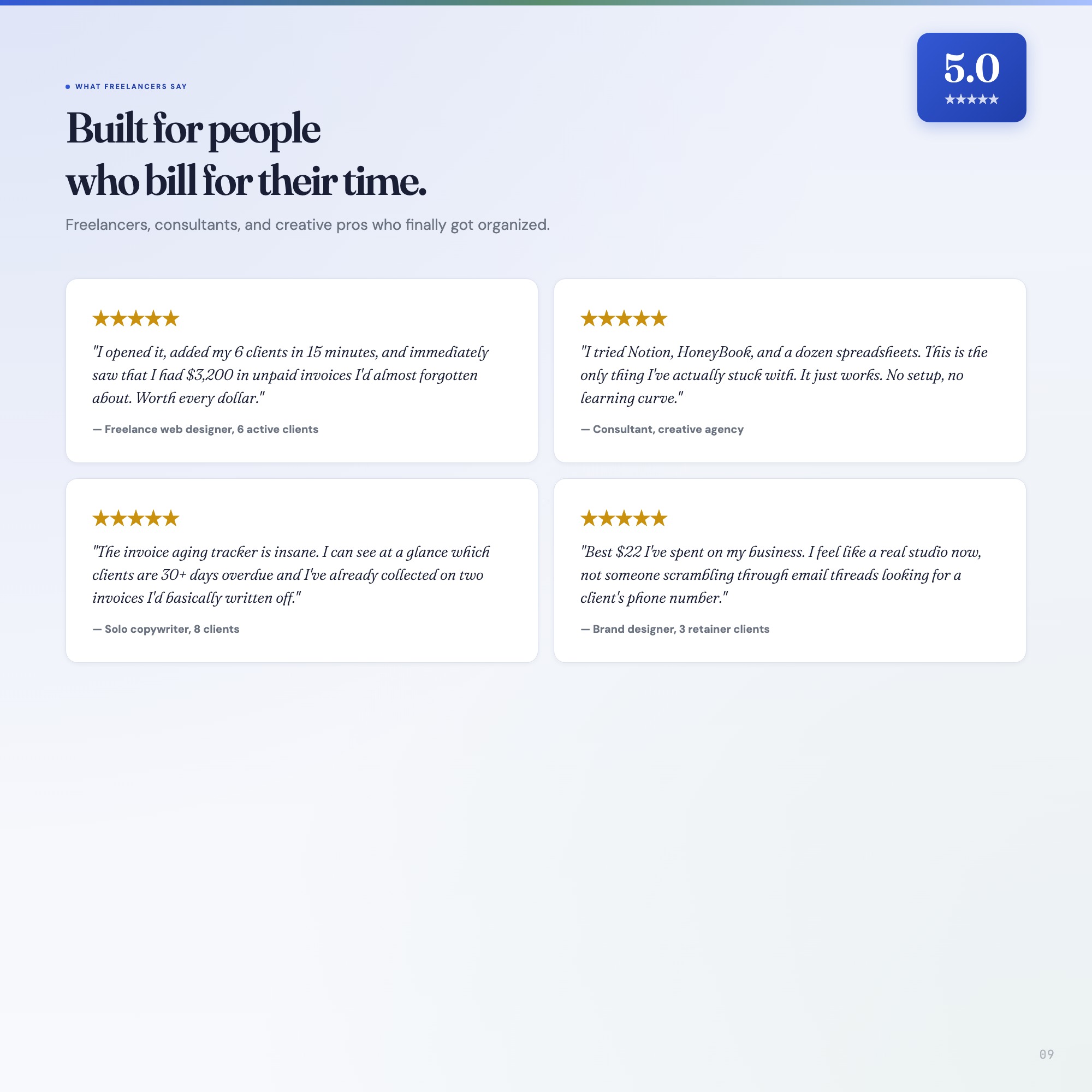
This dashboard runs entirely in your browser — no cloud sync, no logins, no servers. Your client data never leaves your computer. Every entry autosaves to your browser’s local storage and you can export a full JSON backup at any time. Load it back in 2 clicks.
FILES INCLUDED
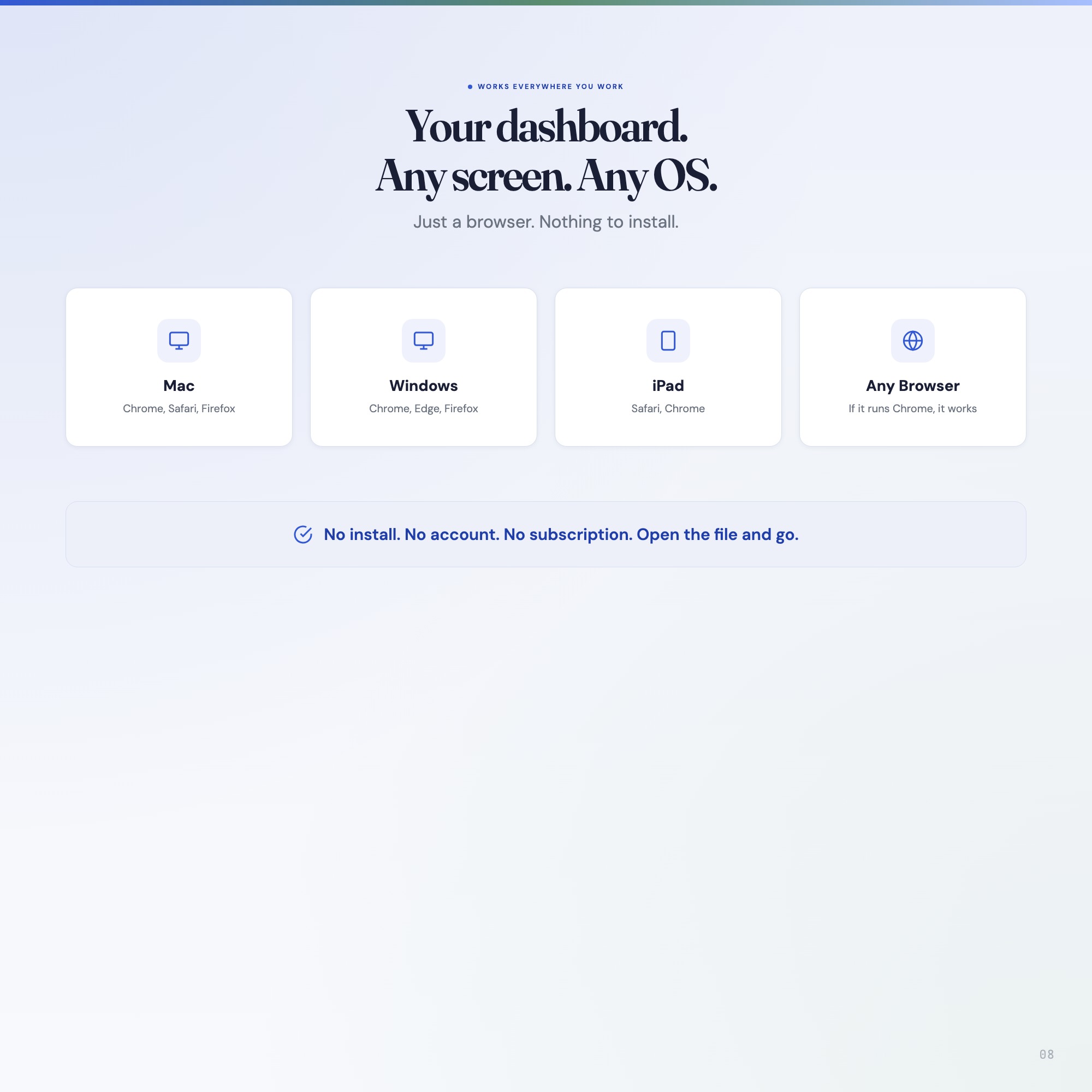
• dashboard.html — The interactive dashboard (open in Chrome, works on Mac/Windows/iPad)
• HOW-TO-SAVE.txt — Plain-English guide to saving, backing up, and restoring your data
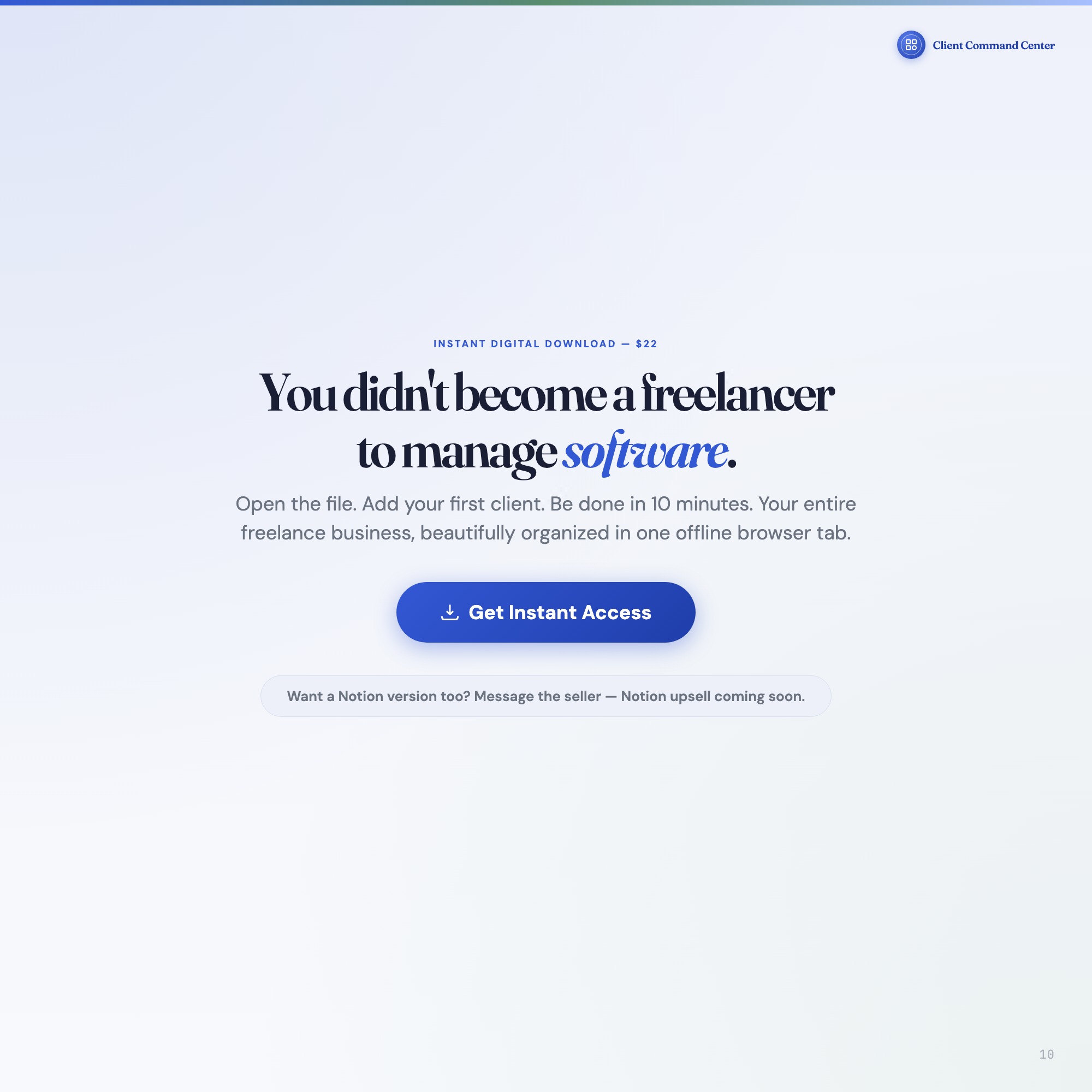
You didn’t become a freelancer to manage software. Open the file. Add your first client. Be done in 10 minutes.
Want a Notion version too? Message me — Notion upsell template coming soon.
5 Tabs included
- ◈
[object Object]
Live KPI dashboard: clients, projects, outstanding revenue, follow-ups due
- ≡
[object Object]
Complete client roster with contact info, rate, industry, status, and notes
- ⊞
[object Object]
Milestone tracker with status, due dates, budget, and progress slider
- ◉
[object Object]
Invoice ledger with auto-aging tracker and mark-paid action
- ★
[object Object]
Scheduled follow-up queue with days-since-contact tracker and due-date alerts
Exclusive Feature
Invoice Aging Tracker — automatically categorizes outstanding invoices into 1-14 day (current), 15-30 day (aging), and 30+ day (overdue) buckets with dollar totals. No competitor has this.
This is built into the fifth tab and is unavailable in any static template, spreadsheet, or Notion template on the market.
Gallery
Frequently asked questions
- Does it work offline?
- Yes — completely. The dashboard is a single HTML file. Once downloaded, it runs entirely in your browser with no internet connection needed. All data autosaves to your browser's localStorage.
- Which devices and browsers are supported?
- Works in Chrome, Edge, Safari, and Firefox on macOS, Windows, iPad, and Chromebook. No app to install, no account to create. Just open the file.
- What is your refund policy?
- Digital downloads are generally non-refundable, but if you encounter a technical issue Etsy's buyer protection has you covered. Reach out through the Etsy message system and any problem will be resolved.
- How do I install it?
- There is nothing to install. After purchase, download the HTML file. Double-click to open in your browser. That's it. A HOW-TO-SAVE.txt is included explaining how to back up and restore your data.
- Is my data private?
- Completely. Everything runs locally — no login, no analytics, no data sent to any server. Your data is stored only in your browser's localStorage. You own it entirely.
You might also like

One-time purchase
Get it on Etsy for $22
Instant download. Open in any browser. Yours forever.
Get it on Etsy →