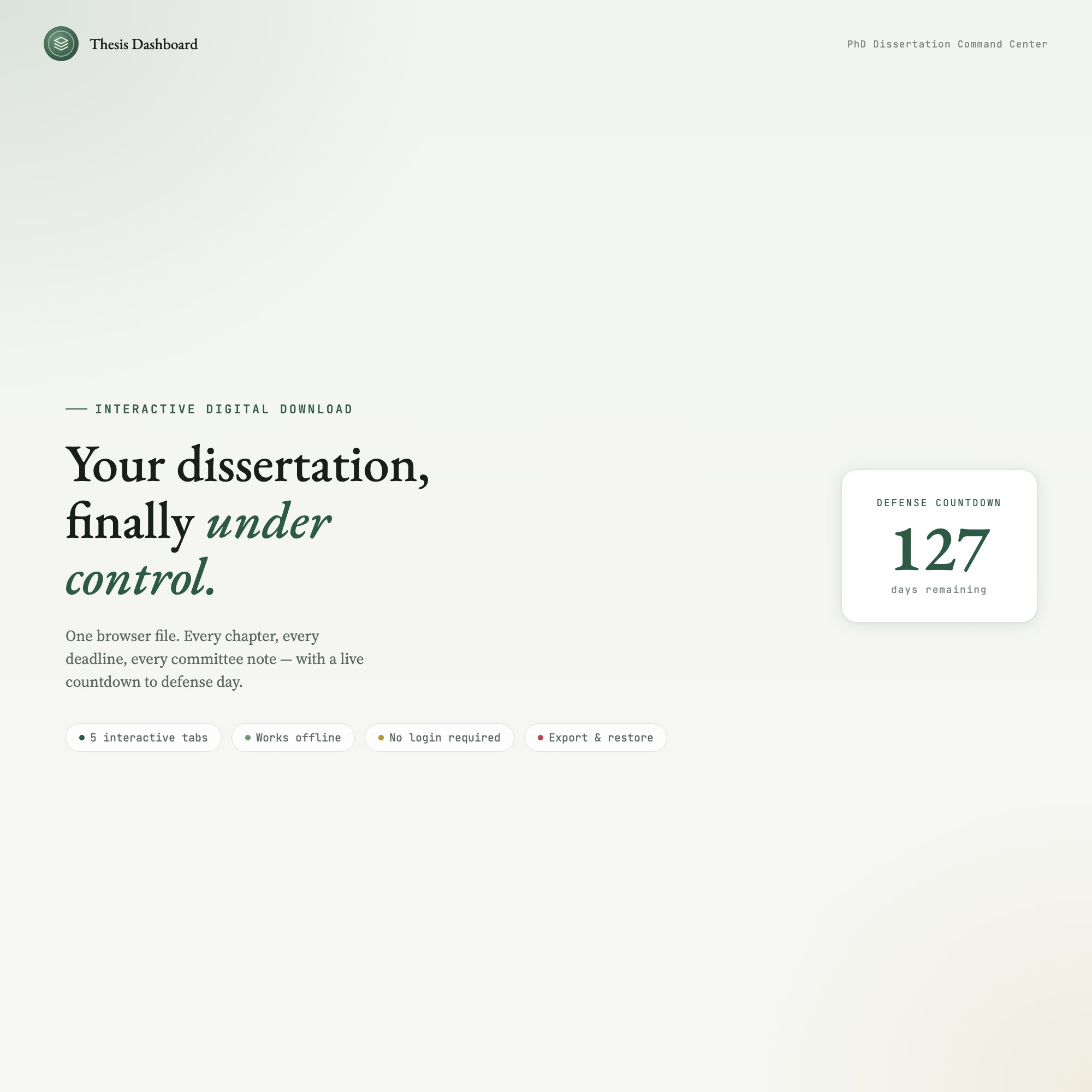
Interactive Thesis & Dissertation Chapter Dashboard
Built for: PhD candidate / grad student managing 5-8 chapters with overlapping deadlines and committee feedback cycles
Listing coming soon — shop page linked above
See it in action
What it is
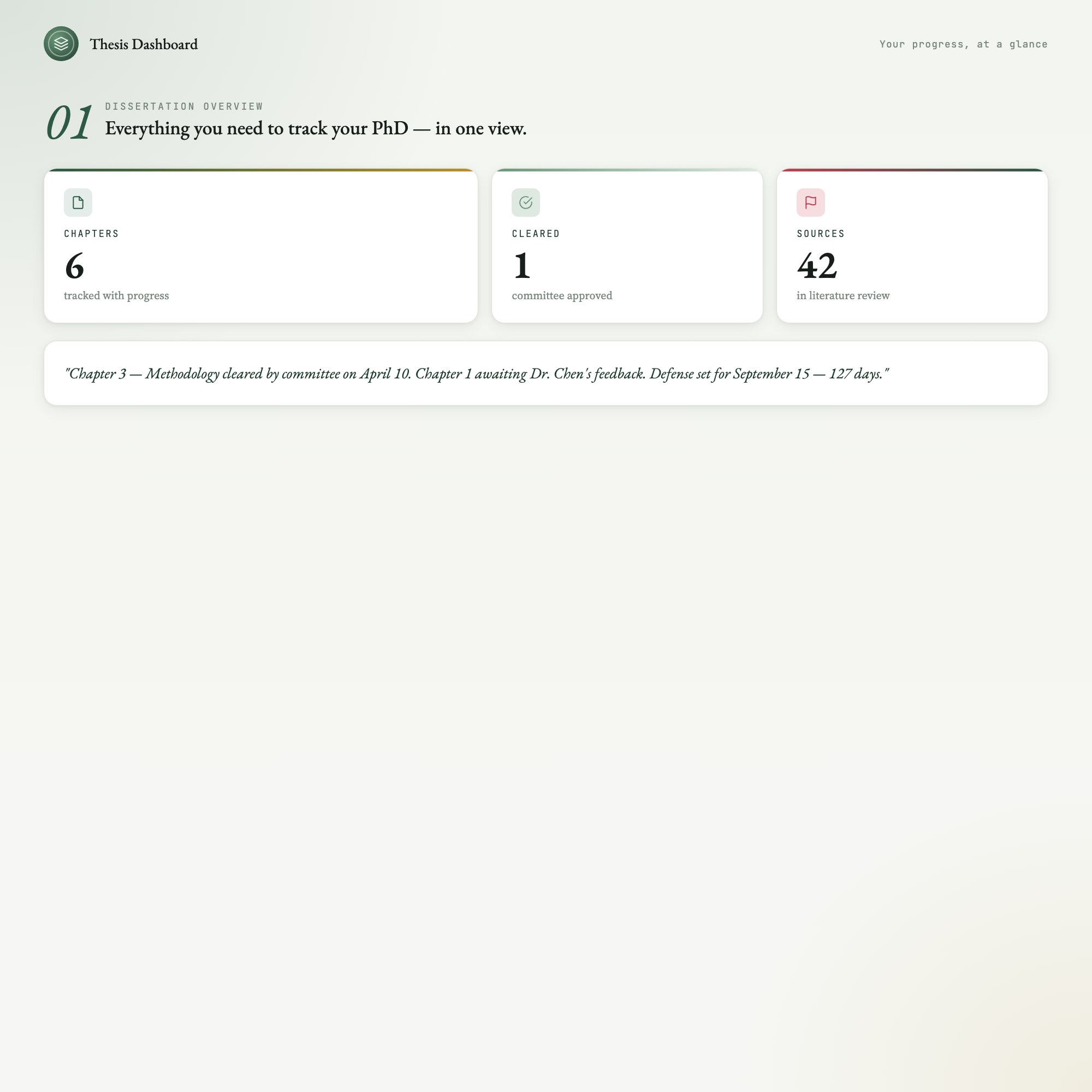
Built for PhD candidate / grad student managing 5-8 chapters with overlapping deadlines and committee feedback cycles. Your dissertation, finally under control. — a browser-native interactive dashboard that lives in a single HTML file, no installation required.
Track all 5-8 of your chapters, log advisor feedback chapter-by-chapter, and watch a live countdown tick toward your defense date. No more context-switching between Notion, Google Sheets, and sticky notes.
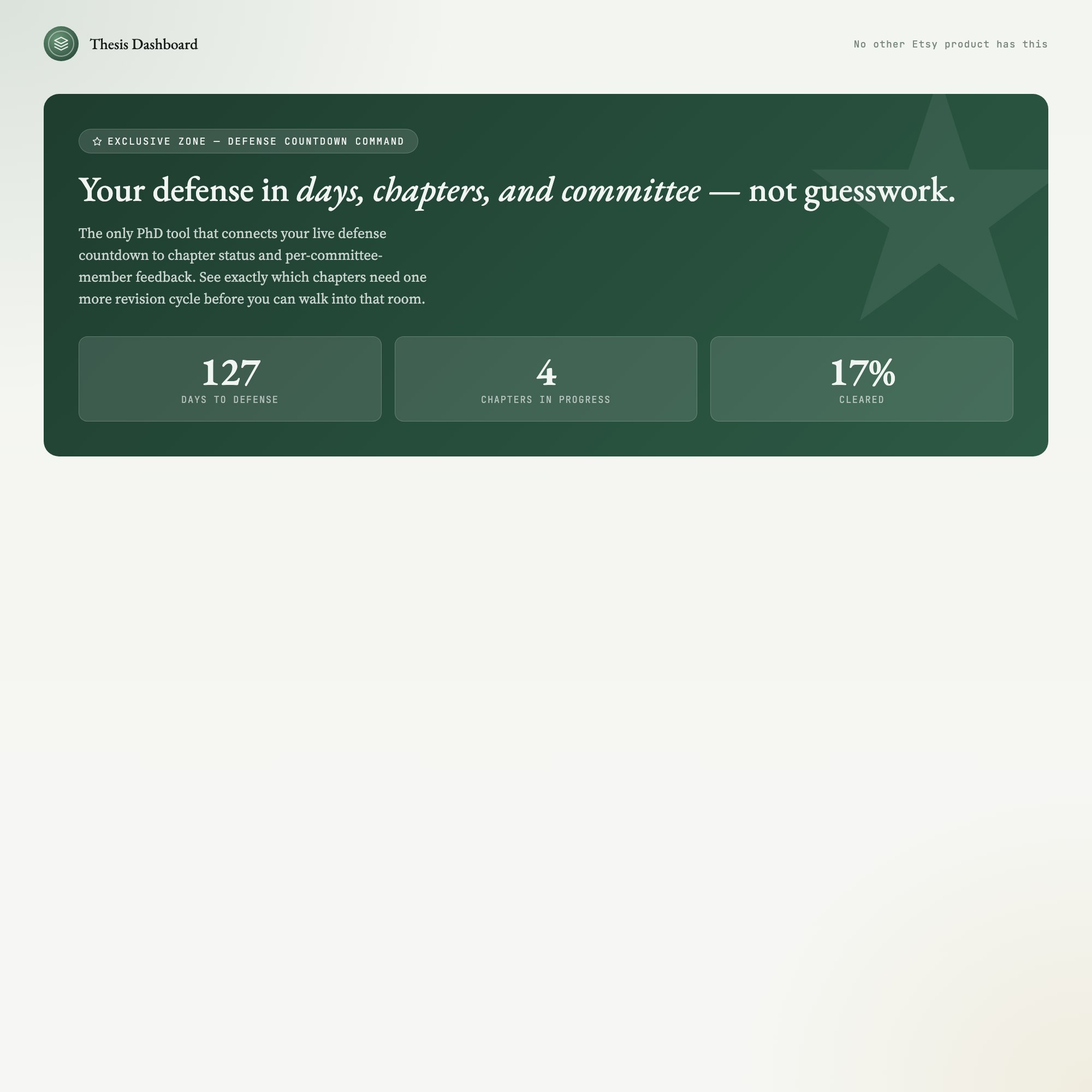
★ EXCLUSIVE ZONE — The Defense Countdown + Chapter Cascade no other Etsy product has:
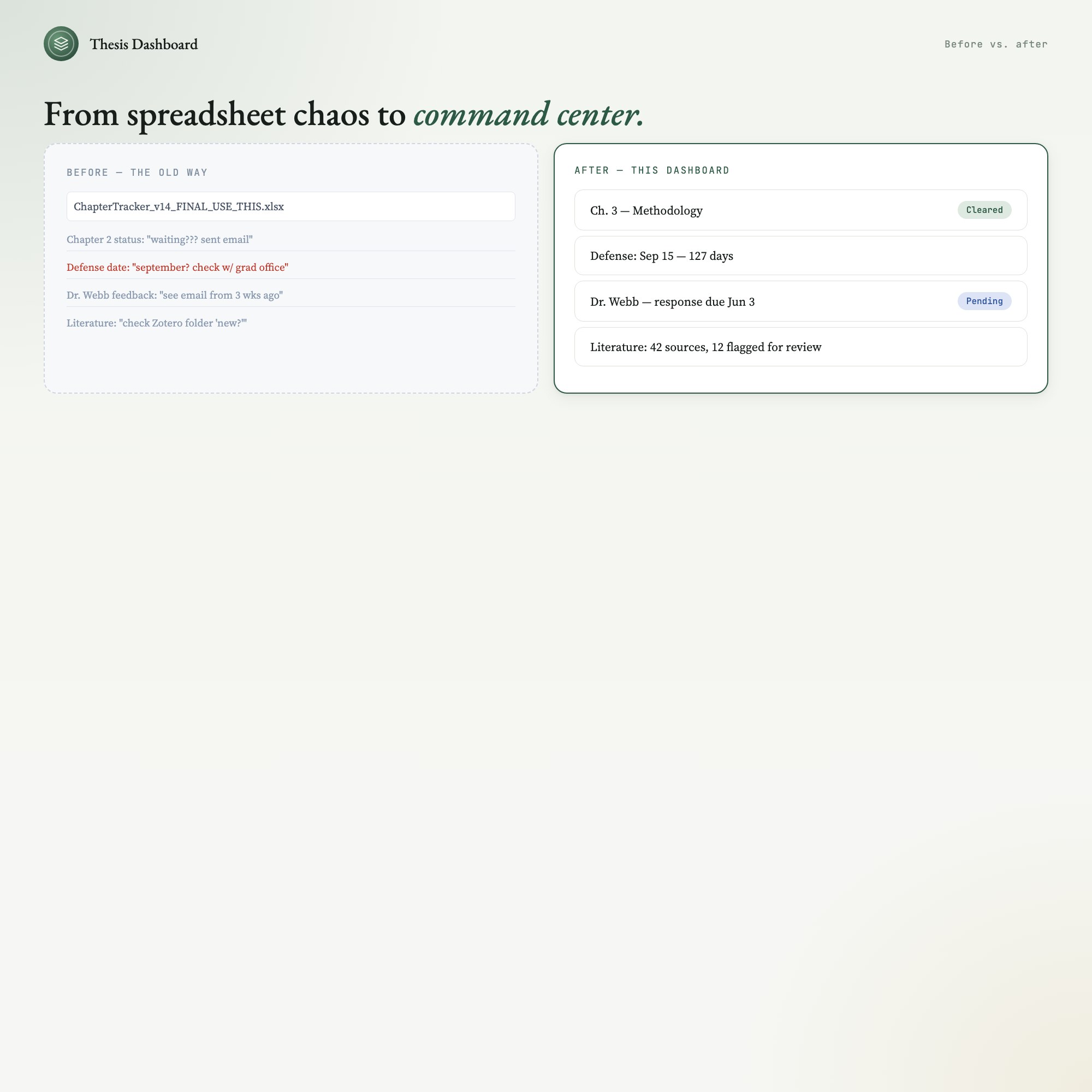
Your defense date lives at the center of everything. A visual chapter cascade shows exactly which chapters are waiting on feedback, which need revision, and which are cleared — all synced to your actual defense timeline. Pair it with the per-chapter advisor feedback tracker and spaced literature review schedule, and you have the only PhD productivity tool built around how thesis writing actually works: not in straight lines, but in overlapping cycles of draft, feedback, revise, and defend.
WHAT’S INSIDE (5 interactive tabs):
-
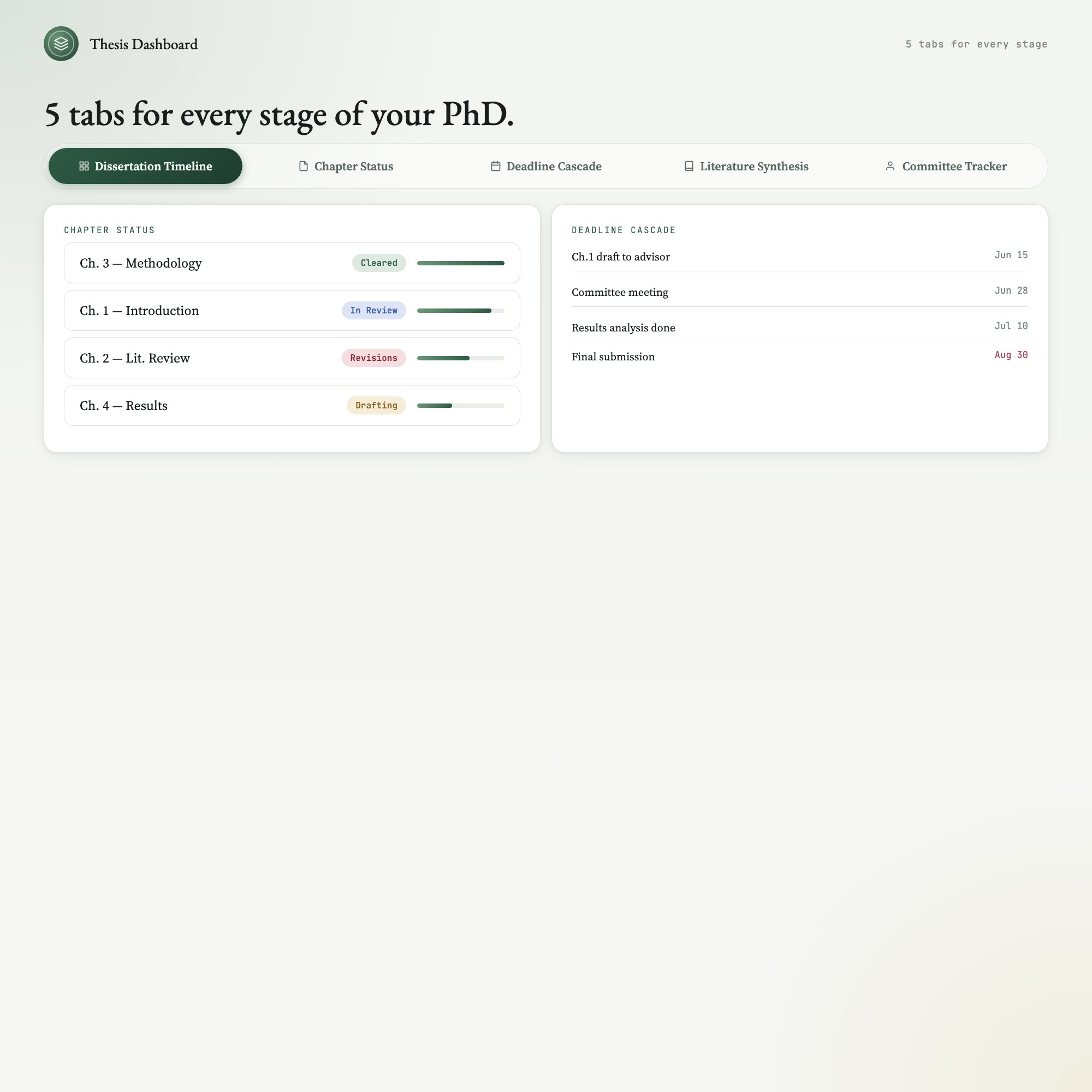
Dissertation Timeline — Your full PhD roadmap from proposal approval to final submission, with milestone markers and an auto-updating defense countdown.
-
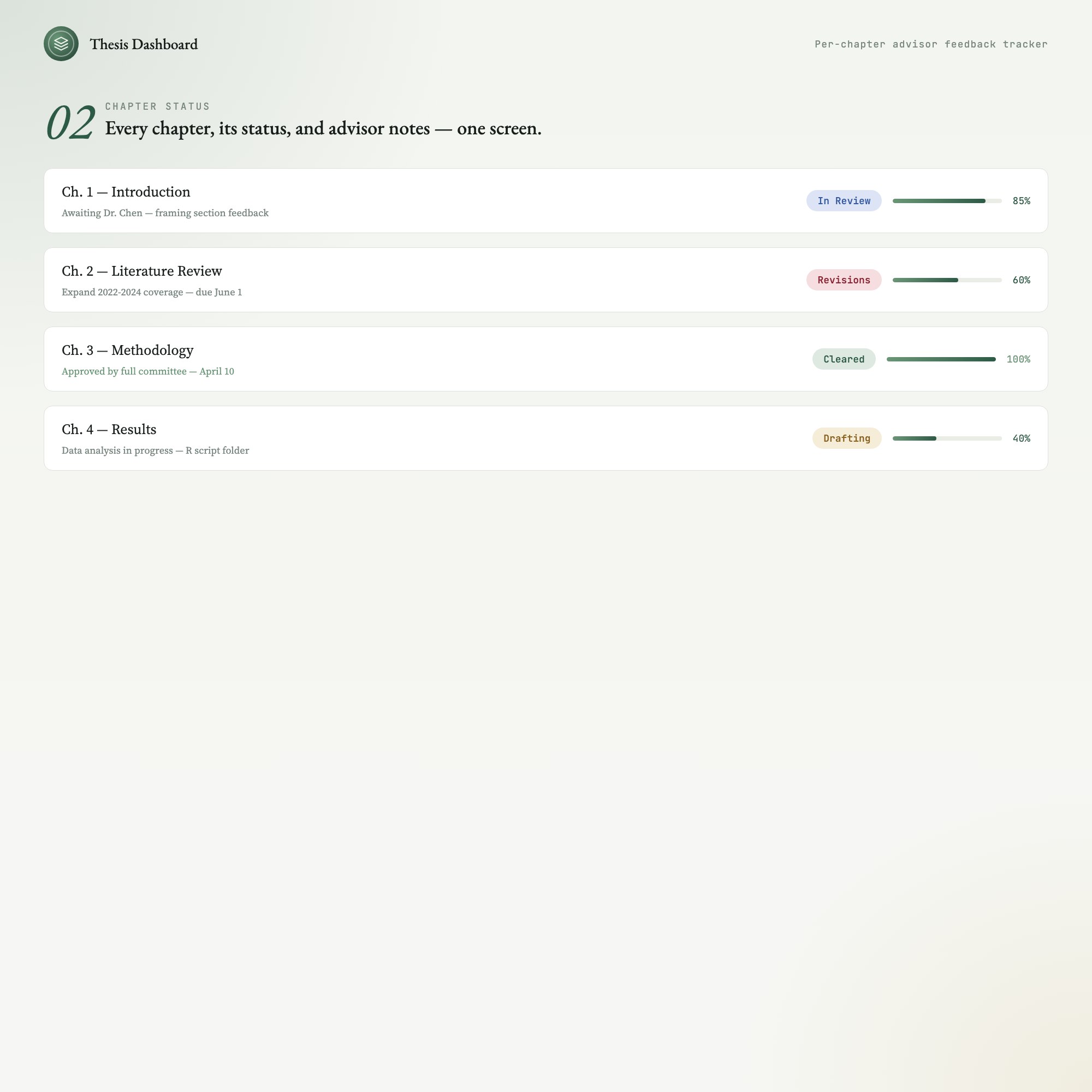
Chapter Status — All your chapters on one screen. Per-chapter progress bars, current status badge (Drafting / In Review / Revisions / Cleared), and advisor notes field.
-
Deadline Cascade — Visual timeline of every chapter deadline, committee meeting, and submission window, sorted by urgency so nothing slips.
-
Literature Synthesis — Spaced-review schedule for your literature sources, organized by chapter and flagged by review-due date. Built for the citation overwhelm that stalls every PhD student.
-
Committee Tracker — Log feedback from each committee member, track response-due dates, and mark revision status — so the next meeting prep takes minutes, not a week.
THIS IS FOR YOU IF:
-
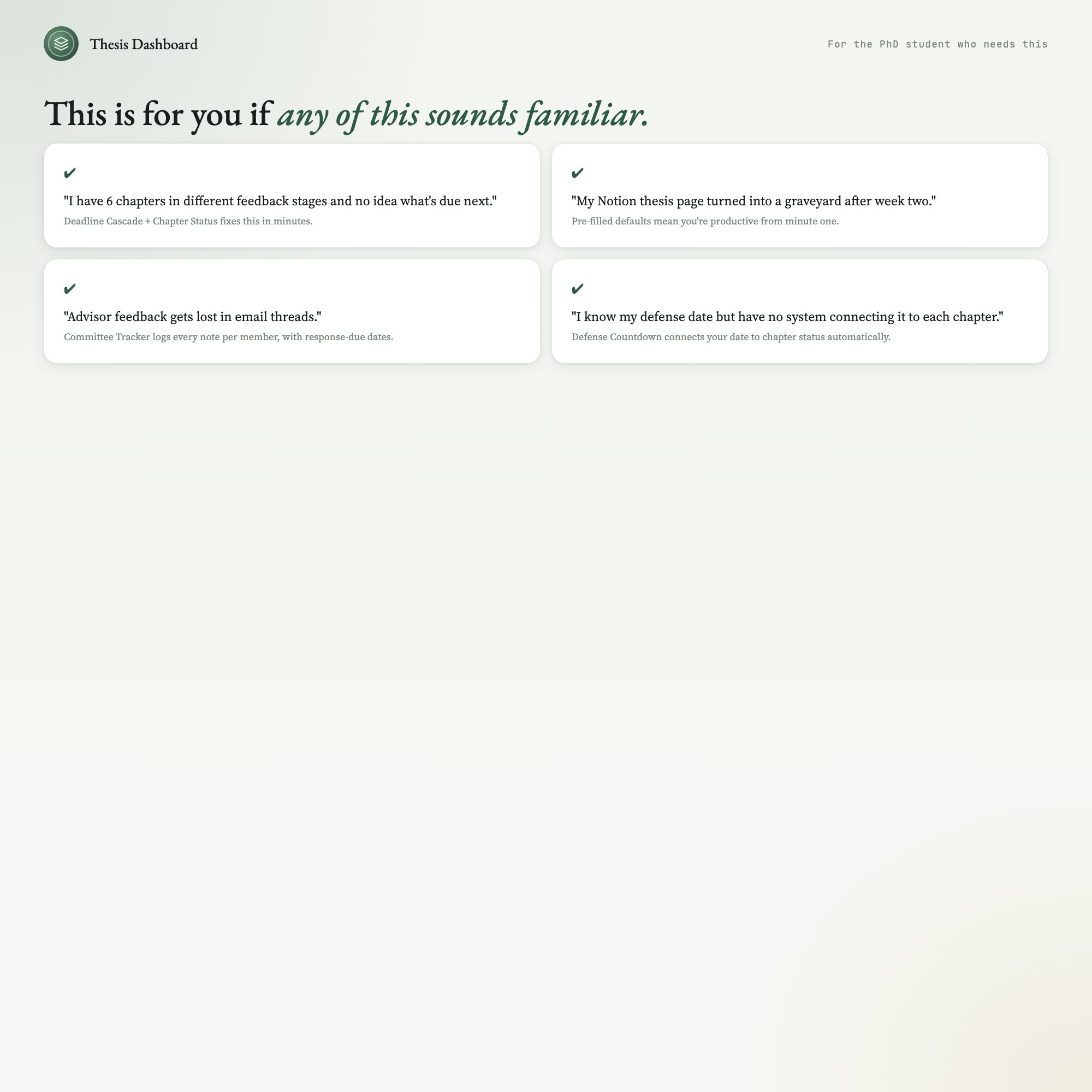
You have 5+ chapters with different advisors in different feedback stages at the same time
-
You miss deadlines because your timeline lives in three different places
-
Your “thesis planner” is a Notion page you gave up on after week two
-
Committee feedback gets lost in email threads and you forget which chapter it applies to
-
You know your defense date but have no system connecting that date to each chapter milestone
YOUR DATA IS SAFE:
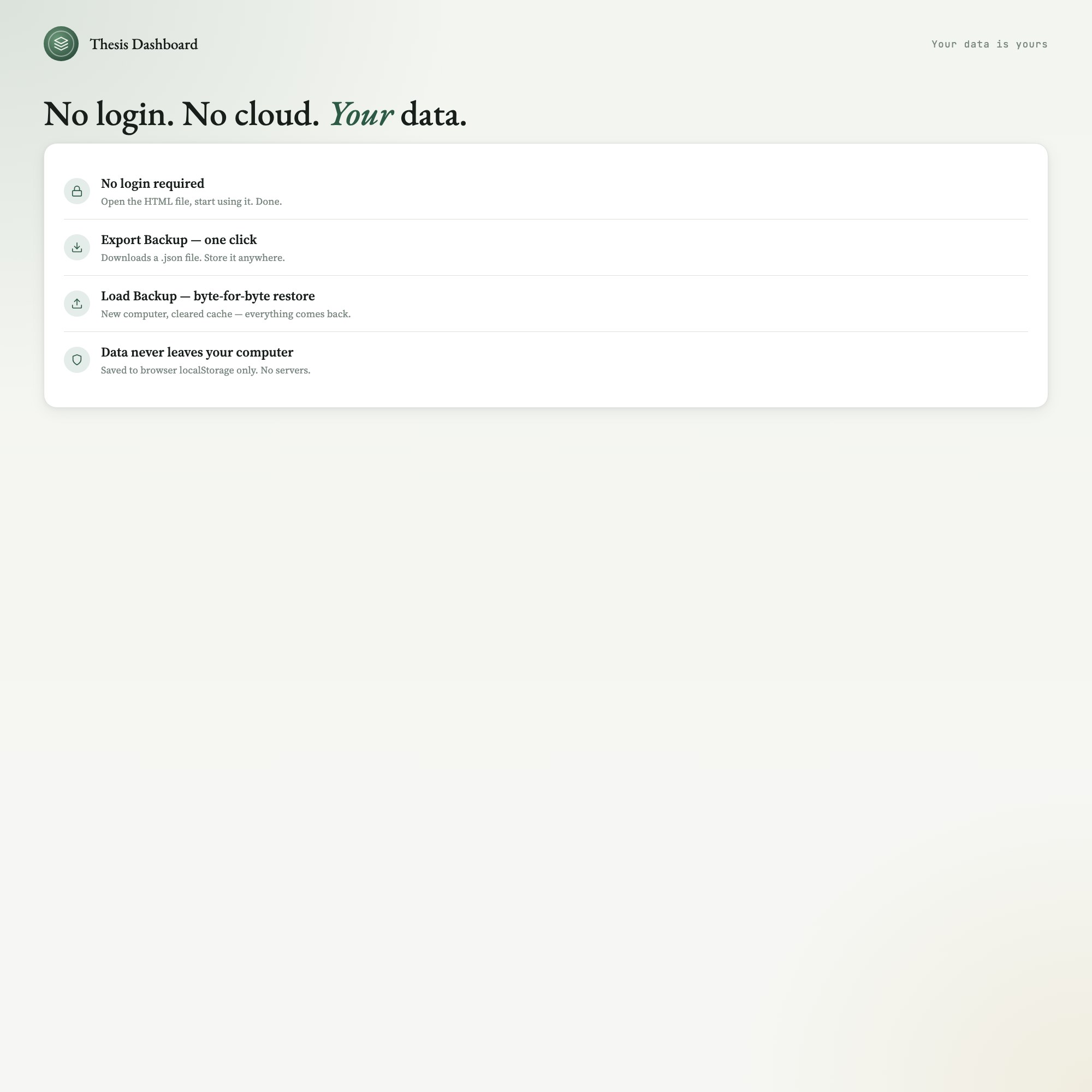
This runs entirely in your browser — Chrome, Safari, Firefox, or Edge on Mac or PC. No login. No internet required after download. No subscription. Your data is stored only on your own computer. Export Backup creates a single JSON file you can store anywhere; Load Backup restores everything byte-for-byte.
FILES INCLUDED:
-
dashboard.html (open in any browser, no install required)
-
HOW-TO-SAVE.txt (plain-English guide to saving, restoring, and sharing)
Your chapter log, your defense countdown, your advisor notes — all yours, offline, forever.
If you use Notion for your thesis, this will replace three databases and a calendar. Or run them side-by-side; this dashboard exports a clean JSON you can paste anywhere.
5 Tabs included
- ◈
[object Object]
Full PhD roadmap from proposal to defense, with milestone tracker and auto-updating defense countdown
- ≡
[object Object]
Per-chapter progress bars, status badges, and advisor notes for all 5-8 chapters at once
- ⊞
[object Object]
All chapter deadlines and committee meetings sorted by urgency with overdue and upcoming views
- ◉
[object Object]
Spaced-review schedule for literature sources, grouped by chapter with review-due dates
- ★
[object Object]
Per-committee-member feedback log with response-due dates and revision status
Exclusive Feature
Defense Countdown Command — connects live defense countdown to chapter status and committee feedback; shows exactly which chapters need revision before defense
This is built into the fifth tab and is unavailable in any static template, spreadsheet, or Notion template on the market.
Gallery

Frequently asked questions
- Does it work offline?
- Yes — completely. The dashboard is a single HTML file. Once downloaded, it runs entirely in your browser with no internet connection needed. All data autosaves to your browser's localStorage.
- Which devices and browsers are supported?
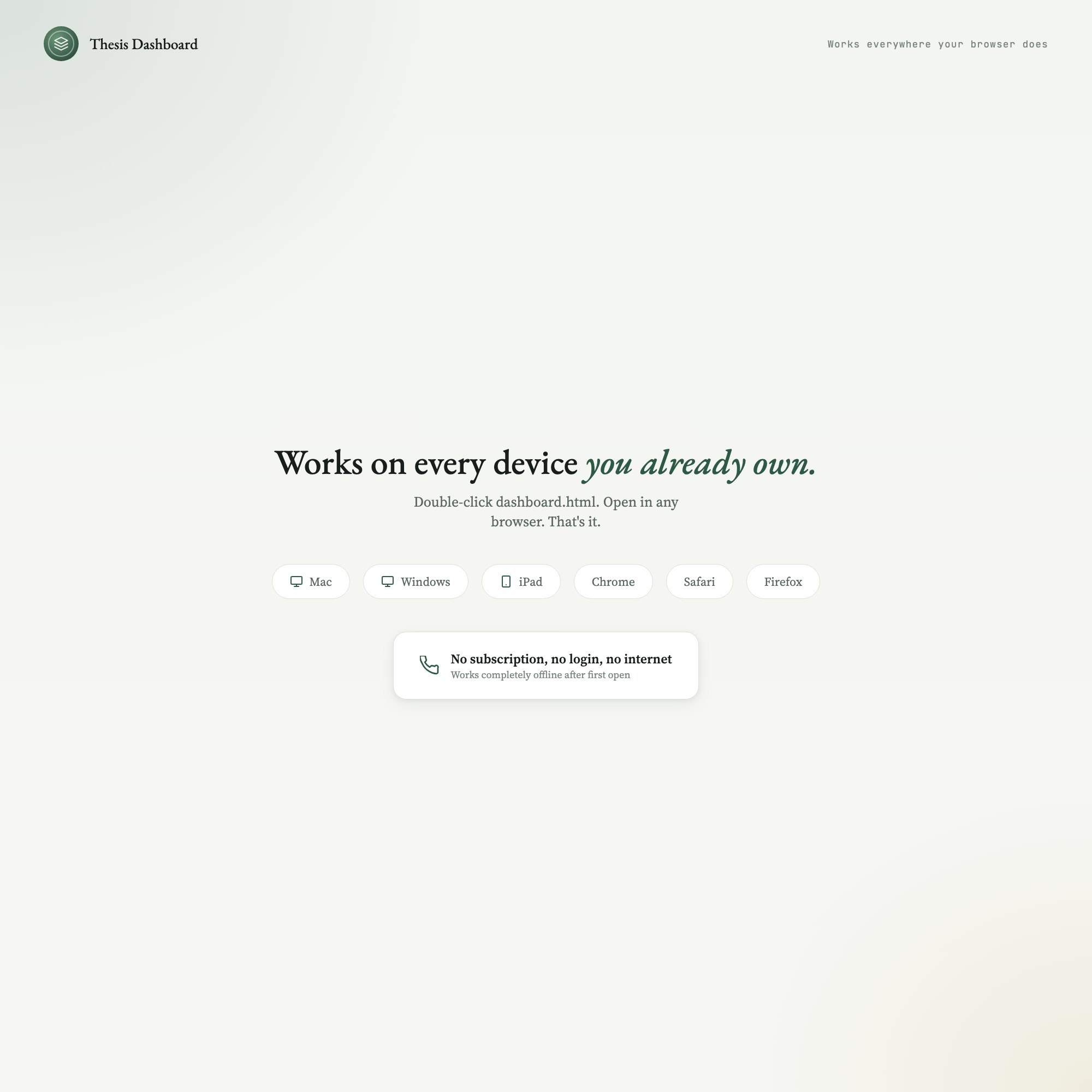
- Works in Chrome, Edge, Safari, and Firefox on macOS, Windows, iPad, and Chromebook. No app to install, no account to create. Just open the file.
- What is your refund policy?
- Digital downloads are generally non-refundable, but if you encounter a technical issue Etsy's buyer protection has you covered. Reach out through the Etsy message system and any problem will be resolved.
- How do I install it?
- There is nothing to install. After purchase, download the HTML file. Double-click to open in your browser. That's it. A HOW-TO-SAVE.txt is included explaining how to back up and restore your data.
- Is my data private?
- Completely. Everything runs locally — no login, no analytics, no data sent to any server. Your data is stored only in your browser's localStorage. You own it entirely.
You might also like
One-time purchase
Get it on Etsy for $19
Instant download. Open in any browser. Yours forever.
Get it on Etsy →