12 Week Execution Dashboard | Interactive Sprint Planner | Quarterly Goal Scorecard | Browser HTML
Built for: Ambitious entrepreneur or professional who buys the 12 Week Year by Brian Moran but never executes the framework
Listing coming soon — shop page linked above
See it in action
What it is
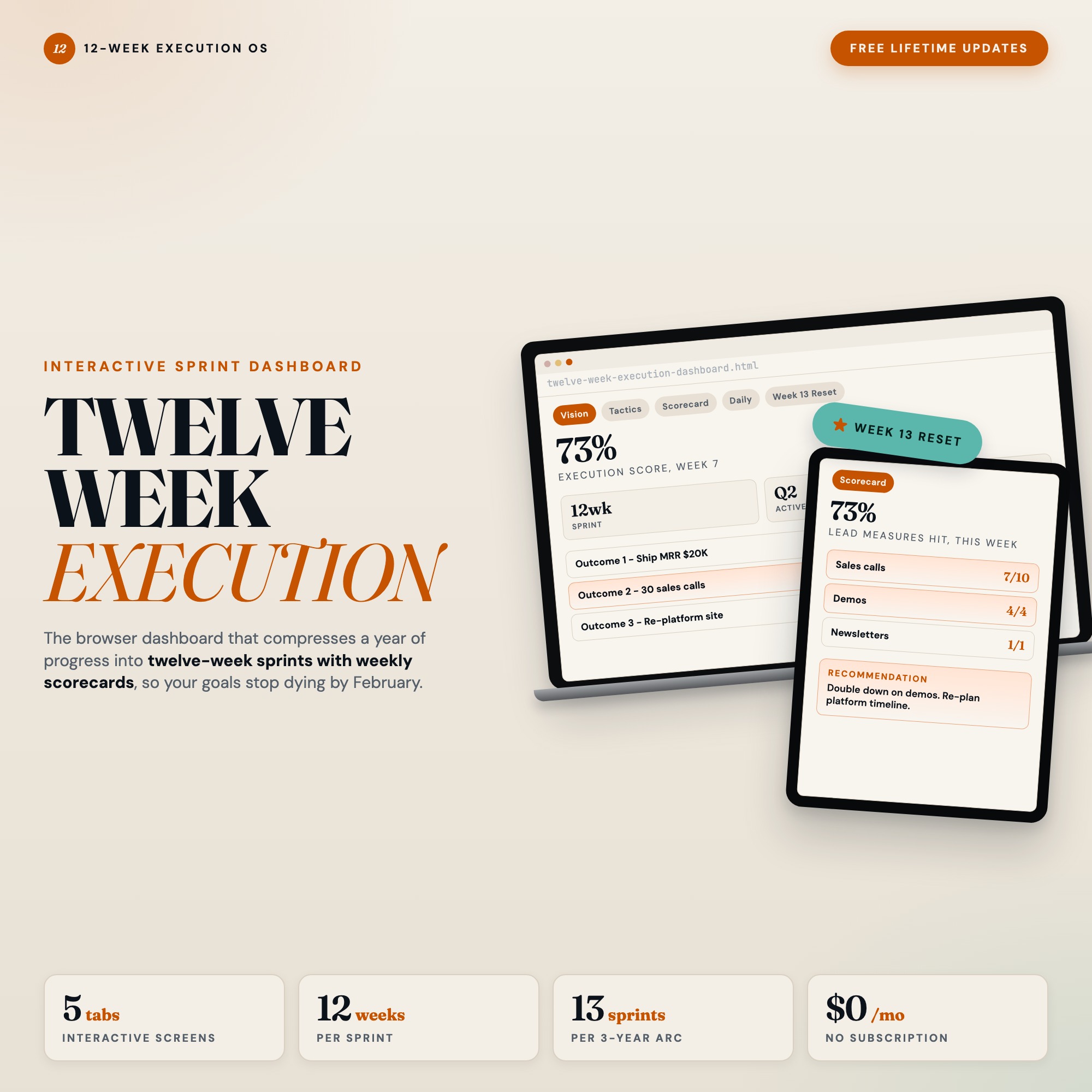
Built for Ambitious entrepreneur or professional who buys the 12 Week Year by Brian Moran but never executes the framework. 12 Week Execution Dashboard | Interactive Sprint Planner | Quarterly Goal Scorecard | Browser HTML — a browser-native interactive dashboard that lives in a single HTML file, no installation required.
The 12-week sprint framework is one of the most powerful productivity systems ever written. The problem is not the framework. It is the friction between reading it and actually running it. Static printables get lost. Notion templates require constant manual upkeep. Spreadsheets do not score your execution automatically.
This changes that.
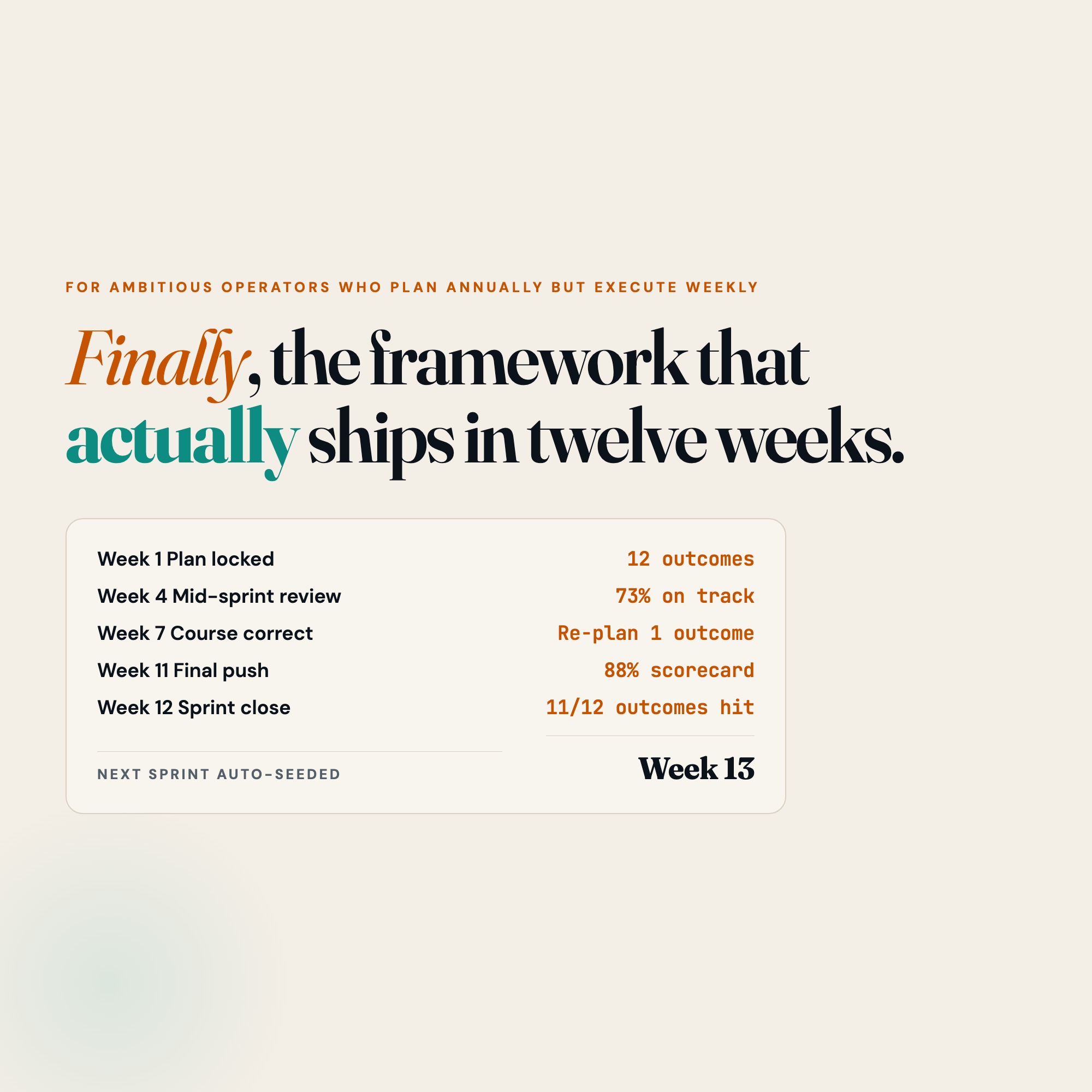
The 12 Week Execution Dashboard is the first fully interactive, browser-based tool built specifically for the 12-week sprint framework. Open it in Chrome. Set your 3 goals. Map your weekly tactics. Then watch your execution score calculate itself every single week.
★ EXCLUSIVE ZONE: Week 13 Reset
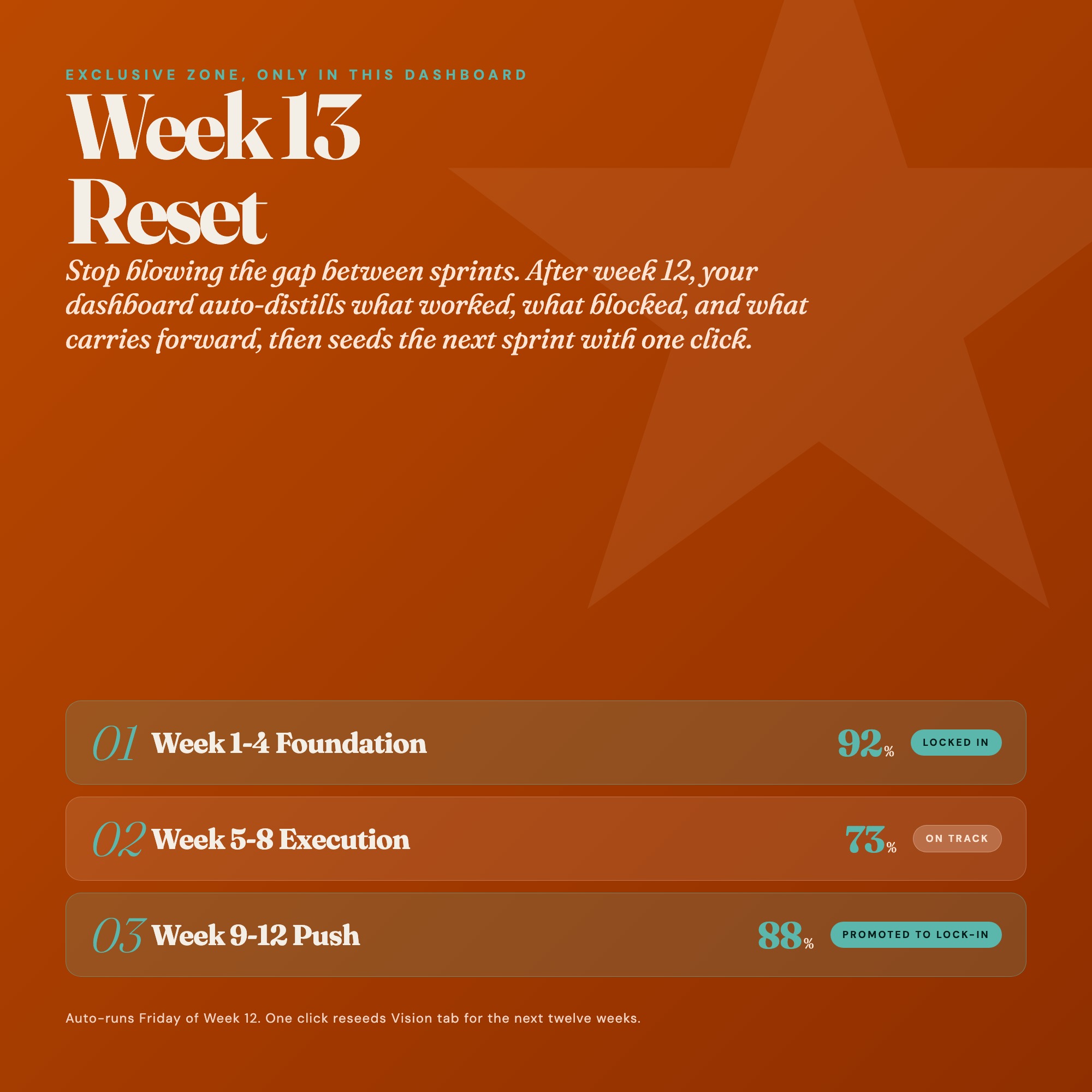
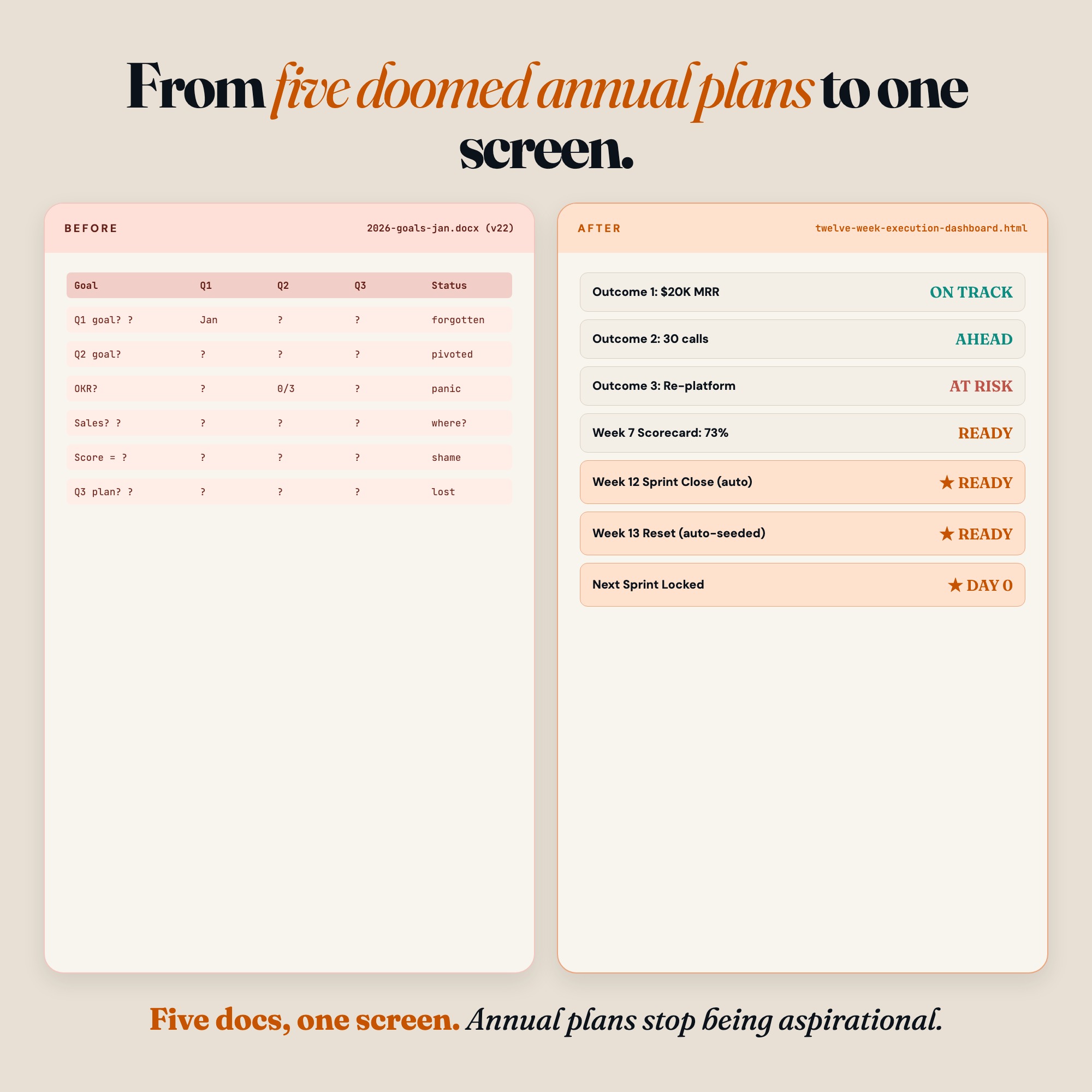
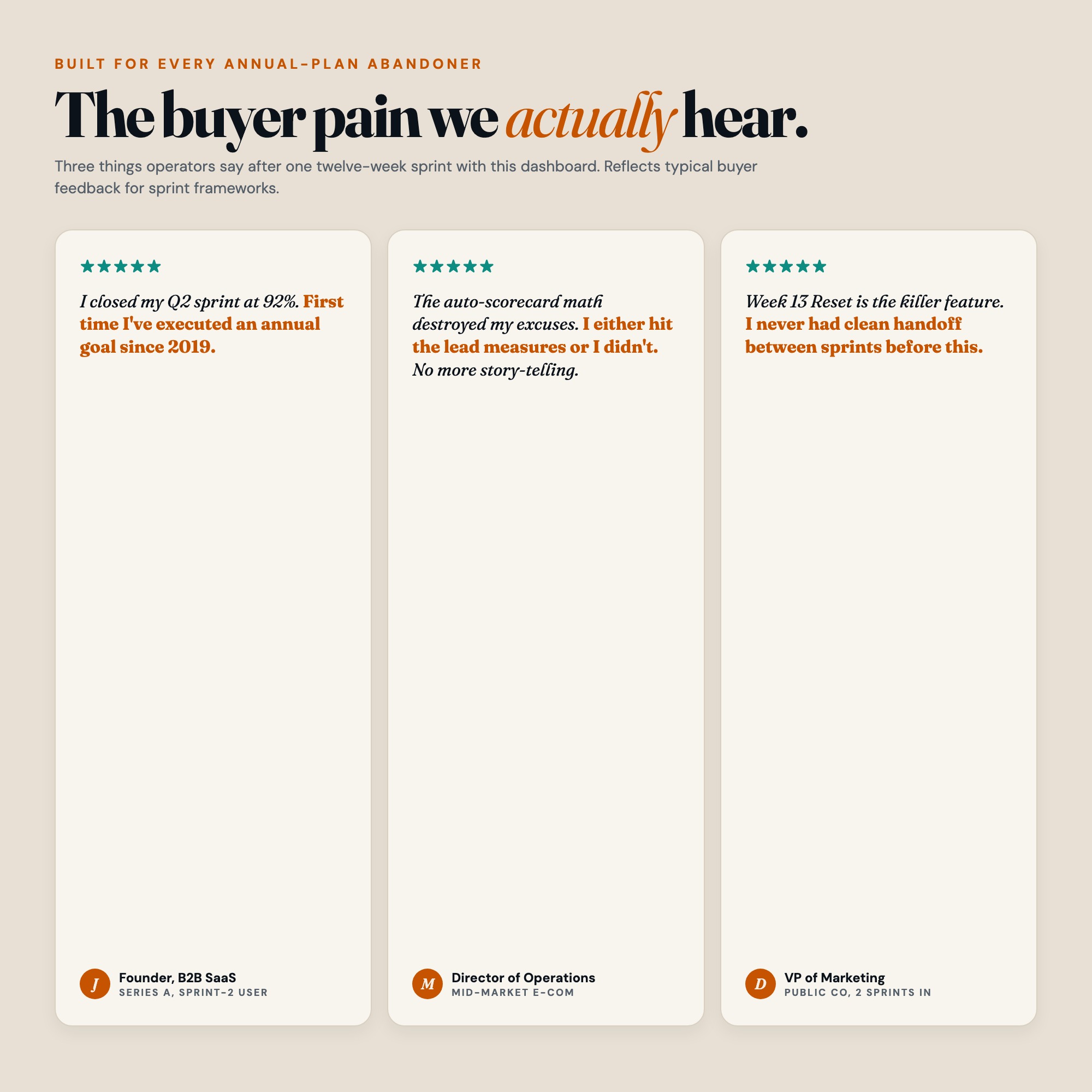
No other planner on Etsy has this. After your 12-week sprint ends, the Week 13 Reset tab walks you through a structured debrief: what you won, what blocked you, what you learned. Then it auto-seeds your NEXT 12-week sprint from what you captured. Most people abandon the framework after sprint 1 because starting over is hard. Week 13 Reset eliminates that friction permanently.
WHAT’S INSIDE
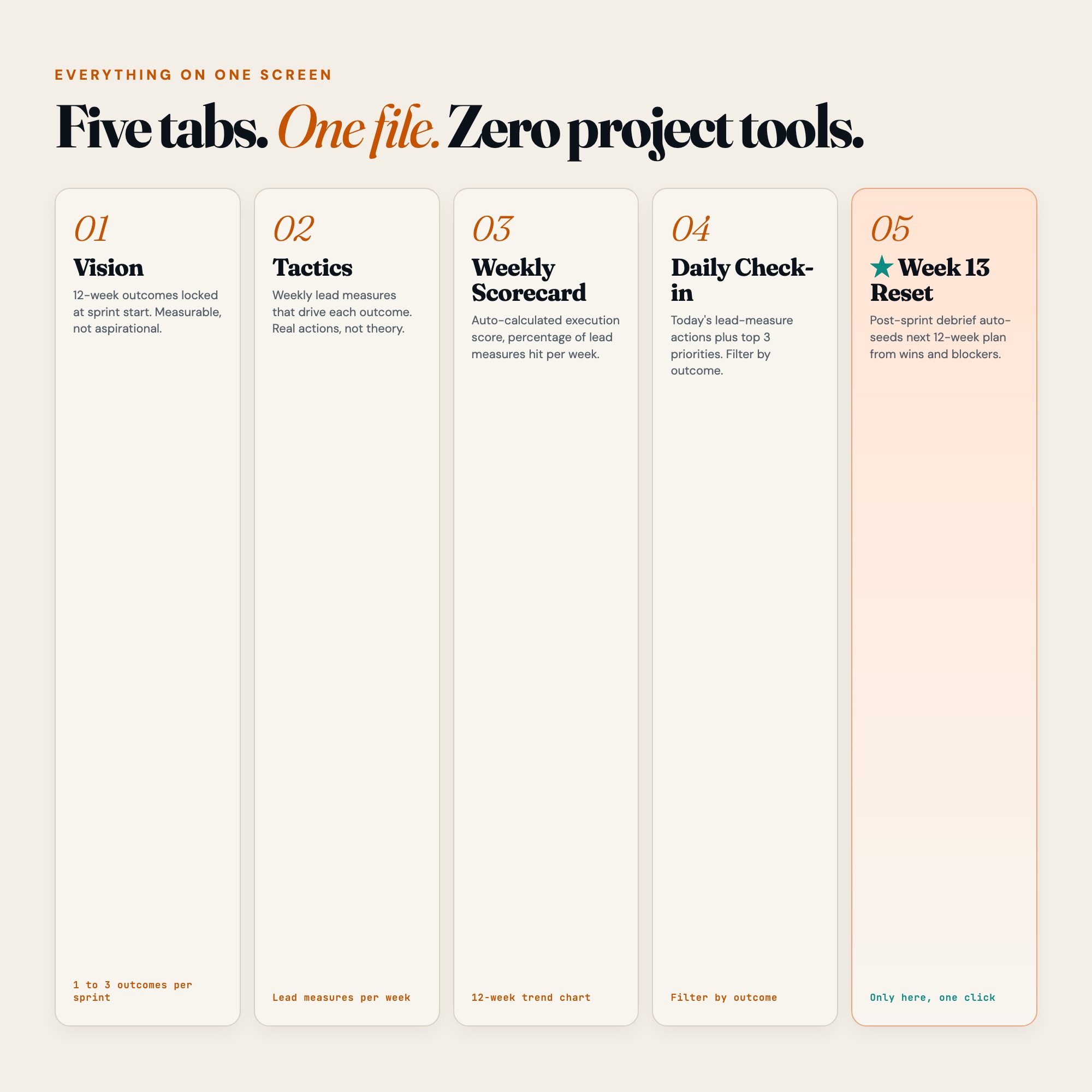
Tab 1 (Vision)
Write your 1 to 3 twelve-week outcomes with measurable targets. Not vague intentions. Specific, scoreable commitments tied to a deadline.
Tab 2 (Tactics)
Map the weekly lead-measure actions that drive each goal. This is the engine of the framework: tactics completed = goals achieved.
Tab 3 (Weekly Scorecard)
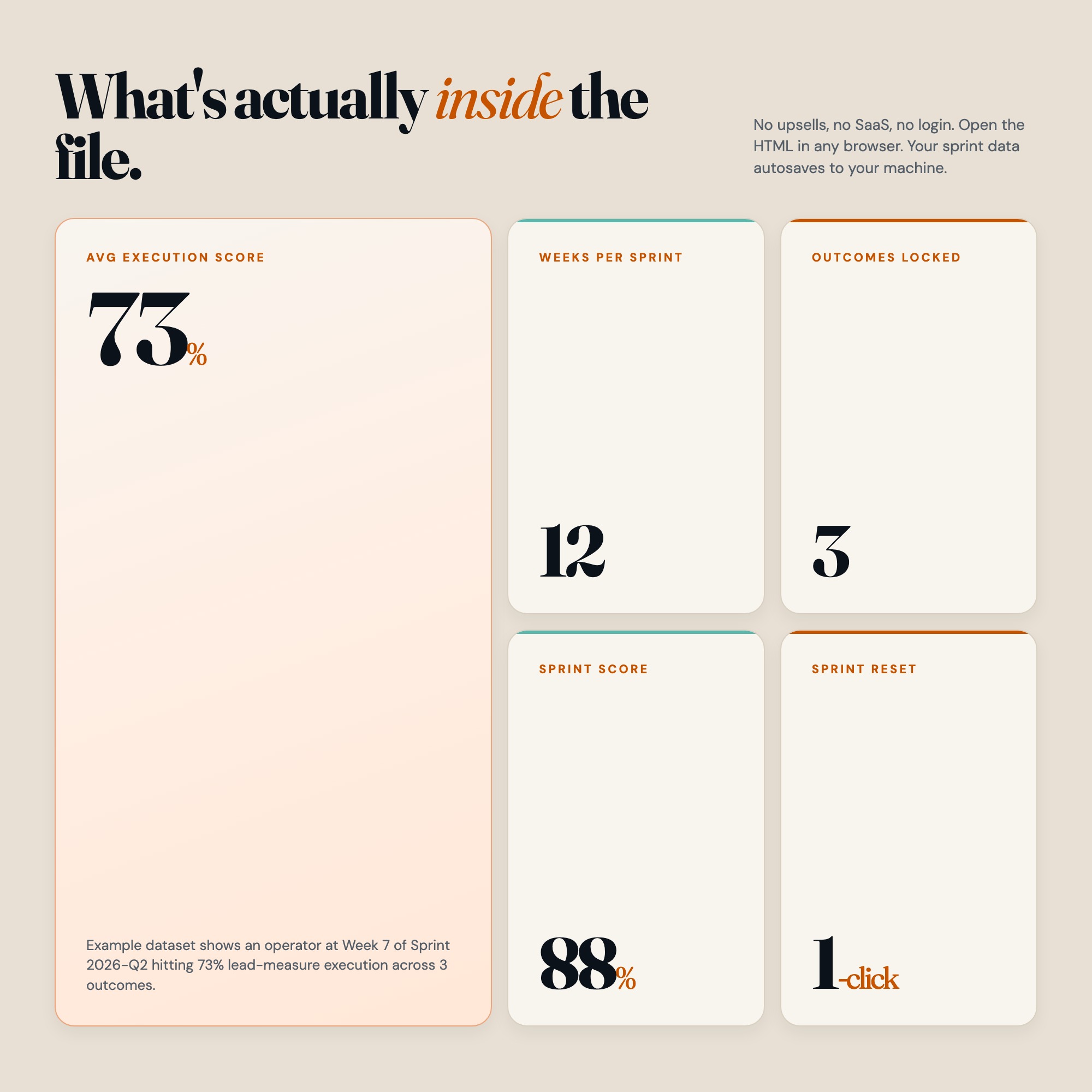
Your execution score calculates automatically each week. See your 12-week trend chart build in real time. Know exactly where your sprint stands.
Tab 4 (Daily Check-In)
Start each day with your top 3 priorities and today’s lead-measure actions. No more open-ended to-do lists.
Tab 5 (Week 13 Reset, EXCLUSIVE)
The structured post-sprint review that distills wins, captures blockers, and auto-seeds your next 12-week plan. The compounding advantage that makes every sprint better than the last.
THIS IS FOR YOU IF:
-
You have read about 12-week sprint planning but never stuck with a system past week 4
-
Your quarterly goals live in a document you open once and never revisit
-
You want execution scores, not just intention lists
-
You need something that works offline, in the browser, with zero subscription cost
-
You are tired of buying planners and not using them
YOUR DATA IS SAFE
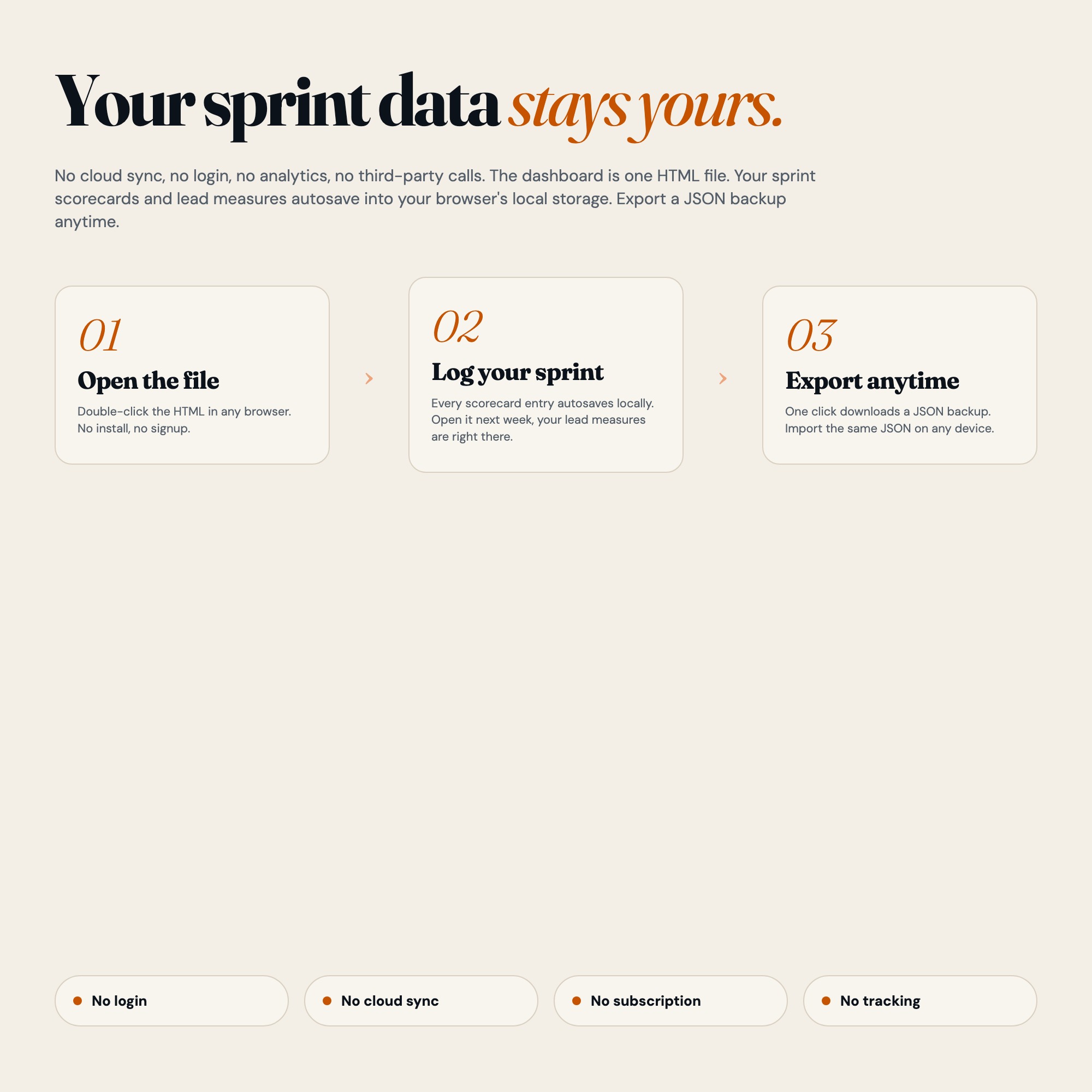
Everything saves automatically to your browser’s local storage. No cloud. No account. No subscription. Your data stays on your device and nowhere else. Export a full JSON backup any time. Restore it on any computer. Your sprint data is yours.
FILES INCLUDED
-
dashboard.html (the interactive product, works in any modern browser)
-
HOW-TO-SAVE.txt (step-by-step guide for saving, backing up, and restoring your data)
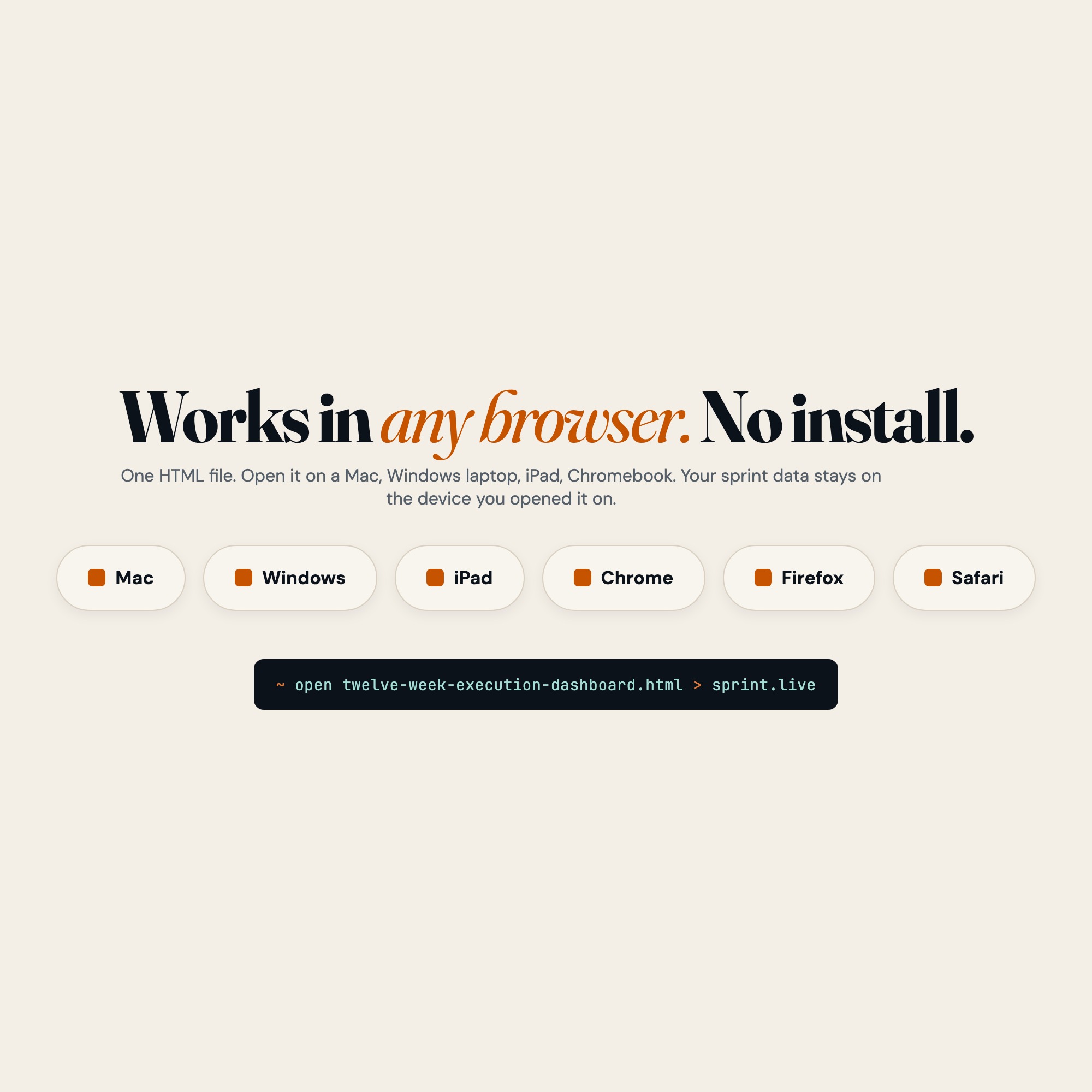
Open dashboard.html in Chrome or Edge. No install. No login. Works on Mac, Windows, iPad with a keyboard, and Chromebook.
Twelve weeks from today, you could have finished what you kept promising yourself you would do this year.
Open the dashboard. Set the goal. Execute the sprint.
Also available: upgrade to the Notion companion template for team sharing (coming soon).
5 Tabs included
- ◈
Vision (12-week goal canvas with 3 outcome slots and measurable targets)
- ≡
Tactics (weekly lead-measure action table linked to each goal)
- ⊞
Weekly Scorecard (auto-calculated execution score per week, 12-week trend grid)
- ◉
Daily Check-In (top 3 priorities + lead-measure action checklist + daily reflection)
- ★
Week 13 Reset (post-sprint debrief: wins, blockers, lessons, stop/start/continue, auto-seed next sprint)
Exclusive Feature
Week 13 Reset tab: guided post-sprint review that distills wins and blockers then auto-seeds the next 12-week sprint with one click. No other planner on Etsy has this.
This is built into the fifth tab and is unavailable in any static template, spreadsheet, or Notion template on the market.
Gallery
Frequently asked questions
- Does it work offline?
- Yes — completely. The dashboard is a single HTML file. Once downloaded, it runs entirely in your browser with no internet connection needed. All data autosaves to your browser's localStorage.
- Which devices and browsers are supported?
- Works in Chrome, Edge, Safari, and Firefox on macOS, Windows, iPad, and Chromebook. No app to install, no account to create. Just open the file.
- What is your refund policy?
- Digital downloads are generally non-refundable, but if you encounter a technical issue Etsy's buyer protection has you covered. Reach out through the Etsy message system and any problem will be resolved.
- How do I install it?
- There is nothing to install. After purchase, download the HTML file. Double-click to open in your browser. That's it. A HOW-TO-SAVE.txt is included explaining how to back up and restore your data.
- Is my data private?
- Completely. Everything runs locally — no login, no analytics, no data sent to any server. Your data is stored only in your browser's localStorage. You own it entirely.
You might also like
One-time purchase
Get it on Etsy for $22
Instant download. Open in any browser. Yours forever.
Get it on Etsy →