Foster Care Command Center: Interactive Dashboard
Built for: Foster parent tracking 6+ children's records across CPS caseworkers, juvenile court, therapy, school, and medical providers
Listing coming soon — shop page linked above
See it in action
What it is
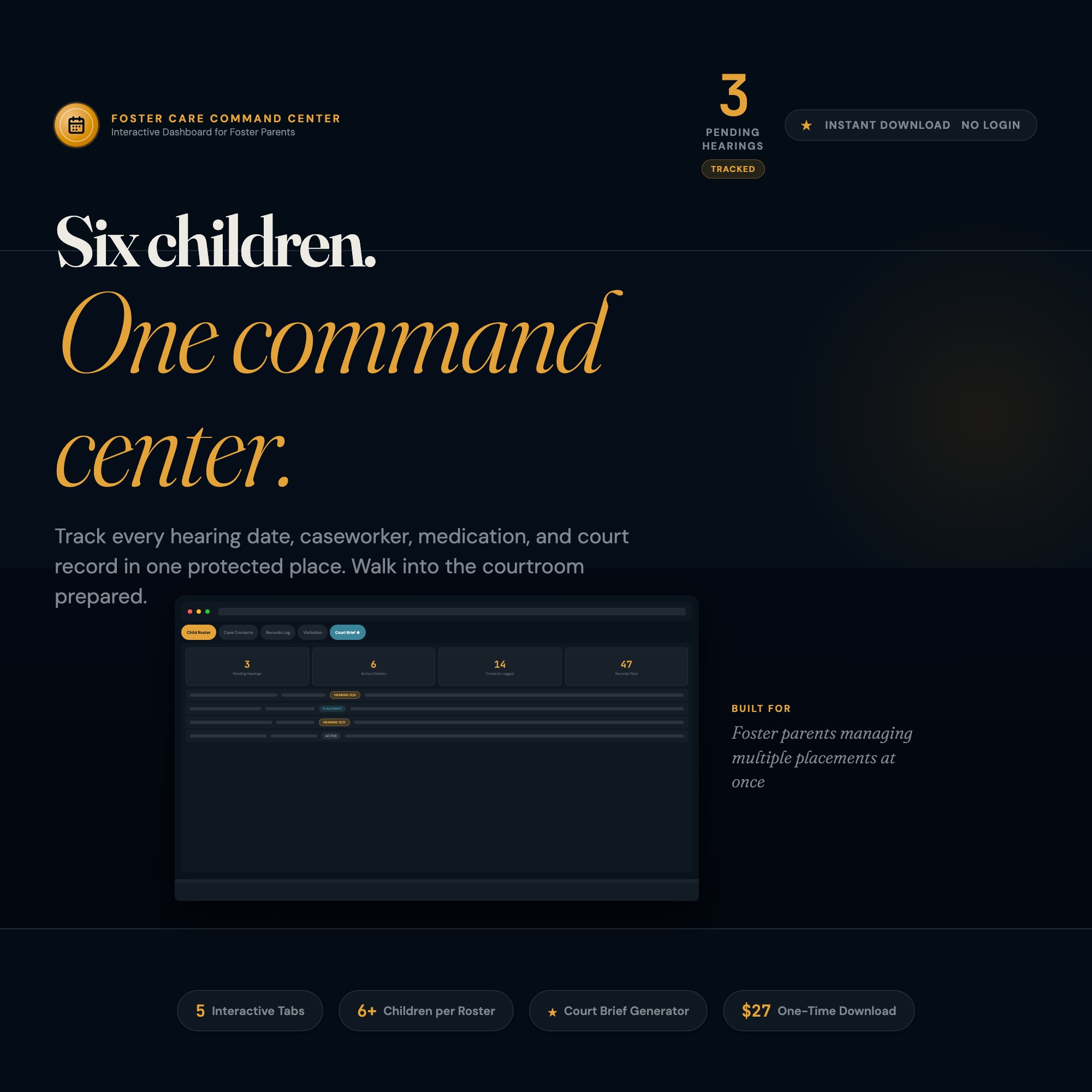
Built for Foster parent tracking 6+ children’s records across CPS caseworkers, juvenile court, therapy, school, and medical providers. Foster Care Command Center: Interactive Dashboard — a browser-native interactive dashboard that lives in a single HTML file, no installation required.
Stop walking into juvenile court with sticky notes in a 3-ring binder. This is the only foster care tool that reads your child’s own records and generates a hearing-ready 2-page brief you can print and hand to your attorney. One file, five children, no subscription, no data leaving your device.
Foster Care Command Center is an interactive browser dashboard for foster parents managing 1-8 children across multiple CPS caseworkers, court hearings, therapy providers, school placements, and medical appointments. Open it in Chrome, bookmark it, and run every child’s case from one organized screen with zero subscriptions and zero data leaving your device.
YOUR DATA IS SAFE
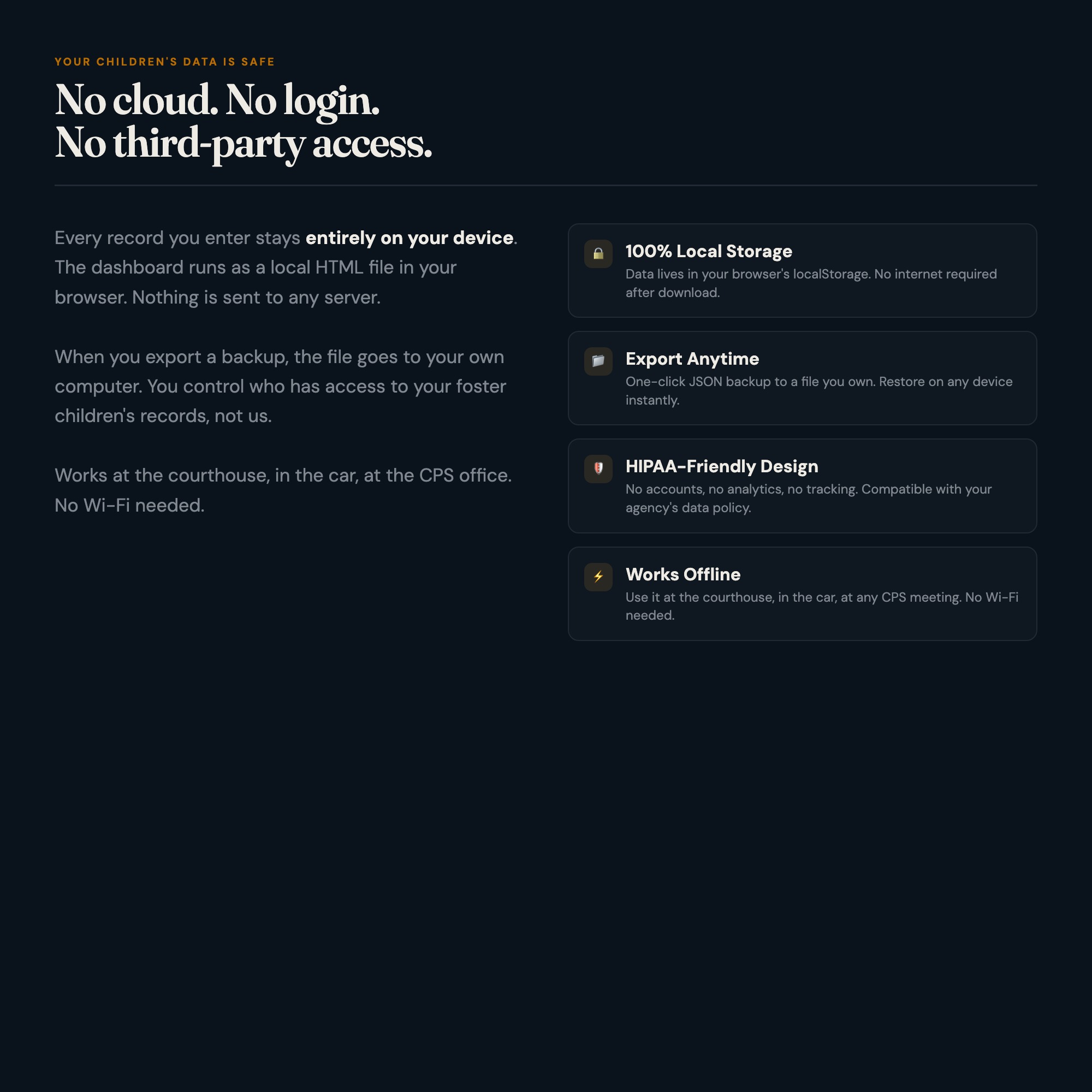
Everything you enter is stored only in your browser using localStorage. Nothing is sent to any server. No account. No cloud. No subscription. Export a JSON backup any time. Restore from backup on any device. Your children’s private records stay private.
★ EXCLUSIVE ZONE: The Only Foster Care Tool That Generates Your Court Brief For You
No other product on Etsy does this.
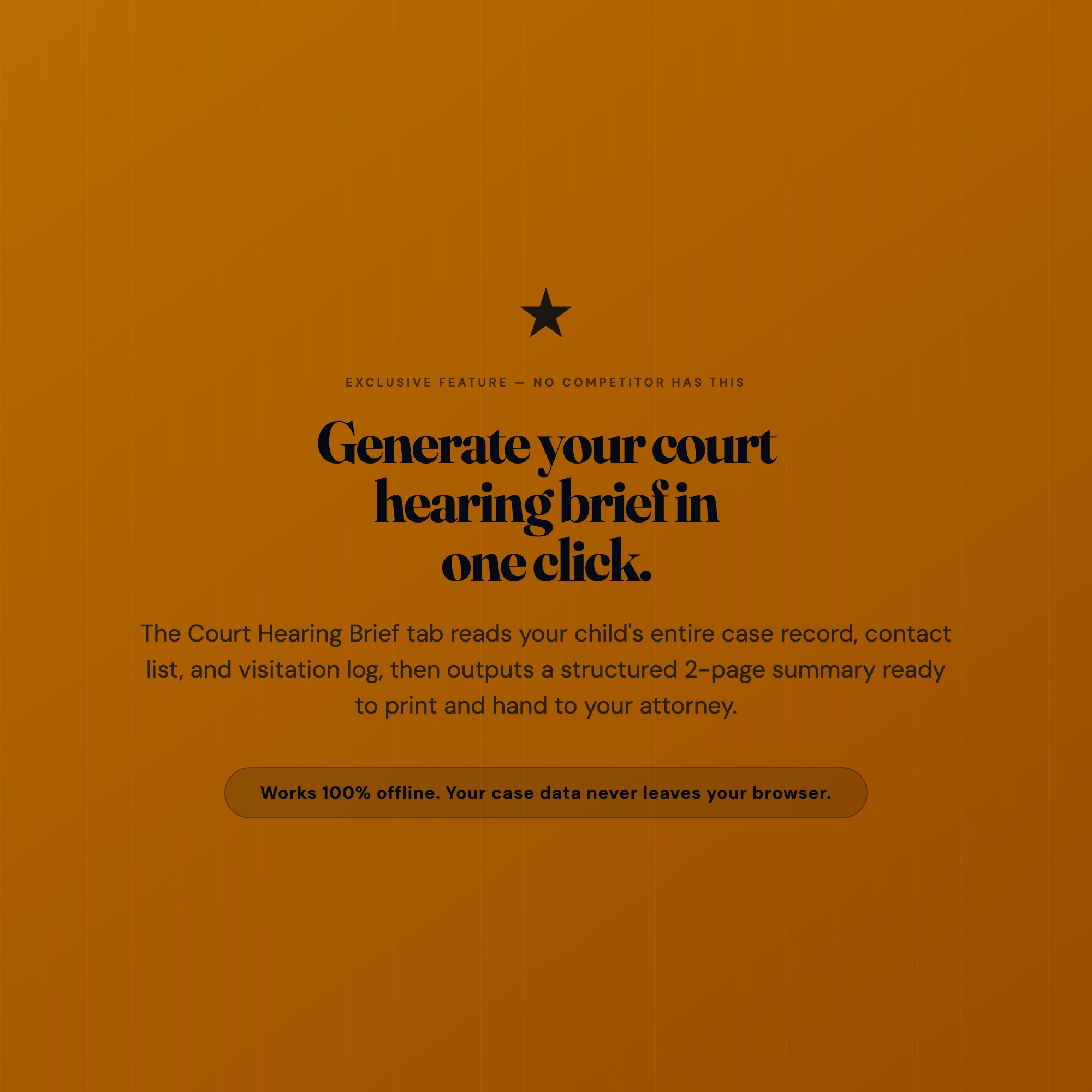
Court Hearing Prep Brief Generator: Select a child and a hearing date. The generator reads that child’s active CPS contacts, recent medical events, current school placement, therapy provider notes, and visitation log directly from your saved data. It produces a formatted 2-page brief: who the players are, what has changed since the last hearing, what the foster parent is requesting, and a chronological event summary. Print it. Bring it. Hand it to your attorney.
This is not a template you fill in. It is a generator that reads your own records and outputs a document tailored to the specific child and the specific hearing. No static PDF can do this. No competitor ships this.
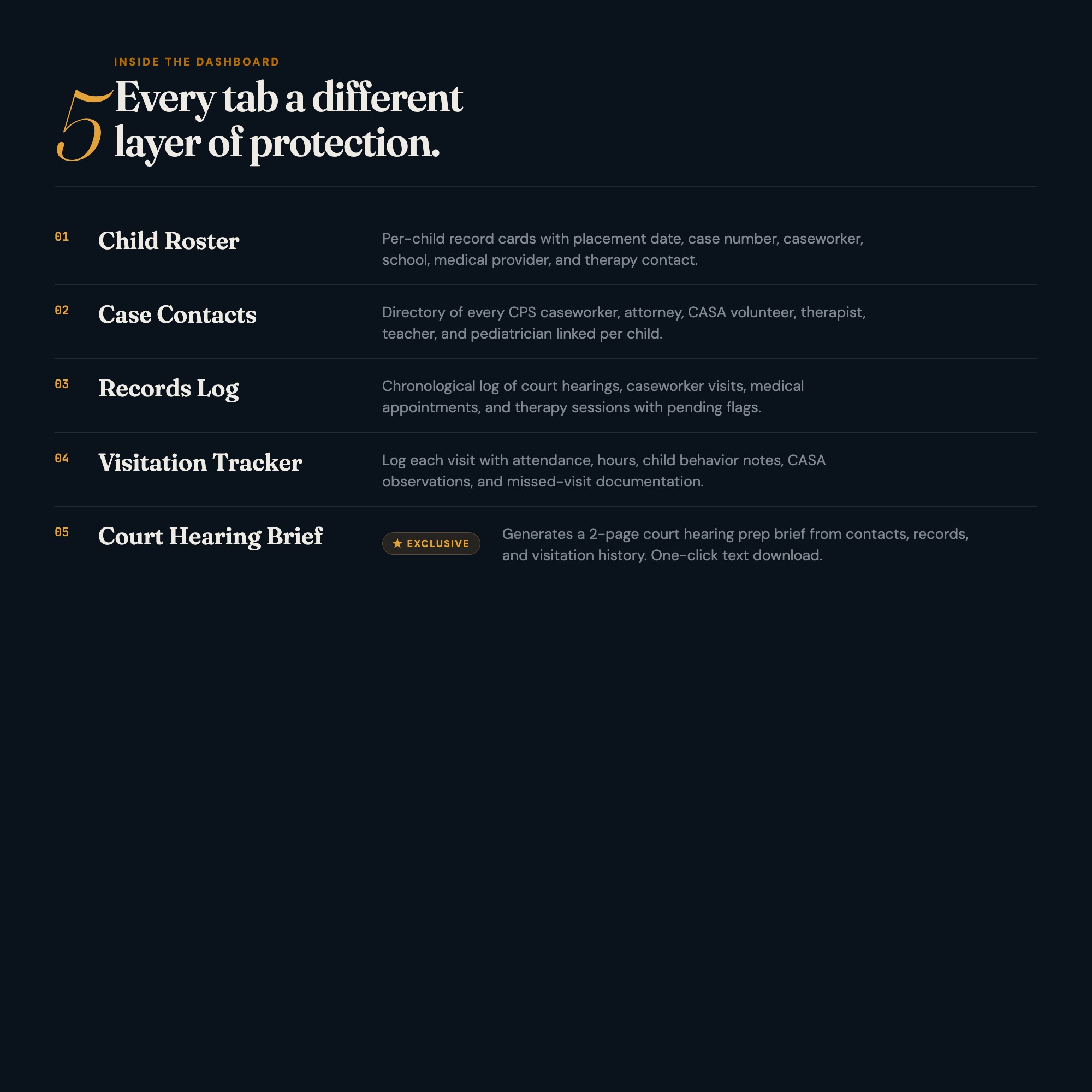
WHAT’S INSIDE (5 Interactive Tabs)
Tab 1: Child Roster
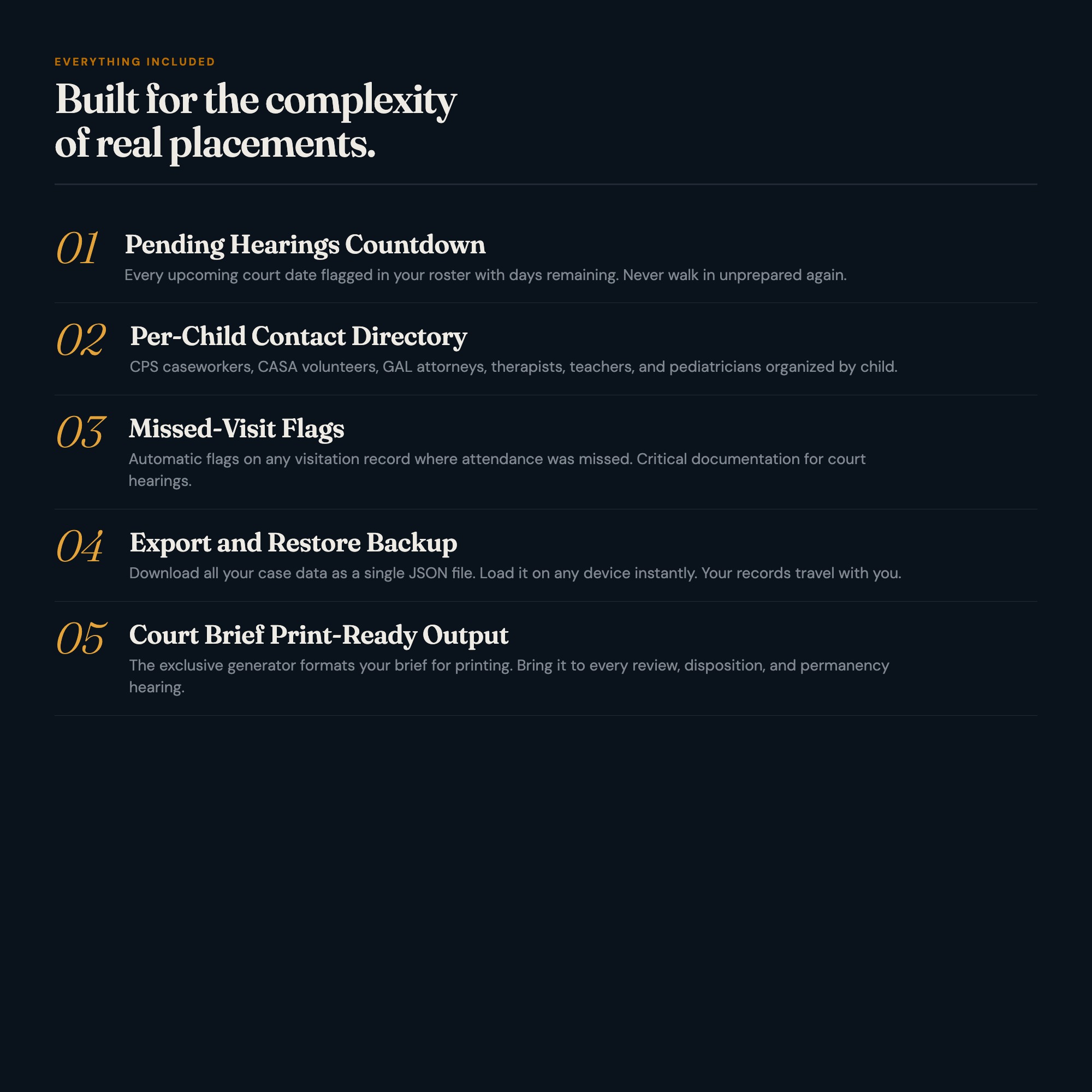
Add up to 8 children. Each child has a dedicated record card with placement date, age, primary caseworker, court case number, and placement notes. Overview stats show active placements, pending hearings, upcoming appointments, and total visit hours logged.
Tab 2: Case Contacts
One organized directory for every person connected to a case: CPS caseworkers, attorneys, CASA volunteers, therapists, teachers, pediatricians. Each contact has role, phone, email, office, and notes. Contacts link to the specific child they serve. Caseworker changes auto-update everywhere.
Tab 3: Records Log
Log every event that matters: medical appointments, school meetings, therapy sessions, court appearances, caseworker visits, and home study updates. Filter by child, by type, or by date range. Every entry has a notes field and an outcome field. The log feeds directly into the Court Brief generator in Tab 5.
Tab 4: Visitation Tracker
Log each scheduled and completed visit: date, duration, location, who attended, and behavioral notes before and after. Track visit compliance rates. Add notes for CASA reports or court testimony. Missed visits auto-flag for the hearing brief.
Tab 5: Court Hearing Prep Brief (★ EXCLUSIVE)
Select any child and an upcoming hearing date. The generator reads that child’s contact directory, recent records log, current school and medical status, and visitation history. It outputs a structured 2-page hearing brief: case players, status since last hearing, outstanding concerns, foster parent position statement, and a chronological event timeline. Download as a formatted text file or copy to print. No competitor ships this.
THIS IS FOR YOU IF…
-
You are a licensed foster parent managing more than one placement at the same time
-
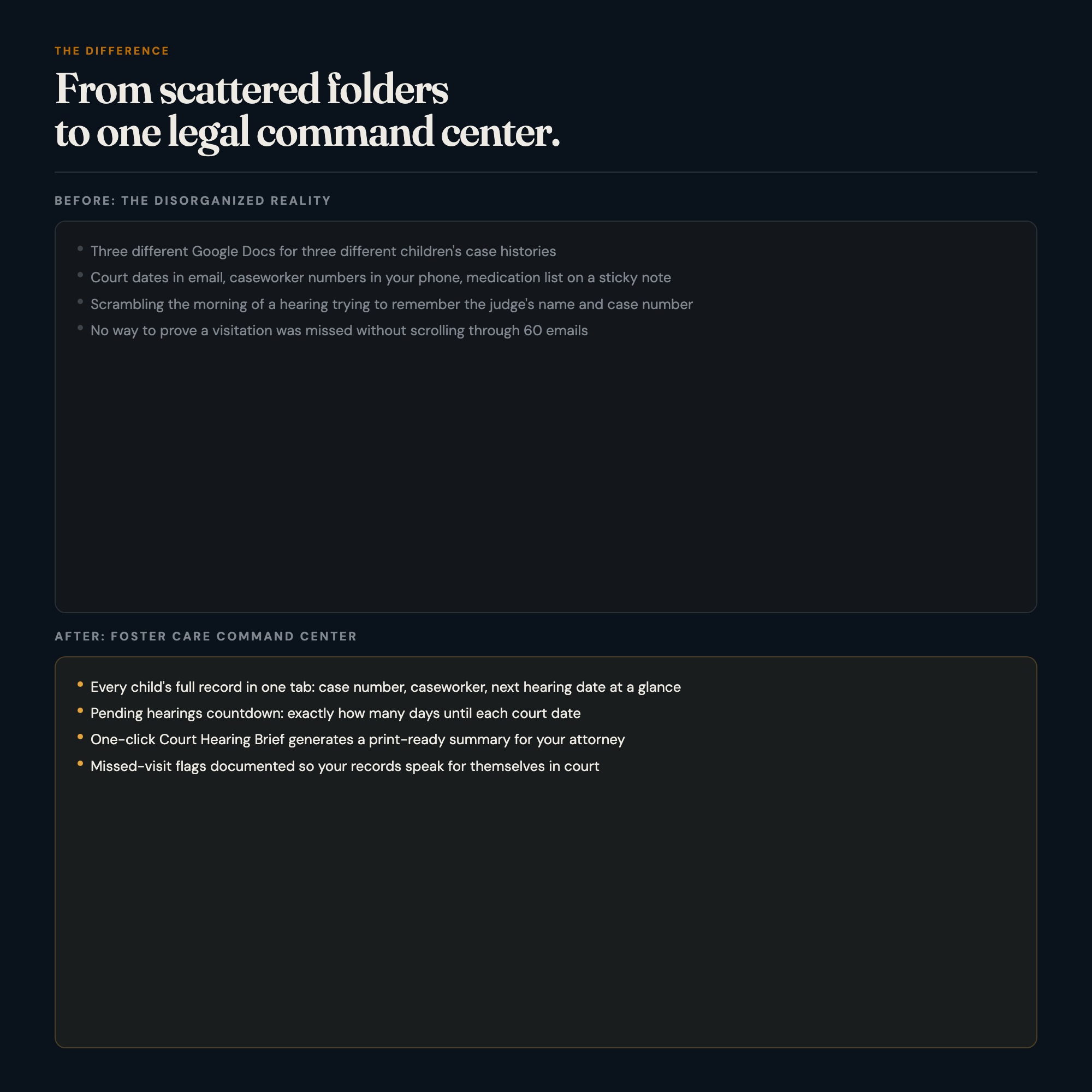
You have walked into a court hearing and realized your notes were from three hearings ago
-
Your CPS caseworker changed and you had to rebuild the contact chain from memory
-
Your 100-page paper binder has tabs that are falling out and a medical section that is six months behind
-
Your CASA volunteer is asking for records and your records are in four different places
-
You want one place that your co-parent or partner can access without you explaining the whole case history from scratch
FILES INCLUDED
-
dashboard.html: your interactive Foster Care Command Center (open in Chrome, works offline) -
HOW-TO-SAVE.txt: plain-English guide to bookmark, backup, and restore
Two files. No app to install, no login, no subscription.
Every hearing, every appointment, every placement change: one file holds it all. Your children deserve organized advocacy.
ALSO AVAILABLE
Notion template upgrade coming soon. Follow the shop to get notified.
5 PINTEREST HOOKS
-
“You are walking into court in 8 days. Your case notes are in a 100-page binder. There is a better way.”
-
“The only foster care tool that generates your court hearing brief from your own case records. One click.”
-
“Foster care paperwork is a second job. This dashboard cuts it down to one browser file, zero subscriptions.”
-
“CPS contact changed again? Every contact auto-links to the right child. Nothing falls through the cracks.”
-
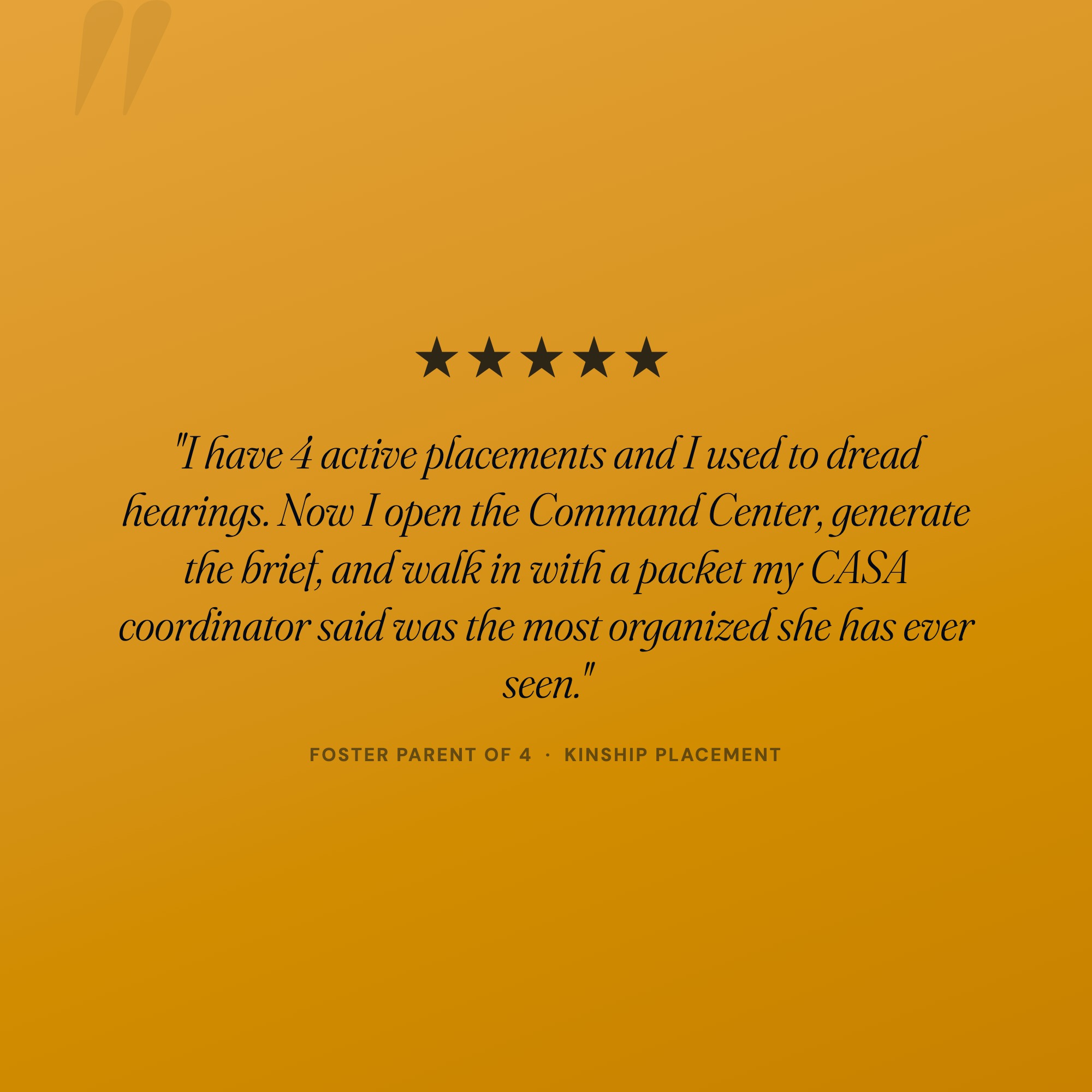
“Before I had this, I spent 4 hours every Sunday prepping for hearings. Now it takes 20 minutes.”
5 Tabs included
- ◈
Child Roster
Per-child record cards with placement date, case number, caseworker, school, medical, and therapy info
- ≡
Case Contacts
Directory of every CPS caseworker, attorney, CASA volunteer, therapist, teacher, and pediatrician linked per child
- ⊞
Records Log
Chronological log of court hearings, caseworker visits, medical appointments, therapy sessions, school meetings — with pending flags
- ◉
Visitation Tracker
Log each visit with attendance, hours, child behavior before/after, CASA notes, and missed-visit flags
- ★
Court Hearing Brief
EXCLUSIVE: generates a 2-page court hearing prep brief from child-specific data across all 4 tabs, downloads as text file
Exclusive Feature
Court Hearing Prep Brief generator: reads child's contacts, records log, medical/school/therapy status, and visitation history from localStorage; outputs a structured 2-page brief for print
This is built into the fifth tab and is unavailable in any static template, spreadsheet, or Notion template on the market.
Gallery
Frequently asked questions
- Does it work offline?
- Yes — completely. The dashboard is a single HTML file. Once downloaded, it runs entirely in your browser with no internet connection needed. All data autosaves to your browser's localStorage.
- Which devices and browsers are supported?
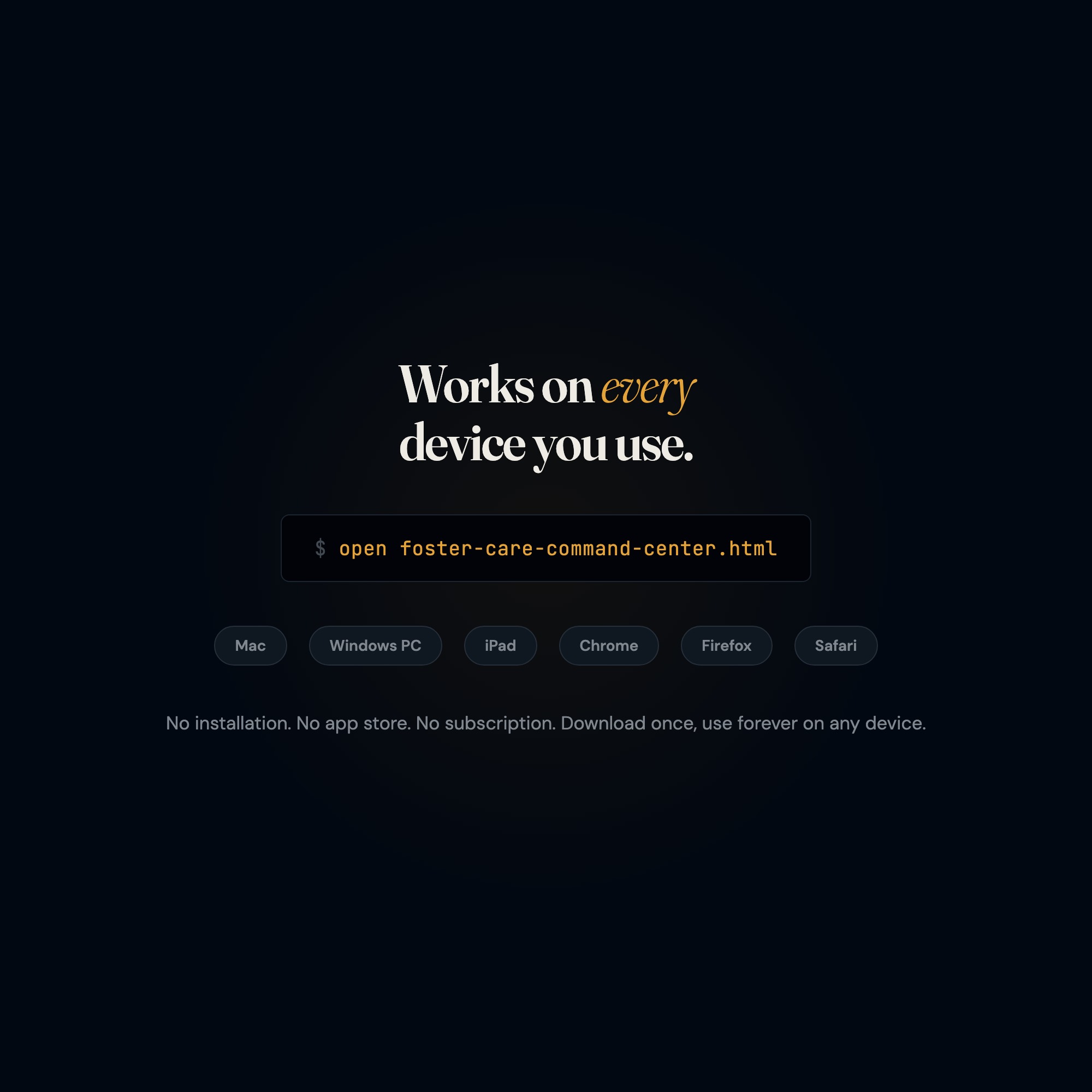
- Works in Chrome, Edge, Safari, and Firefox on macOS, Windows, iPad, and Chromebook. No app to install, no account to create. Just open the file.
- What is your refund policy?
- Digital downloads are generally non-refundable, but if you encounter a technical issue Etsy's buyer protection has you covered. Reach out through the Etsy message system and any problem will be resolved.
- How do I install it?
- There is nothing to install. After purchase, download the HTML file. Double-click to open in your browser. That's it. A HOW-TO-SAVE.txt is included explaining how to back up and restore your data.
- Is my data private?
- Completely. Everything runs locally — no login, no analytics, no data sent to any server. Your data is stored only in your browser's localStorage. You own it entirely.
You might also like
One-time purchase
Get it on Etsy for $27
Instant download. Open in any browser. Yours forever.
Get it on Etsy →