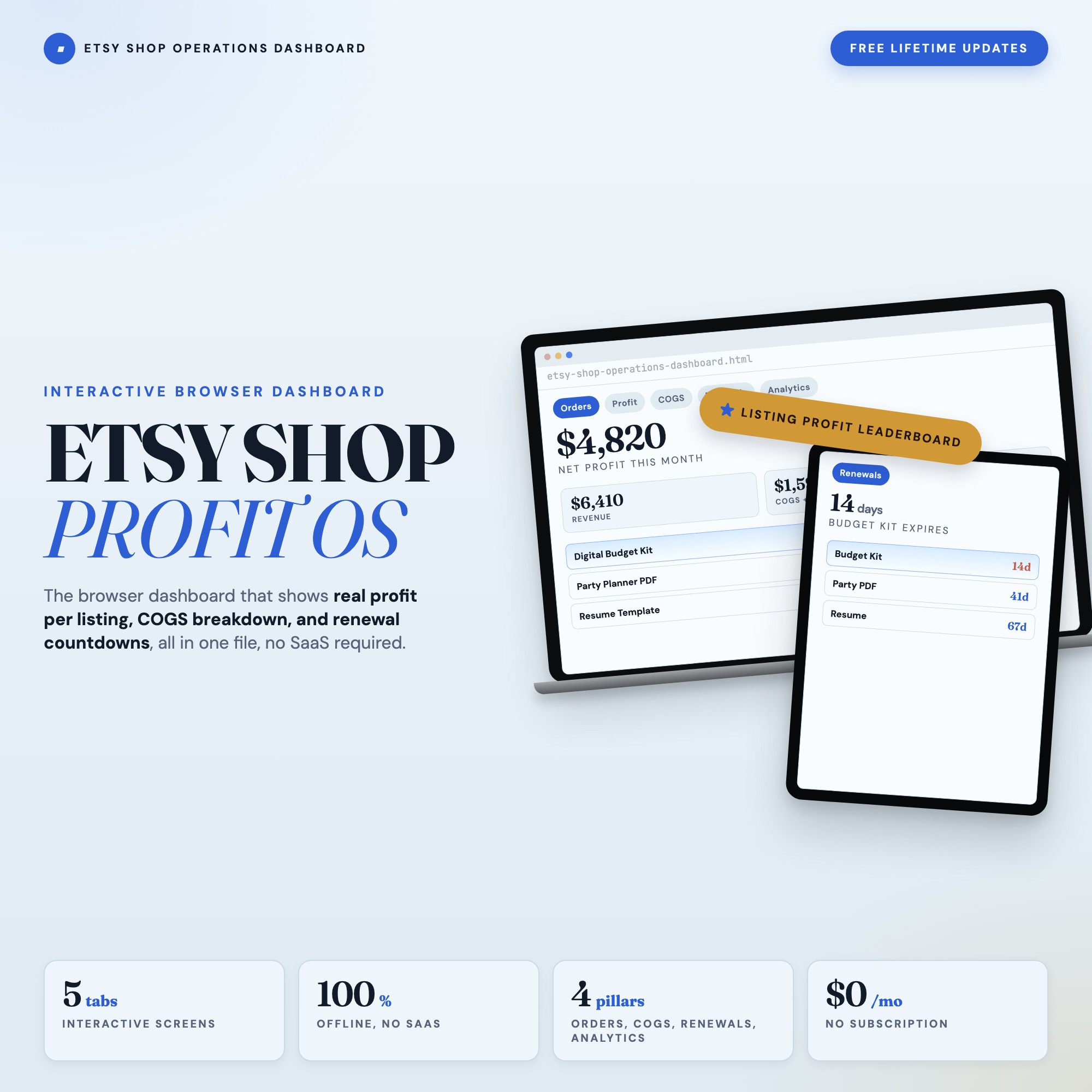
Etsy Shop Operations Dashboard
Built for: Etsy shop owners who manage orders, costs, and listing renewals in scattered spreadsheets and have no clear view of per-listing profitability
Listing coming soon — shop page linked above
See it in action
What it is
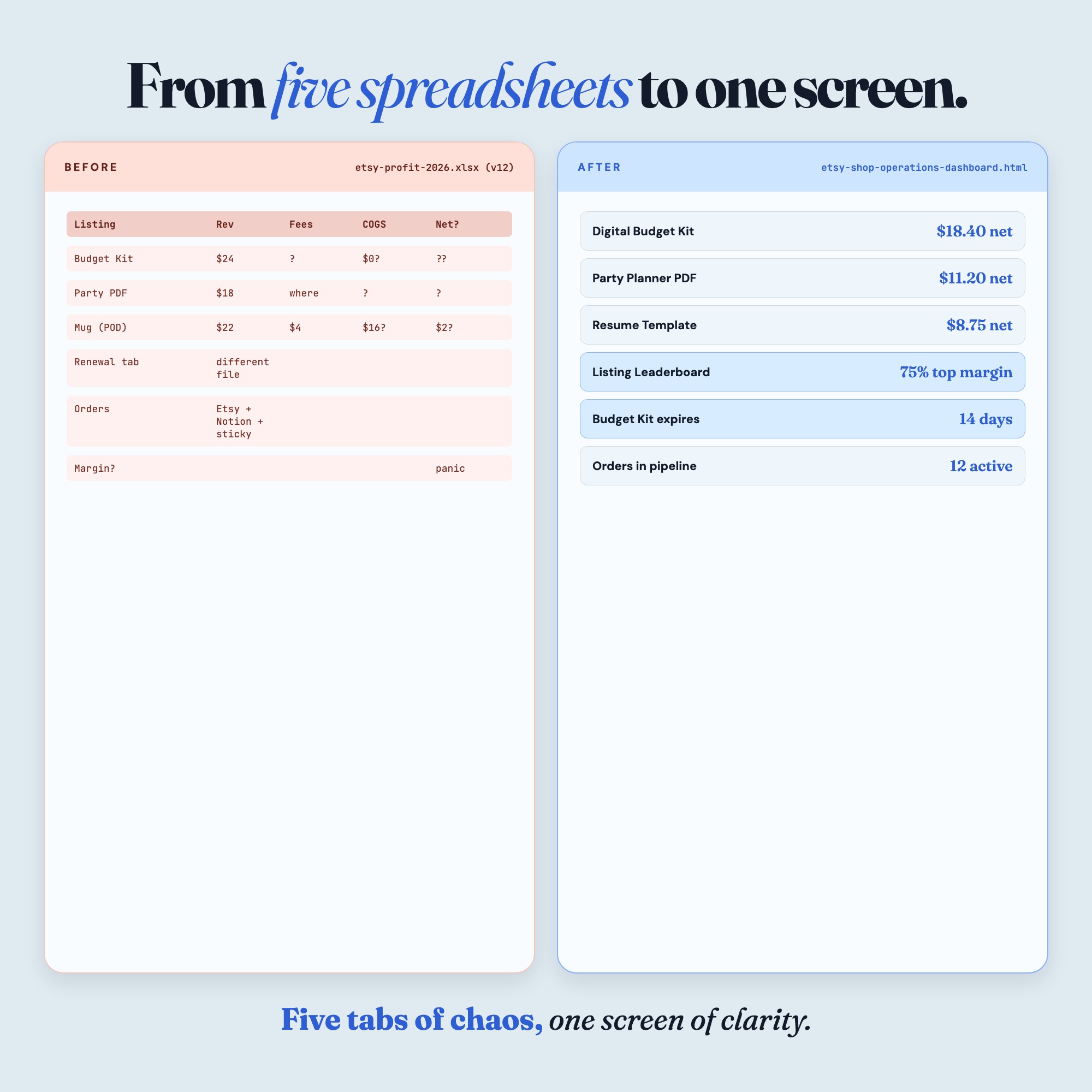
Built for Etsy shop owners who manage orders, costs, and listing renewals in scattered spreadsheets and have no clear view of per-listing profitability. Finally see your shop profit in real time — a browser-native interactive dashboard that lives in a single HTML file, no installation required.
The Etsy Shop Operations Dashboard is the only interactive shop management tool built specifically for Etsy sellers that tracks orders, calculates real COGS, schedules listing renewals, and ranks every listing by net profit — all in one file you download once and own forever.
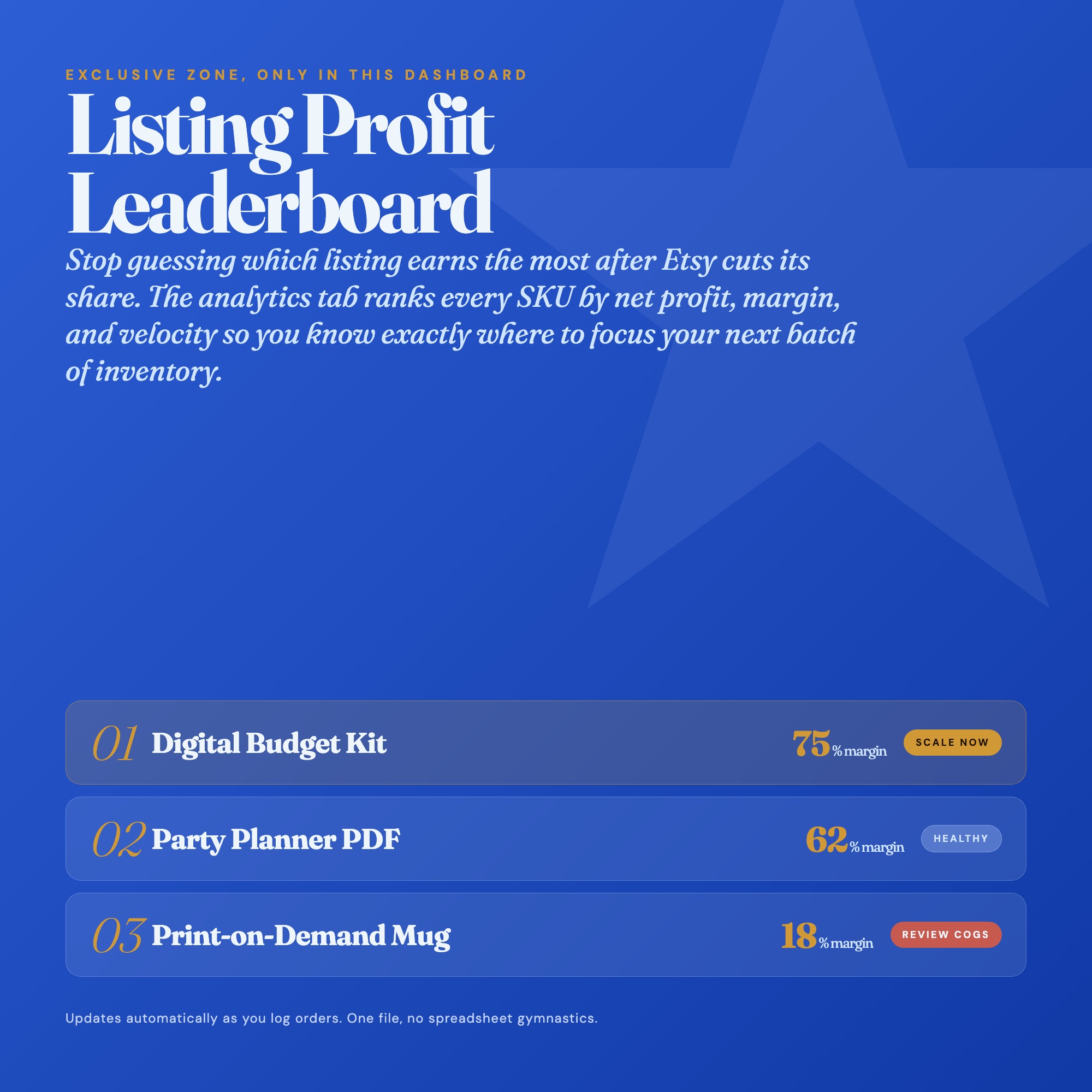
★ EXCLUSIVE ZONE — Profit-Per-Listing Leaderboard
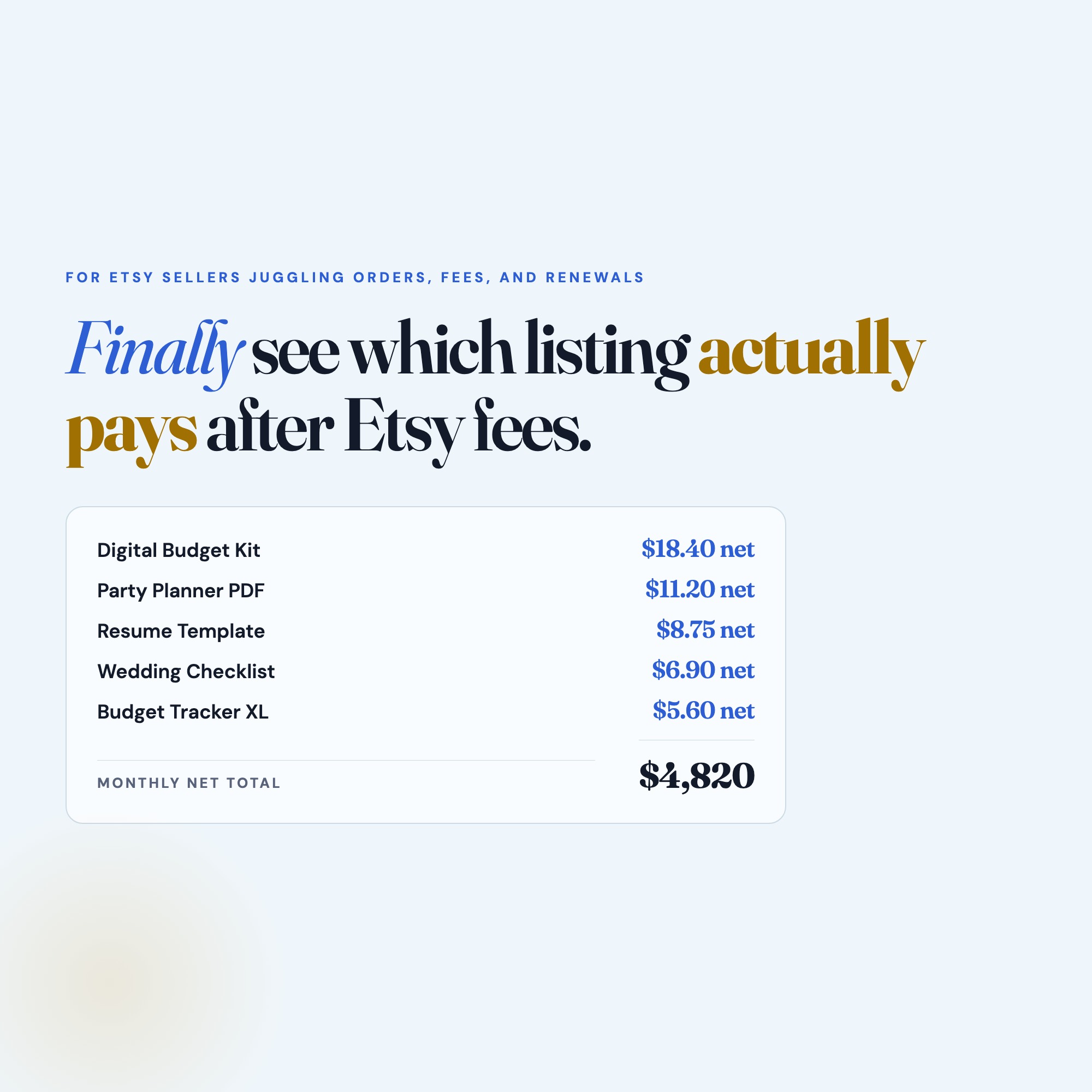
Every competitor on Etsy sells you a generic profit calculator that tells you what ONE product earns. This dashboard compares every listing side by side: gross revenue, Etsy fees, actual COGS, net profit, and margin percentage — ranked from most profitable to least. Know exactly which listings to promote, which to reprice, and which to retire. No spreadsheet does this. No app includes it. This is the one feature that changes how you run your shop.
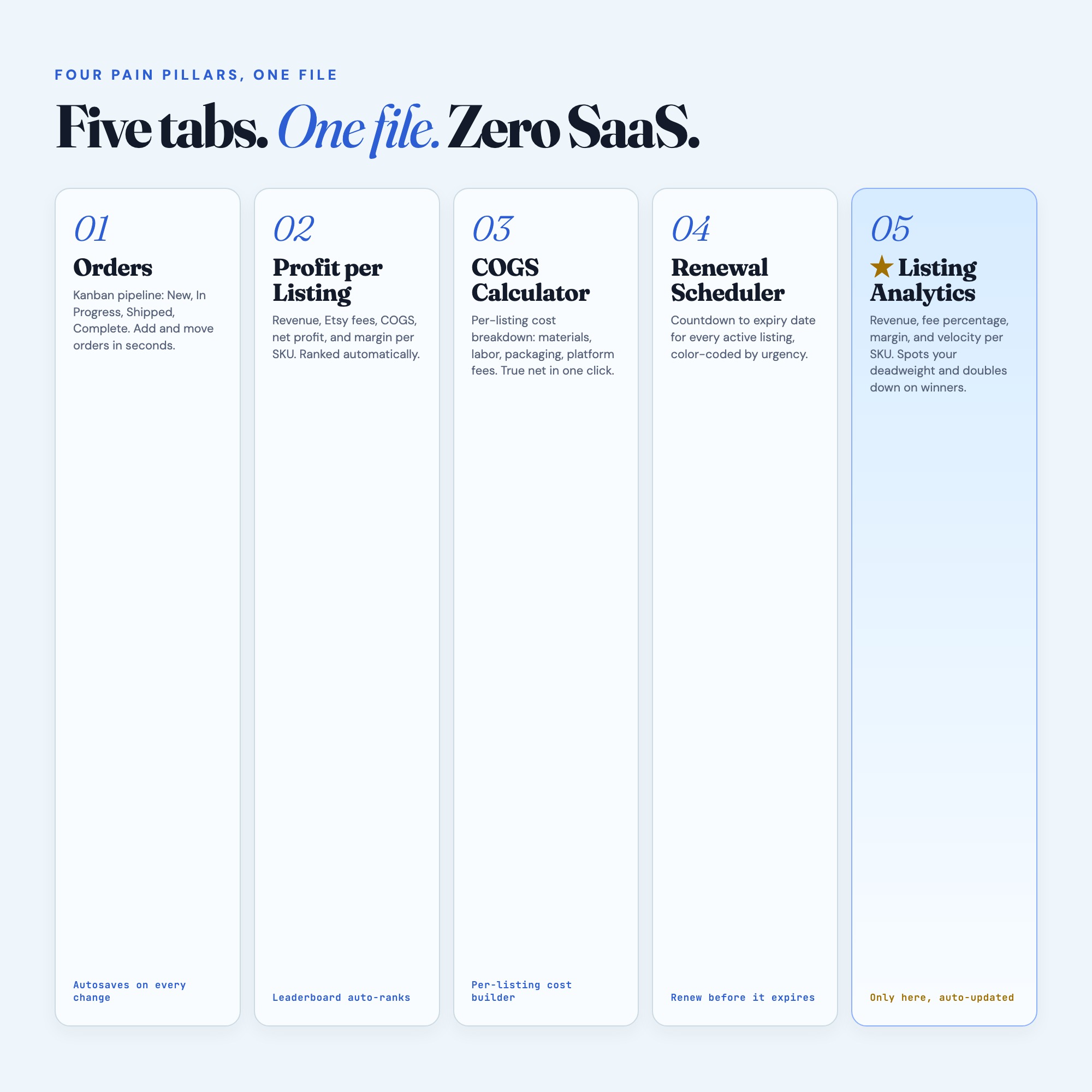
WHAT’S INSIDE (5 tabs):
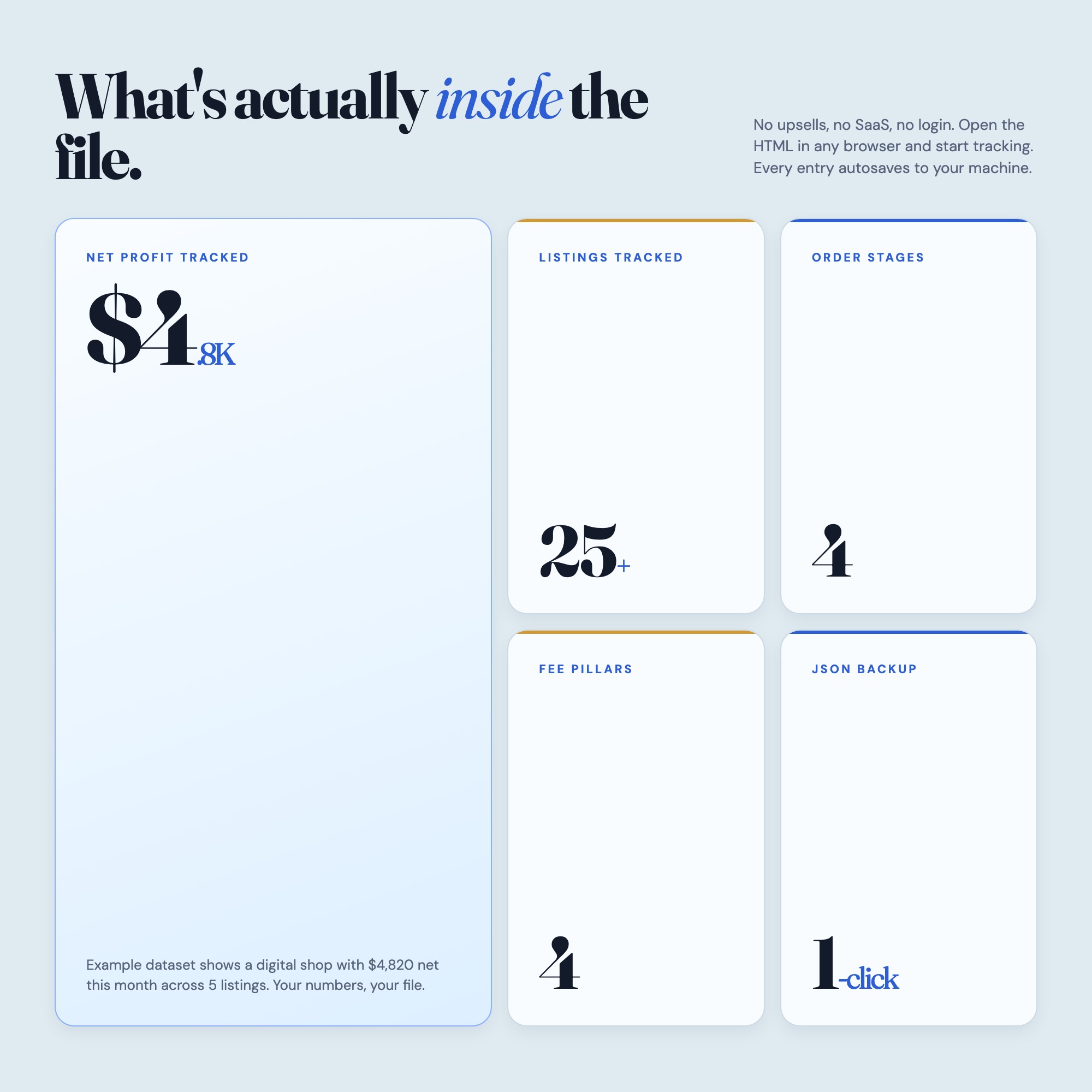
Tab 1 — Order Pipeline: Move orders through New, In Progress, Shipped, and Complete. Track buyer name, item, order date, and fulfillment note. No more lost orders.
Tab 2 — COGS Calculator: Enter your material costs, packaging, labor estimate, and Etsy fees per listing. The dashboard calculates your true cost and net margin instantly.
Tab 3 — Listing Renewal Scheduler: See which listings expire soonest, color-coded by urgency. Renew on time, keep momentum, never lose a listing to accidental expiry again.
Tab 4 — Profit by Listing: Your full catalog ranked by net profit. See your top earners and hidden losers at a glance. One view, every product.
Tab 5 — Shop Overview: Monthly revenue, average order value, total active listings, fees paid to Etsy this month, and net income summary — your business pulse in one screen.
THIS IS FOR YOU IF:
-
You track orders in a notes app and forget to mark them shipped
-
You price products on gut feel because calculating fees takes too long
-
You forget to renew listings and lose your sales history
-
You have 20+ listings but no idea which three are carrying your shop
-
You want a real business dashboard without paying for Craftybase or Linnworks
YOUR DATA IS SAFE
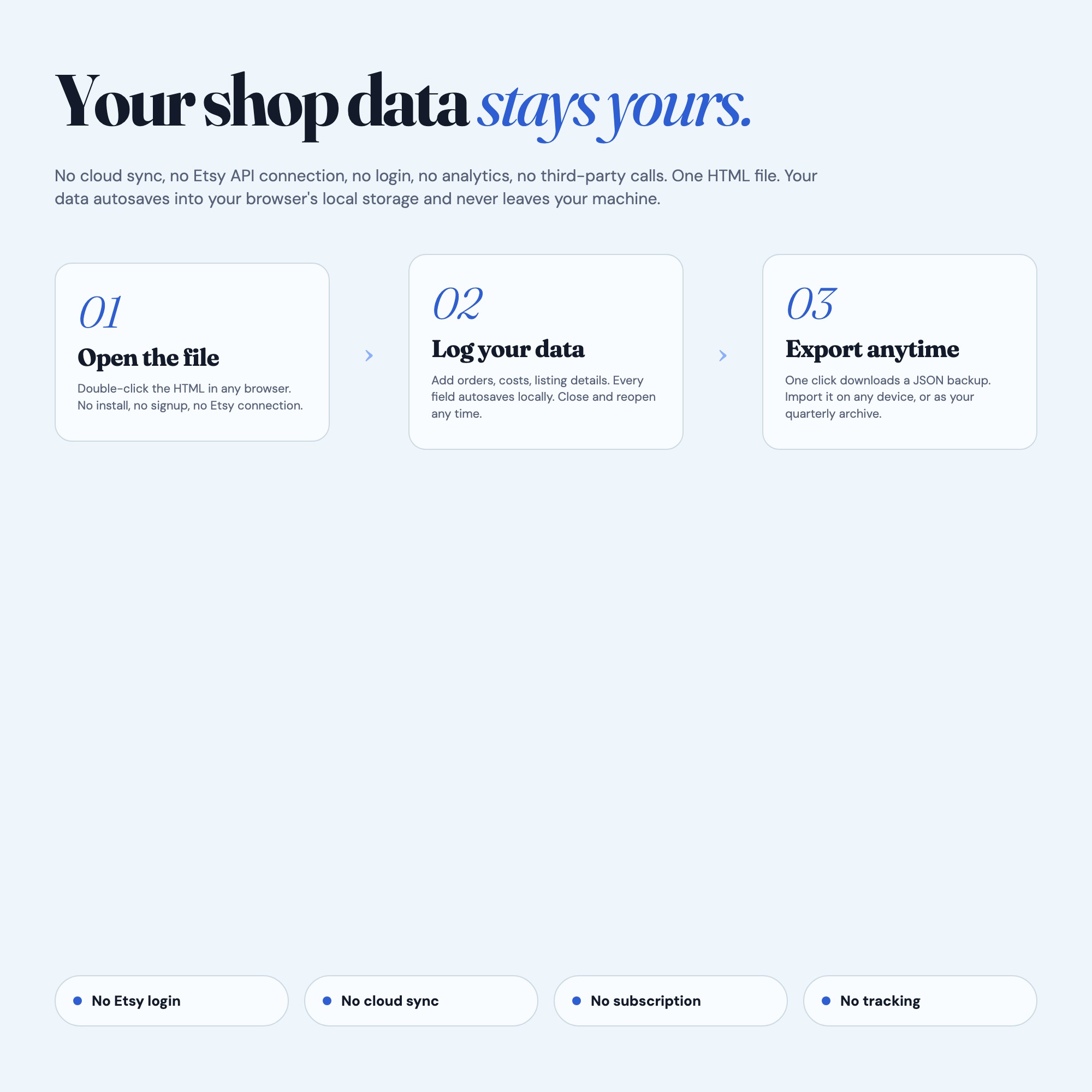
This dashboard runs entirely in your browser with no internet required after download. Your shop data never leaves your computer. No login. No Etsy API access required. No subscription, ever. Export your data as a JSON backup anytime. Works on Mac, Windows, and iPad via Chrome.
FILES INCLUDED
-
etsy-shop-operations-dashboard.html (your interactive dashboard)
-
HOW-TO-SAVE.txt (3-minute setup and backup guide)
Delivered as a ZIP archive — extract and open dashboard.html in Chrome.
Your shop deserves a real operations system. Download once, use forever.
(Notion users: a companion Notion template is in the works. Grab this dashboard now and get the full Notion OS at a discount when it launches.)
5 Tabs included
- ◈
Overview
Shop health summary: open orders, expiring listings, monthly revenue, and net profit
- ≡
Order Pipeline
Kanban tracker moving orders through New, In Progress, Shipped, Complete
- ⊞
COGS Calculator
Per-listing cost breakdown with Etsy fee auto-calculation and net margin
- ◉
Listing Renewals
Renewal scheduler with color-coded urgency sorted by soonest expiry
- ★
Profit by Listing
Exclusive profit leaderboard ranking every listing by net monthly profit
Exclusive Feature
Profit-Per-Listing Leaderboard: every tracked listing ranked by net profit after fees and COGS — a view no static spreadsheet competitor offers
This is built into the fifth tab and is unavailable in any static template, spreadsheet, or Notion template on the market.
Gallery

Frequently asked questions
- Does it work offline?
- Yes — completely. The dashboard is a single HTML file. Once downloaded, it runs entirely in your browser with no internet connection needed. All data autosaves to your browser's localStorage.
- Which devices and browsers are supported?
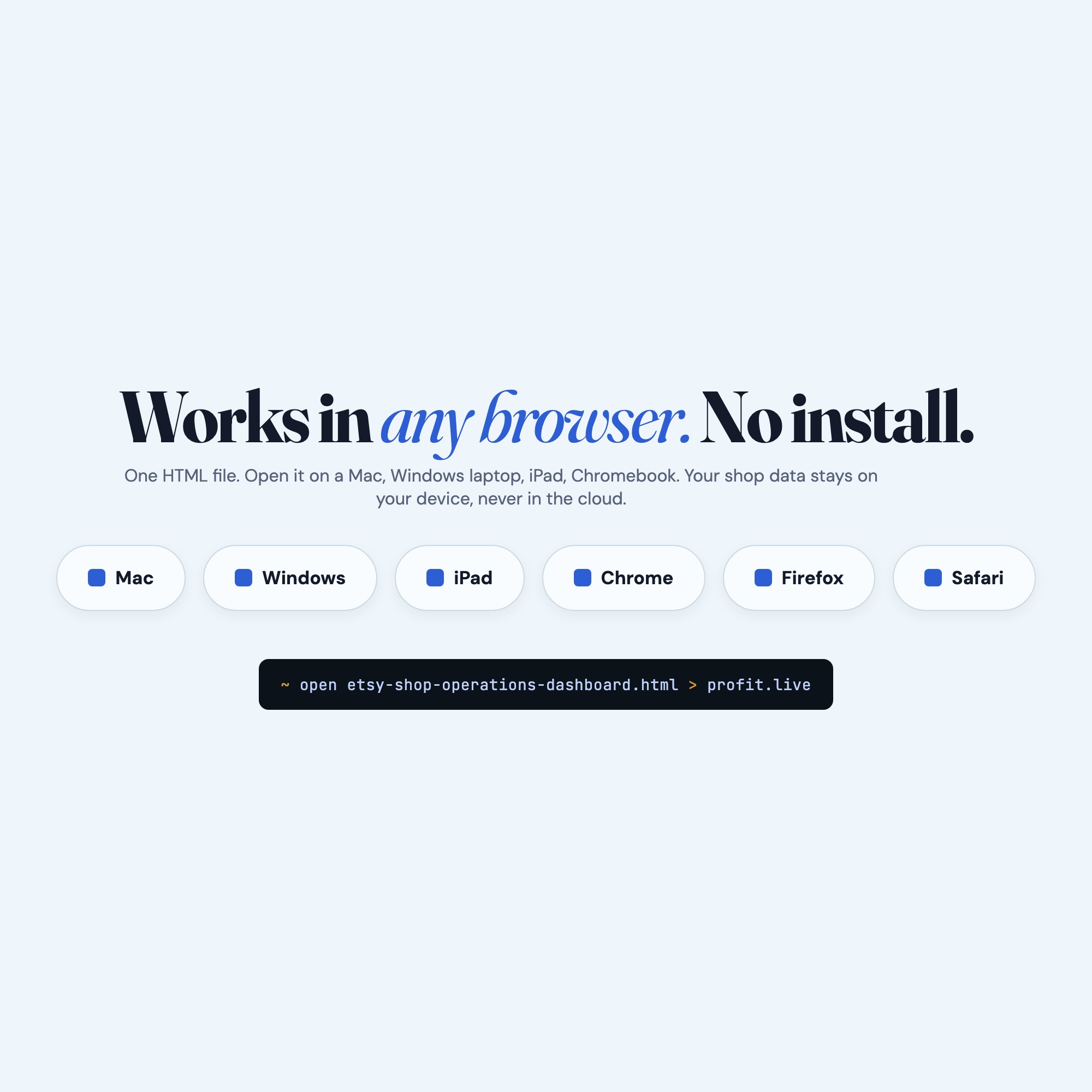
- Works in Chrome, Edge, Safari, and Firefox on macOS, Windows, iPad, and Chromebook. No app to install, no account to create. Just open the file.
- What is your refund policy?
- Digital downloads are generally non-refundable, but if you encounter a technical issue Etsy's buyer protection has you covered. Reach out through the Etsy message system and any problem will be resolved.
- How do I install it?
- There is nothing to install. After purchase, download the HTML file. Double-click to open in your browser. That's it. A HOW-TO-SAVE.txt is included explaining how to back up and restore your data.
- Is my data private?
- Completely. Everything runs locally — no login, no analytics, no data sent to any server. Your data is stored only in your browser's localStorage. You own it entirely.
You might also like


One-time purchase
Get it on Etsy for $22
Instant download. Open in any browser. Yours forever.
Get it on Etsy →