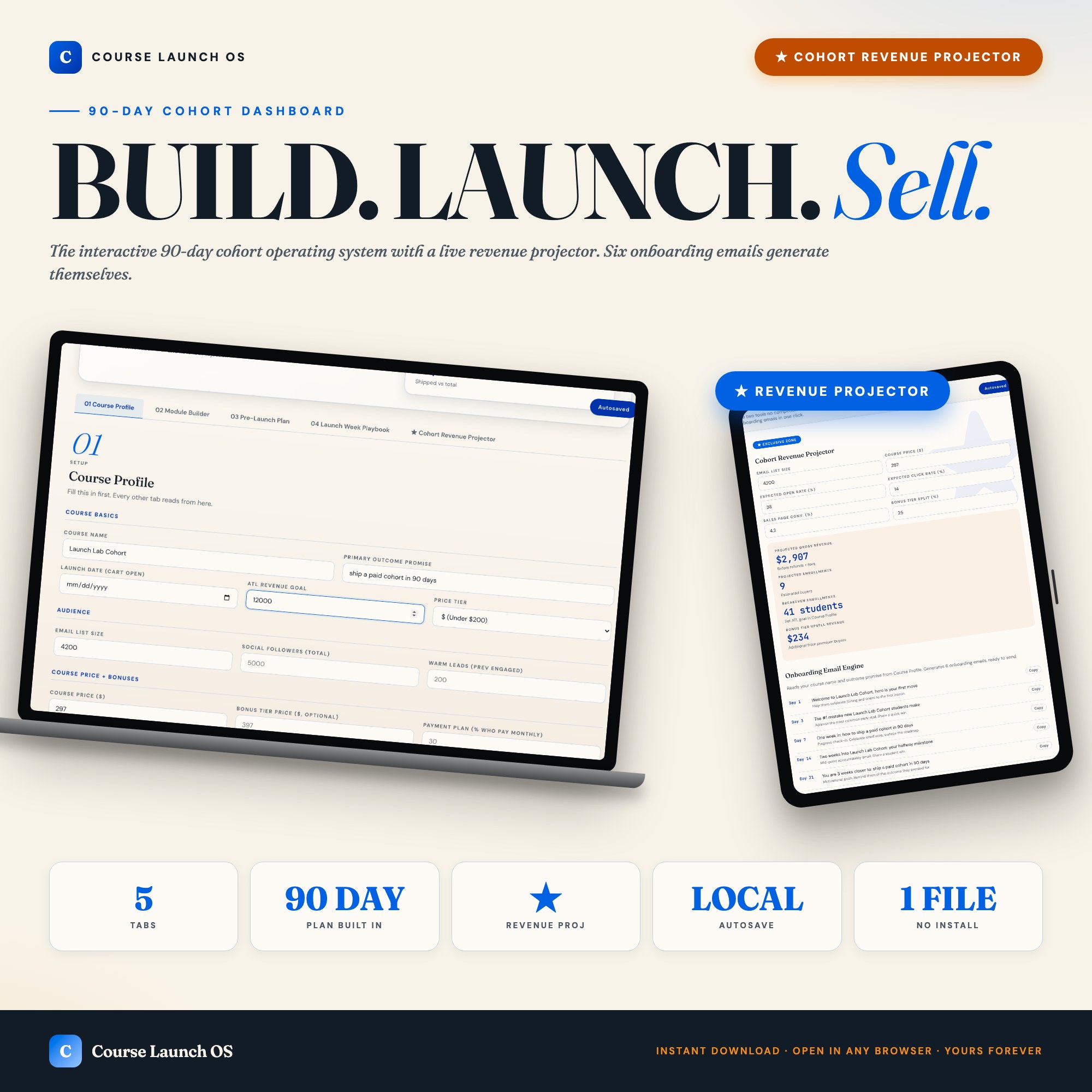
Course Launch OS Dashboard, Interactive 90 Day Cohort Plan, Live Revenue Projector + Email Sequence Library, Creator Tool
Built for: First-time online course creators going 0 to $10K revenue in 90 days
Listing coming soon — shop page linked above
See it in action
What it is
Built for First-time online course creators going 0 to $10K revenue in 90 days. Course Launch OS Dashboard, Interactive 90 Day Cohort Plan, Live Revenue Projector + Email Sequence Library, Creator Tool — a browser-native interactive dashboard that lives in a single HTML file, no installation required.
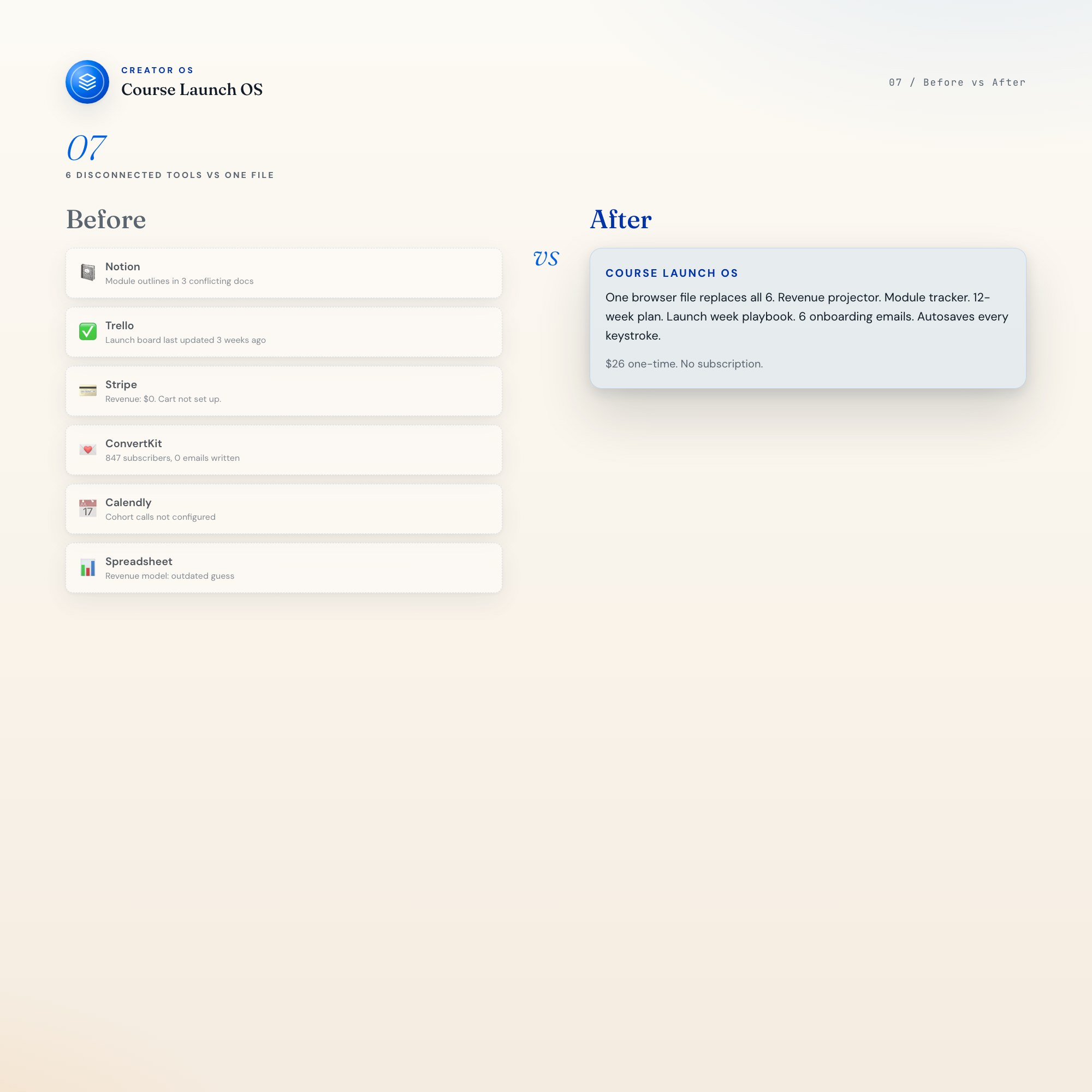
Course Launch OS is a single browser file that runs your entire 90-day cohort launch. One unique mechanic makes it different from everything else on Etsy: a live revenue projector that recalculates the moment you change any input. No subscription. No login. One file, lifetime access.
★ EXCLUSIVE ZONE
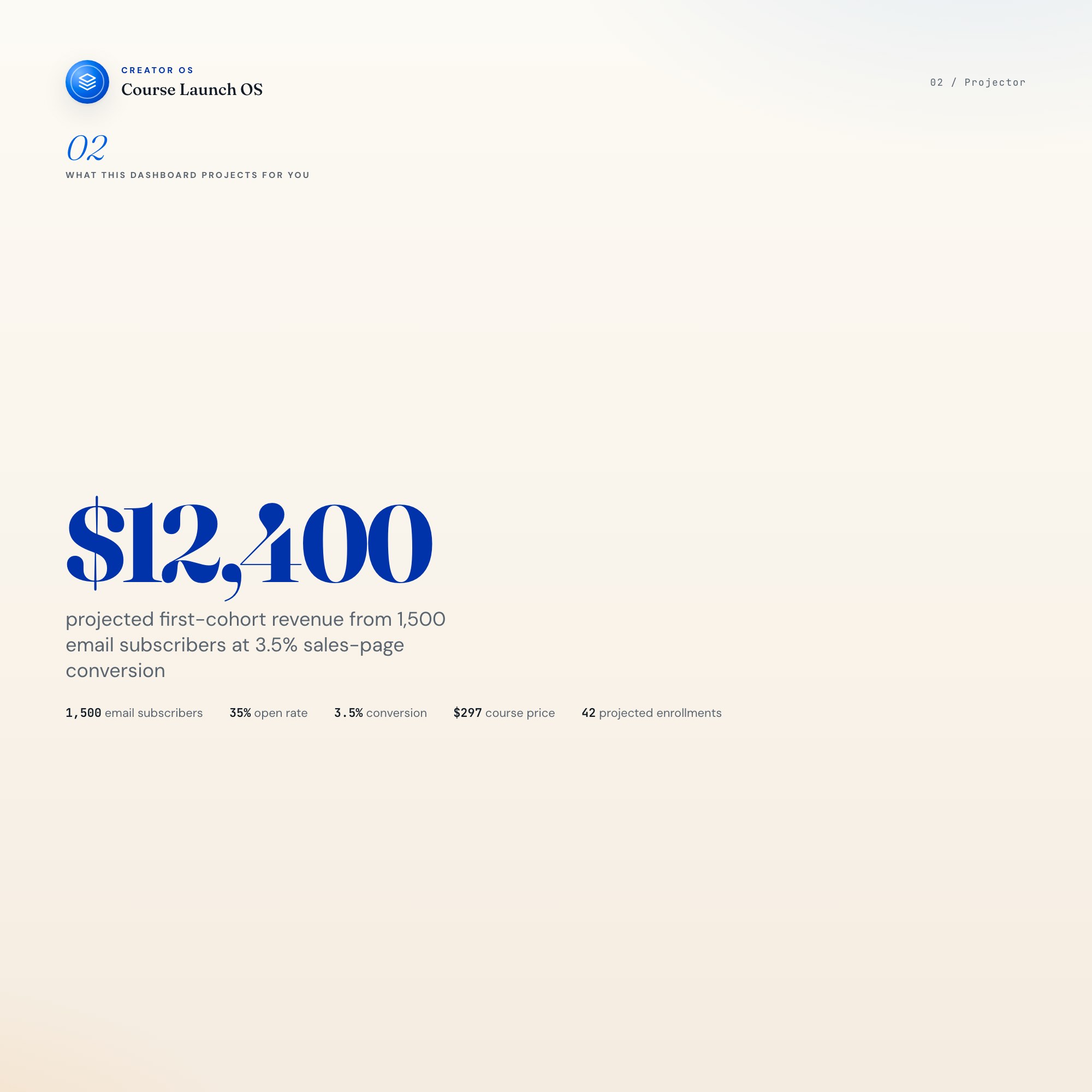
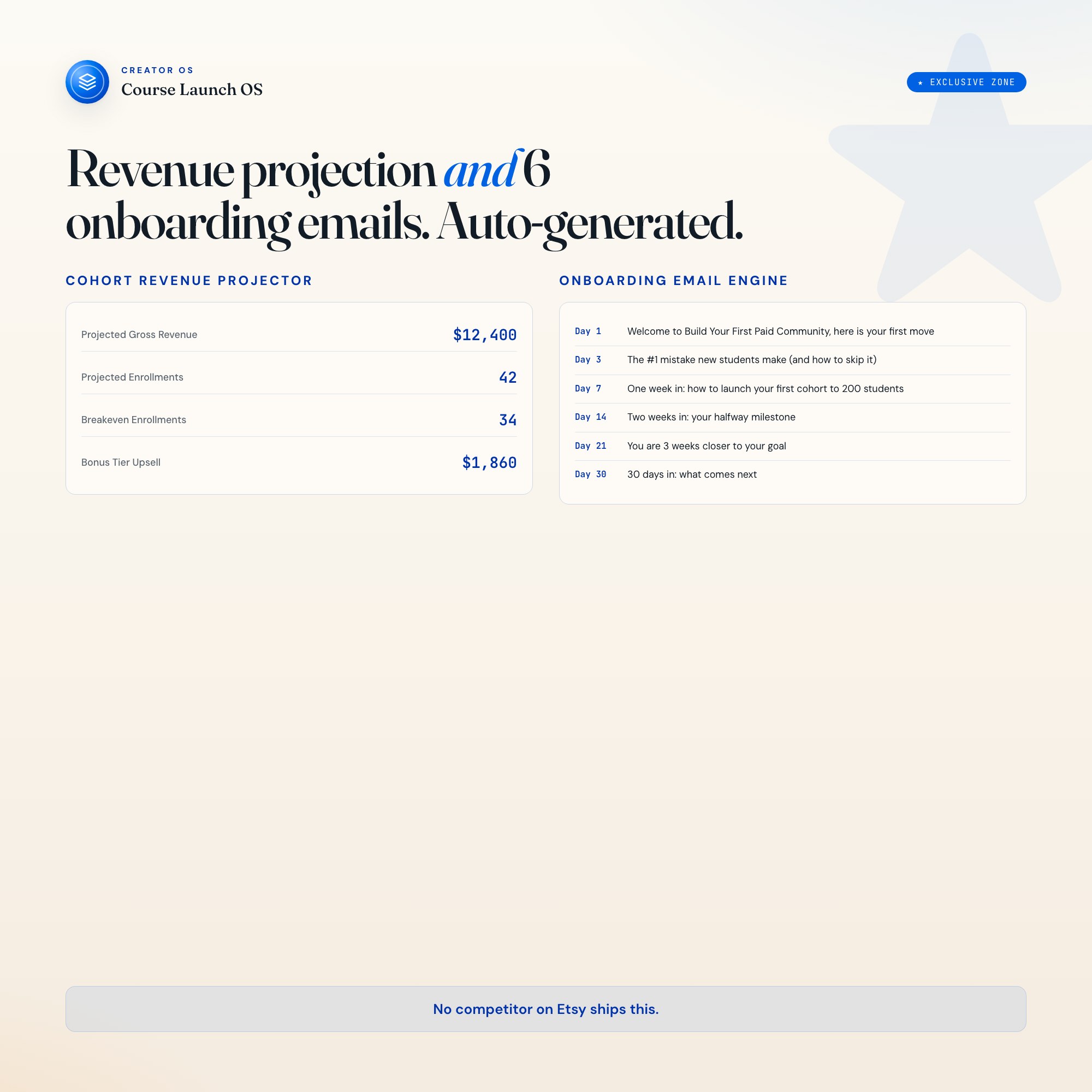
Most course-launch tools on Etsy hand you a checklist and wish you luck. Course Launch OS does something no competitor ships: it reads your actual audience size, email open rate, sales-page conversion %, and price tier, then projects your gross revenue, breakeven enrollment count, and bonus-tier upsell math in real time. Change any number, the projection updates immediately. Then the Onboarding Engine generates day-1, day-3, day-7, day-14, day-21, and day-30 email subjects plus one-line bodies, personalized to your course name and primary outcome promise. Six emails, ready to send, before you close the tab. No competitor on Etsy ships this.
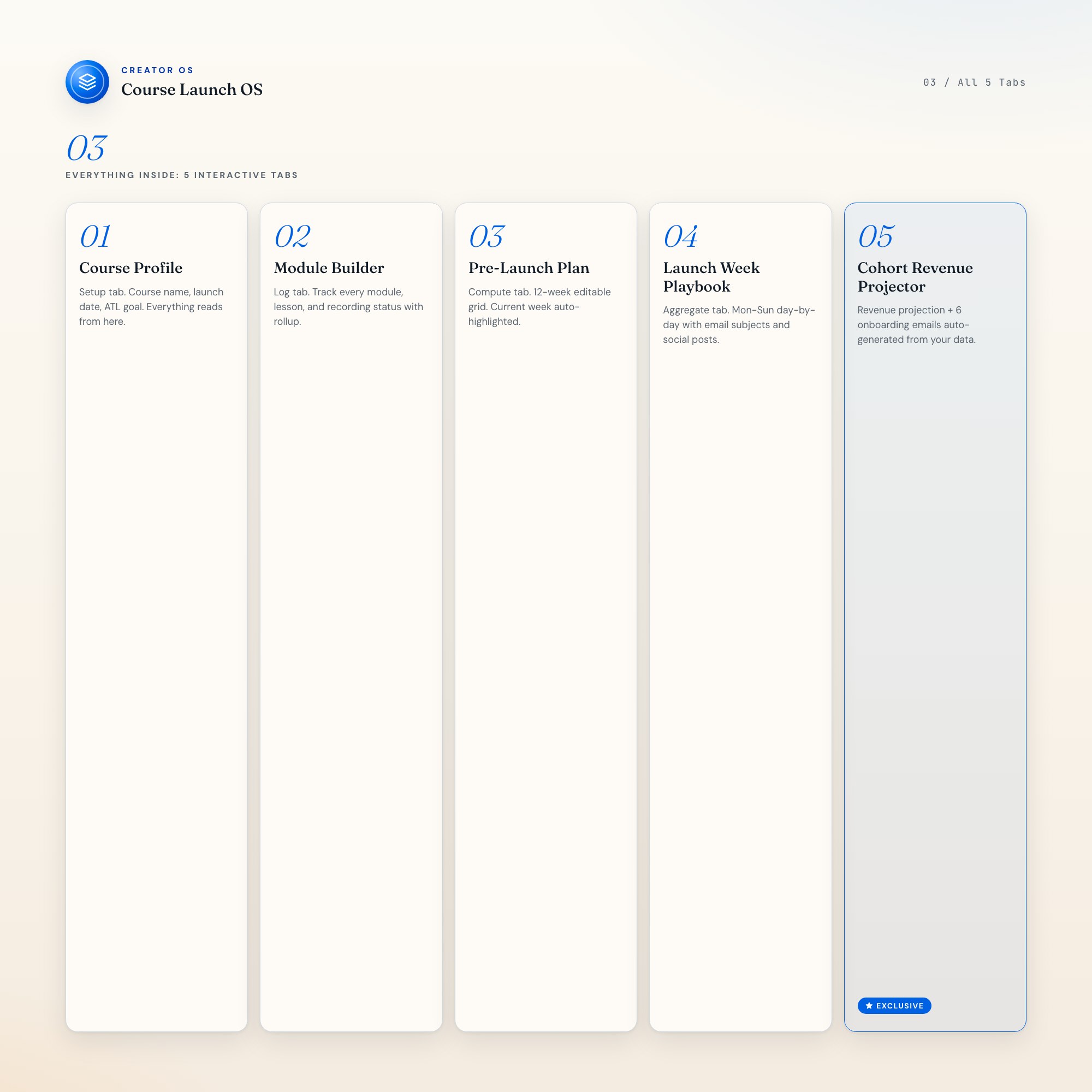
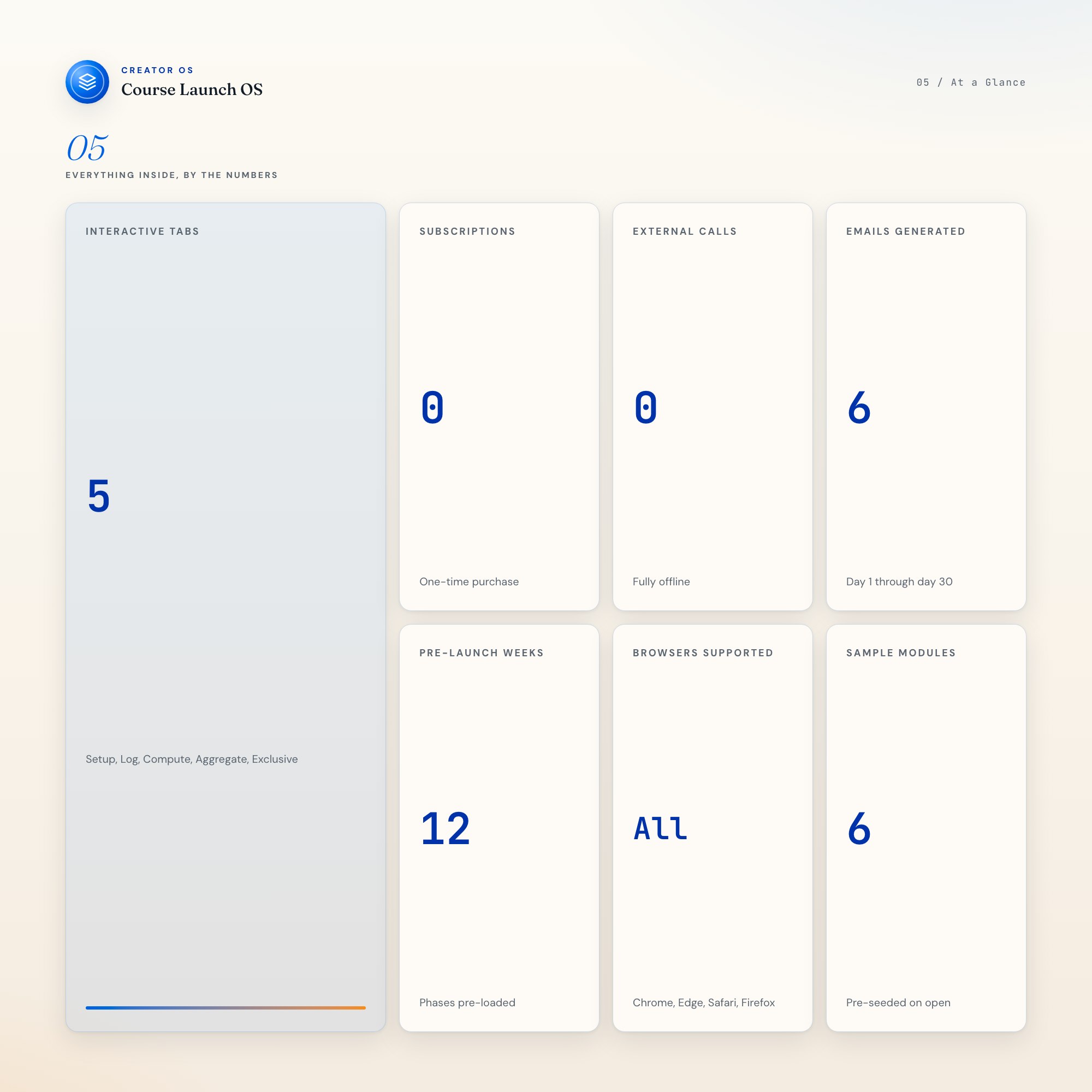
WHAT’S INSIDE (5 Interactive Tabs)
-
Course Profile (Setup) : Enter your course name, primary outcome promise, target audience size, launch date, price tier, bonus tier, and ATL revenue goal. Every other tab reads from this one. The countdown to cart-open lives here.
-
Module Builder (Log) : Sortable list of modules and lessons with status tracking (draft / recording / edited / shipped), runtime estimates, and per-module lesson outlines. Pre-seeded with 6 sample modules so the dashboard looks useful from day one.
-
Pre-Launch Plan (Compute) : 12-week editable grid. Current week auto-highlights based on your launch date. Phases: audience research (weeks -12 to -9), sales page and email drafting (-8 to -5), beta and payment setup (-4 to -2), launch announce (-1), launch day (0).
-
Launch Week Playbook (Aggregate) : Day-by-day plan for launch week: Mon through Sun. Each day includes an email subject draft, social post copy for Twitter/LinkedIn/Instagram, DMs to send, and refund prep notes. Aggregates all email subjects from your sequence.
-
Cohort Revenue Projector + Onboarding Engine (★ EXCLUSIVE) : Left column: enter your expected open rate, click rate, and sales-page conversion %; the projector reads audience size and price tier from Course Profile and outputs projected gross revenue, breakeven enrollments, and bonus-tier upsell math live. Right column: the Onboarding Engine generates 6 ready-to-send email subjects and one-line bodies for days 1, 3, 7, 14, 21, and 30 the moment your Course Profile is filled. Each row has a Copy to Clipboard button. (★ EXCLUSIVE)
THIS IS FOR YOU IF
-
You have a course idea but your launch plan lives across 6 apps and you spend more time managing tabs than building curriculum.
-
You keep saying “I’ll figure out the revenue math once I have a list” and then launching blind to a tiny audience.
-
You’ve drafted three welcome emails and deleted all of them because you don’t know what to say after “Welcome to the course!”
-
Your 12-week pre-launch plan is a sticky note that says “build the thing” and you’re now 4 weeks out with nothing shipped.
-
You want to know the exact number of students you need to enroll to cover your launch costs before you open the cart.
YOUR DATA IS SAFE
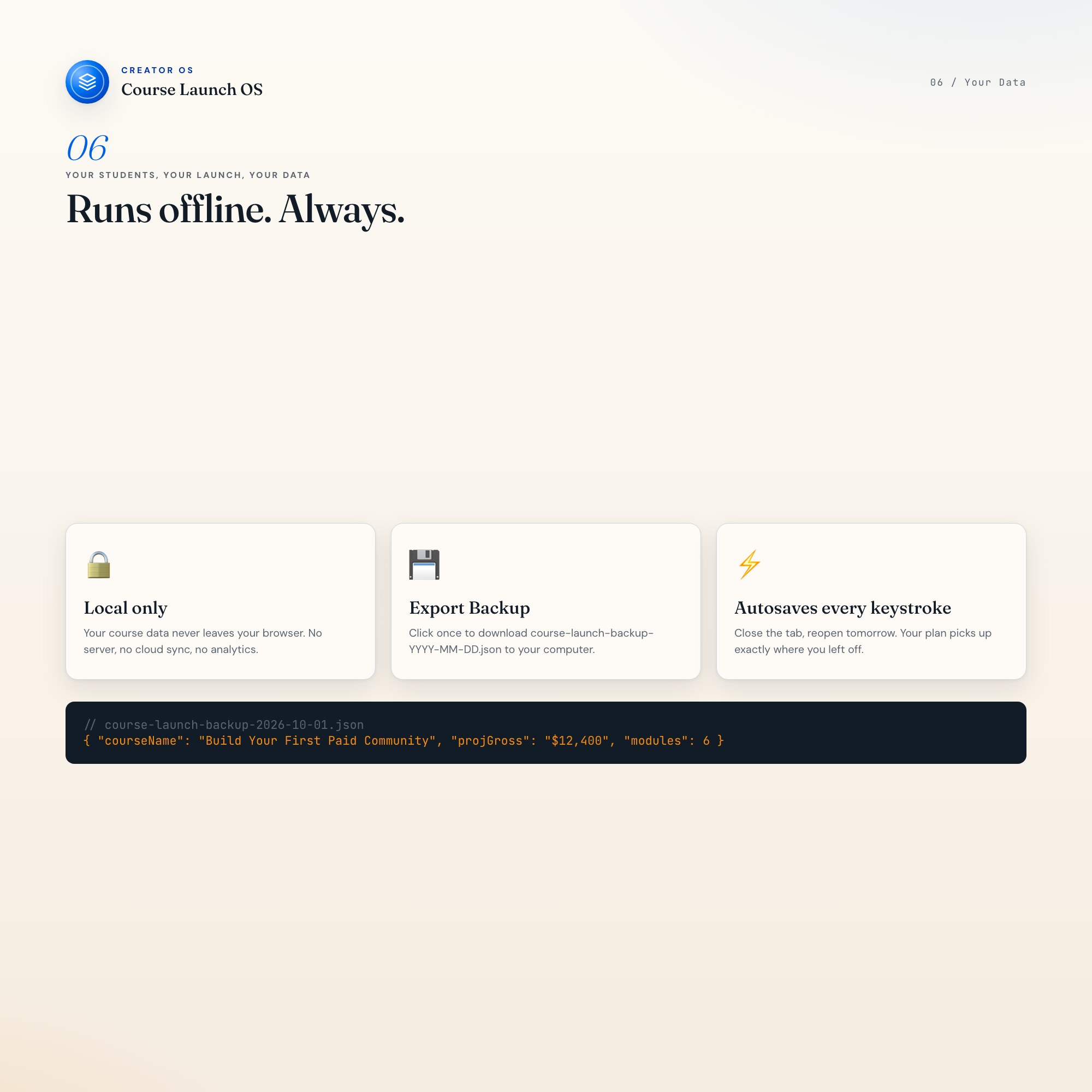
Everything runs locally in your browser. No server, no account, no analytics. Every keystroke autosaves to browser local storage. Click Export Backup to download a course-launch-backup-YYYY-MM-DD.json to your computer. Click Load Backup to restore instantly on any device.
FILES INCLUDED
-
dashboard.html (the complete Course Launch OS, opens in any browser)
-
HOW-TO-SAVE.txt (restore, backup, and sharing guide)
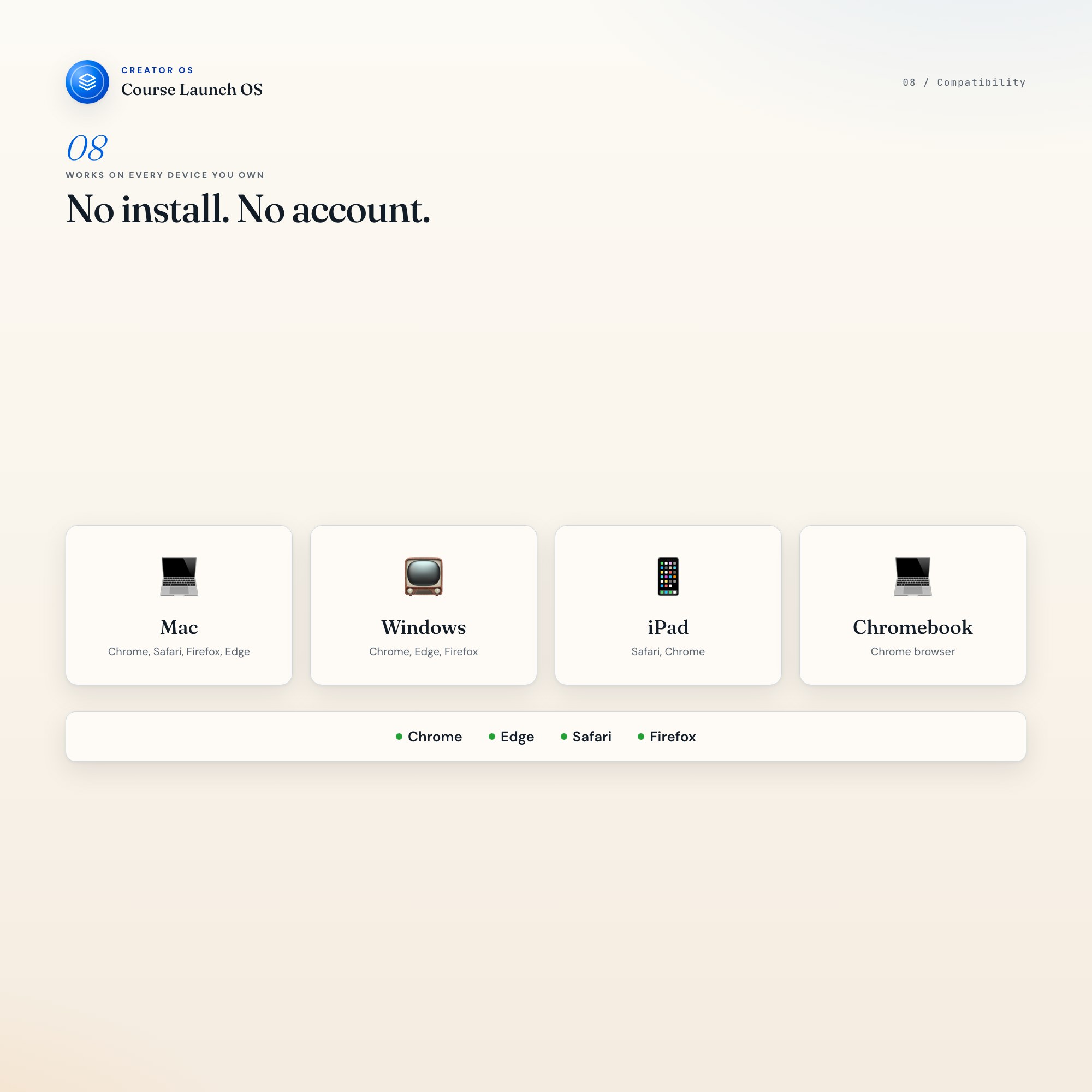
Works in Chrome, Edge, Safari, Firefox. macOS, Windows, iPad, Chromebook.
The 90 days between idea and cart-open decide whether your course exists at all.
Notion template upgrade coming soon. Follow the shop to get notified.
5 Tabs included
- ◈
Course Profile
- ≡
Module Builder
- ⊞
Pre-Launch Plan
- ◉
Launch Week Playbook
- ★
Cohort Revenue Projector
Exclusive Feature
Live cohort revenue projector + auto-generated onboarding email engine
This is built into the fifth tab and is unavailable in any static template, spreadsheet, or Notion template on the market.
Gallery
Frequently asked questions
- Does it work offline?
- Yes — completely. The dashboard is a single HTML file. Once downloaded, it runs entirely in your browser with no internet connection needed. All data autosaves to your browser's localStorage.
- Which devices and browsers are supported?
- Works in Chrome, Edge, Safari, and Firefox on macOS, Windows, iPad, and Chromebook. No app to install, no account to create. Just open the file.
- What is your refund policy?
- Digital downloads are generally non-refundable, but if you encounter a technical issue Etsy's buyer protection has you covered. Reach out through the Etsy message system and any problem will be resolved.
- How do I install it?
- There is nothing to install. After purchase, download the HTML file. Double-click to open in your browser. That's it. A HOW-TO-SAVE.txt is included explaining how to back up and restore your data.
- Is my data private?
- Completely. Everything runs locally — no login, no analytics, no data sent to any server. Your data is stored only in your browser's localStorage. You own it entirely.
You might also like
One-time purchase
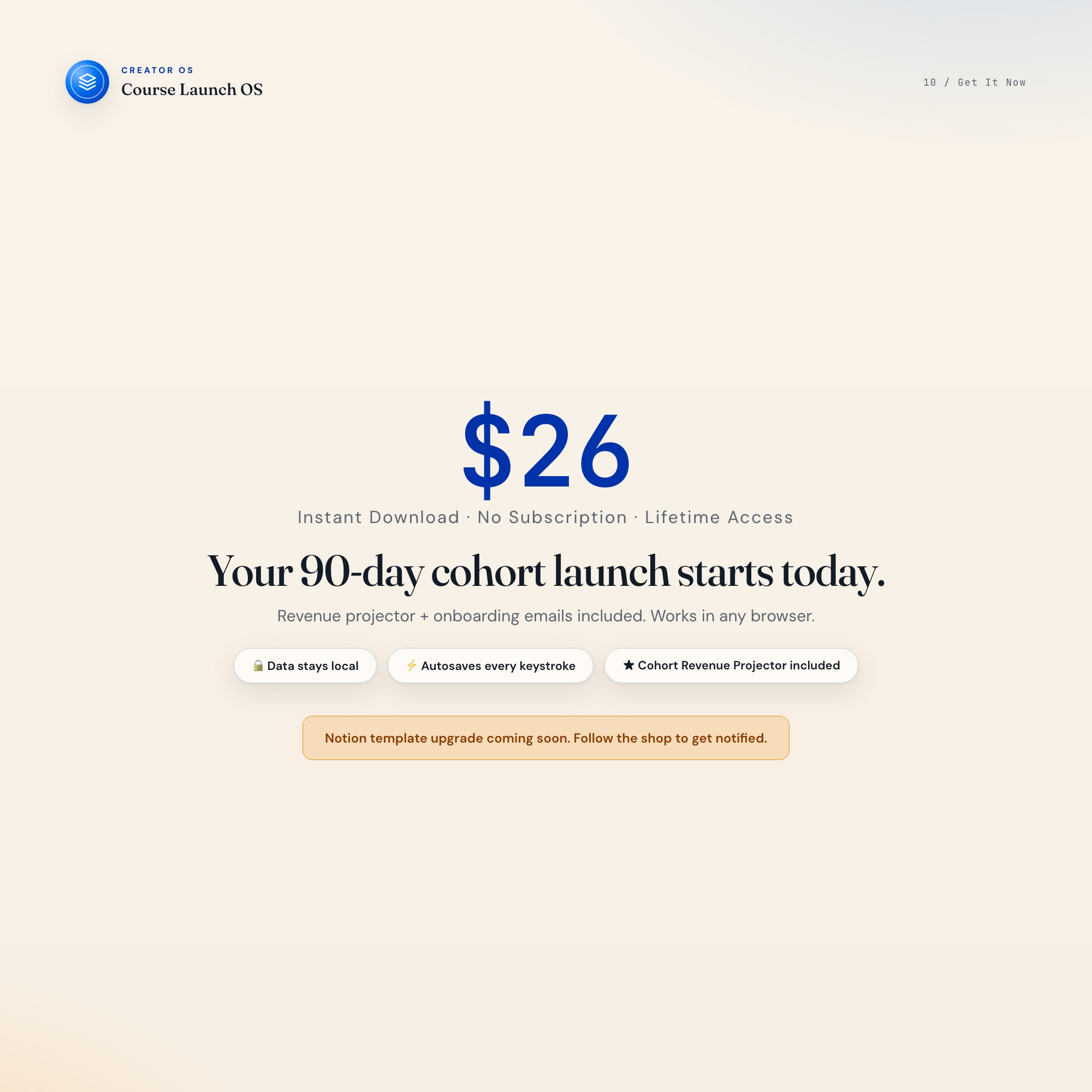
Get it on Etsy for $26
Instant download. Open in any browser. Yours forever.
Get it on Etsy →